1
Archiving
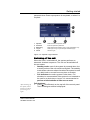
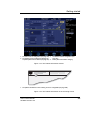
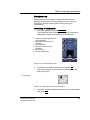
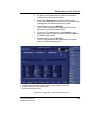
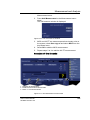
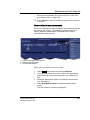
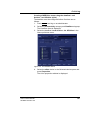
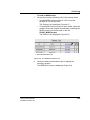
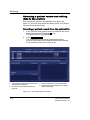
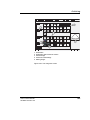
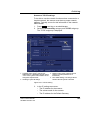
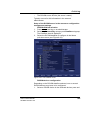
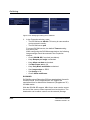
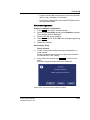
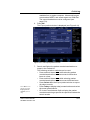
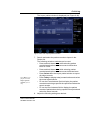
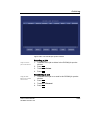
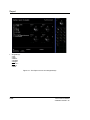
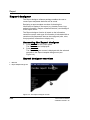
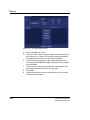
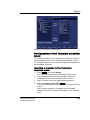
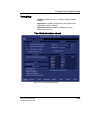
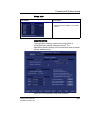
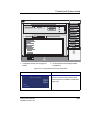
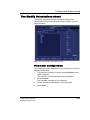
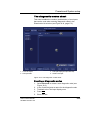
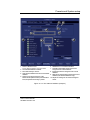
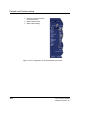
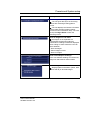
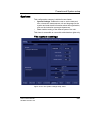
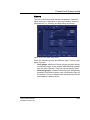
Figure 8-44: The Dataflow Sheet
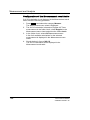
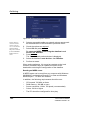
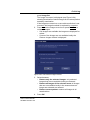
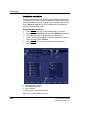
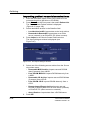
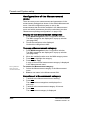
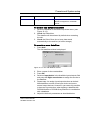
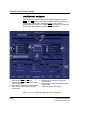
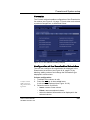
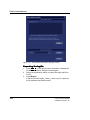
Configuring an Excel Export
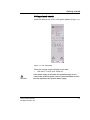
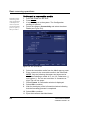
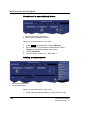
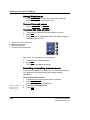
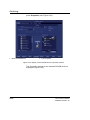
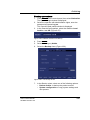
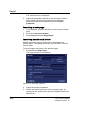
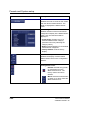
1. Select the Excel storage device in the Selected devices
pane and press Properties.
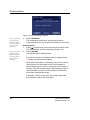
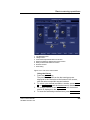
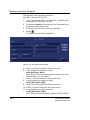
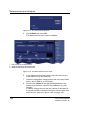
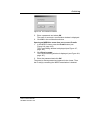
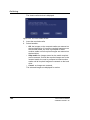
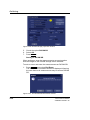
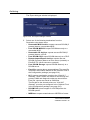
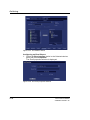
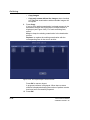
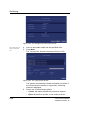
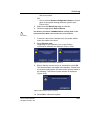
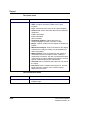
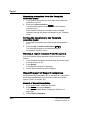
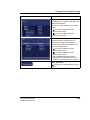
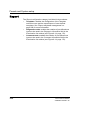
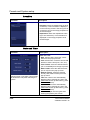
The Excel properties window is displayed.
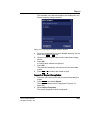
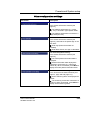
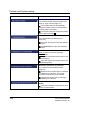
Figure 8-45: The Excel properties window
214
Vivid i User’s Manual
2378958-100 Rev. 02