1
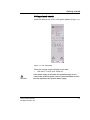
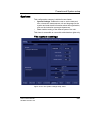
Scanning Modes
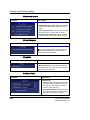
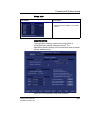
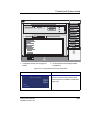
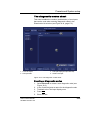
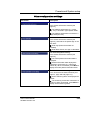
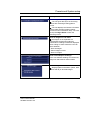
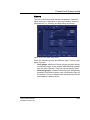
Dynamic Range
Enables control of the dynamic range or contrast of the image.
When dynamic range is set high, the image is softer and more
low-level data is visible.
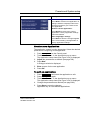
DDP (Data Dependent Processing)
Performs temporal processing which reduces random noise
without affecting the motion of significant tissue structures. An
index number is displayed in the status window (under Proc) to
indicate the relative DDP level.
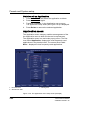
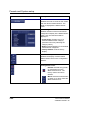
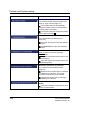
Tilt
Enables the axis of the 2D image to be tilted to the left or right.
By using this control in combination with angle control the
image can be “aligned” to the direction of interest, and frame
rates be optimized. By default the axis of symmetry of a 2D
image is vertical. (Applicable only for cardiology applications).
Contour
Controls image processing related to the extent of edge
enhancement applied to an image.
Diff On/Off
Affects the level of reverberations in the image. When turned
On, the frame rate (or the number of focal zones) will decrease,
while the reverberations will be attenuated. (Applicable only for
cardiology applications).
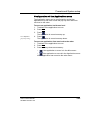
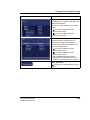
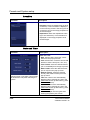
Power
When power is reduced, it reduces
the signal-to-noise
ratio, so that the image may become
noisier.
Controls the amount of acoustic power applied in all modes.
When power is set to maximum, it is equal to or less than the
maximum acoustic power permitted by the FDA. The Thermal
Index (TI) and the Mechanical Index (MI) are displayed on the
screen.
Vivid i User’s Manual
2378958-100 Rev. 02
81