1
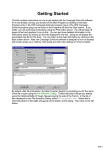
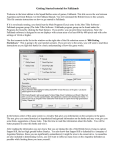
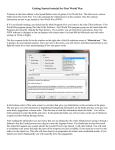
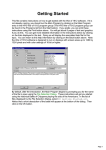
At the left of the screen, you should see that the
computer has found two cannons that can fire in this
phase. If you don’t see this, you can continue clicking
on the Next Unit button until the program cycles back
around to these units.
Click on the top unit picture and notice that it
becomes highlighted. You have just selected that
unit. You can experiment with selecting the units at
this point and notice that you can toggle selection on
and off for either or both units. Leave the top unit
selected and go on to the next step.
Now the question is: what targets does this unit have? In particular, the
targets must be visible from the location of the cannon. So at this point, find
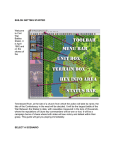
the Visible Hexes button on the toolbar and click it.
You’ll notice that the hexes that cannot be seen from the
current location are shaded on the map. If you scroll the
map to the right (using the scroll bar at the bottom of the
map), you will see some British units that are unshaded.
These are potential targets if they are also in range and the
firing unit is facing them.