1
L
Chapter 6: Using Scirocco with Synopsys Models
Simulator Configuration Guide
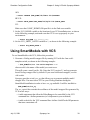
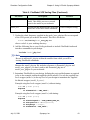
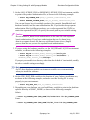
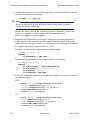
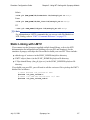
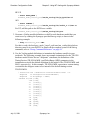
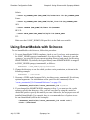
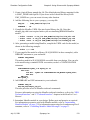
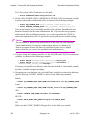
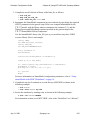
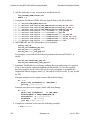
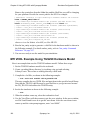
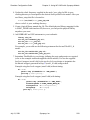
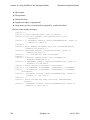
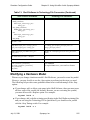
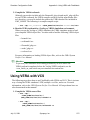
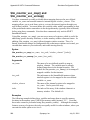
10. Compile your design as shown in the following example
% vhdlan design_name
11. Invoke Scirocco on your design, making sure to include all libraries, as shown in the
following example:
% scsim -debug_all -vhpi slm_vhpi:foreignINITelab:cpipe design_name
8 Note
The -debug_all switch is only needed on Scirocco release 2000.02.
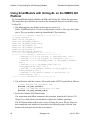
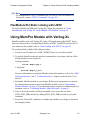
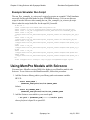
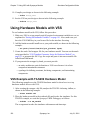
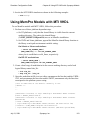
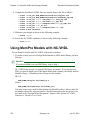
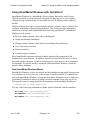
Using MemPro Models in a Testbench
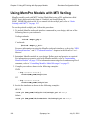
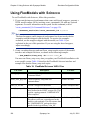
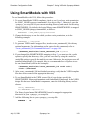
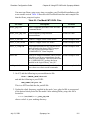
To use a MemPro model in a testbench, follow this procedure. If you already created
scsim when using a MemPro model or FlexModel, skip to Step 4.
1. Create a MemPro VHDL model using MemSpec. Generate code for Cyclone or
VSS.
2. Instantiate the MemPro component in your testbench.
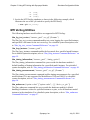
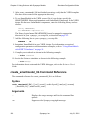
3. Set your UNIX search path so that it points to the new vhdlsim executable you just
created.
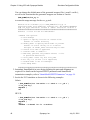
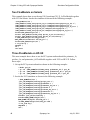
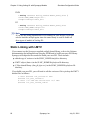
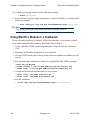
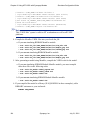
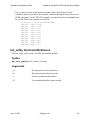
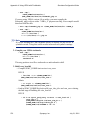
4. Run the following commands to compile the required MemPro VHDL packages:
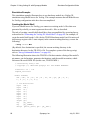
% mkdir slm_lib MY_WORK
% vhdlan -noevent -w slm_lib $LMC_HOME/sim/vhpi/src/slm_hdlc.vhd
% vhdlan -event -w slm_lib $LMC_HOME/sim/vhpi/src/mempro_pkg.vhd
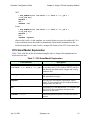
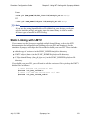
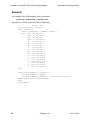
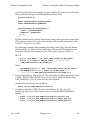
5. Compile the model and testbench that you just created:
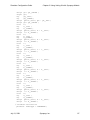
% vhdlan -event -w MY_WORK upd4516161.vhd
% vhdlan -event -w MY_WORK upd_testbench.vhd
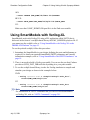
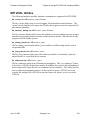
6. Run the simulation:
% ./scsim -vhpi slm_vhpi:ForeignINITelab:cpipe your_testbench
134
Synopsys, Inc.
July 31, 2001