1
L
Simulator Configuration Guide
Chapter 12: Using QuickSim II with Synopsys Models
Indeterminate Strength Mapping
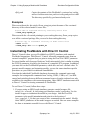
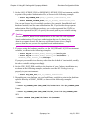
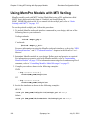
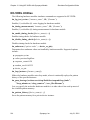
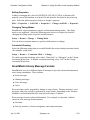
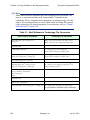
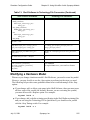
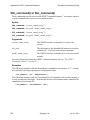
The SIGnal INSTance is and SIGnal INSTance iz commands enable you to map
indeterminate strength pin values received on inputs of hardware models to either strong
(hard) or high-impedance (float) strengths. The modeling system treats high-impedance
strength pin values as unknowns and maps or propagates them accordingly. By default,
the system maps indeterminate strengths to strong strengths.
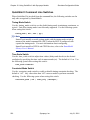
Test Vector Logging
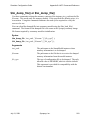
The SIGnal INSTance logvectors -p filename command turns on modeling system test
vector logging for the selected instance. With test vector logging enabled, the inputs to
the device and sensed outputs from the device are stored to filename. By convention, the
filename used for the test vector output is device_name.VEC. The SIGnal INSTance
nologvectors command turns off test vector logging for the selected instance, which is
the default behavior.
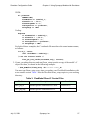
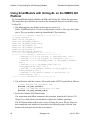
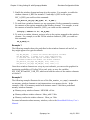
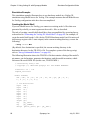
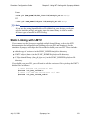
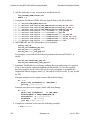
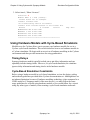
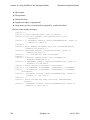
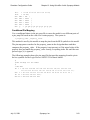
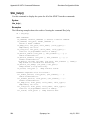
For example, consider the following commands:
sig inst logvectors -p '$ASIC2/vectors/vector11.VEC'
dofile '$ASIC2/dofiles/run11.do'
sig inst nologvectors
In this example, the modeling system creates a test vector file called vector11.VEC.
This file contains the vectors played to and sensed from the selected instance during the
simulation run by the dofile. The SIGnal INSTance nologvectors command turns off the
modeling system test vector logging capability.
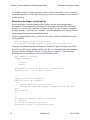
After logging vectors, you can replay them directly to the device and note any
discrepancies using the lm Play Vectors utility. This utility is particularly useful for
ASIC verification. For more information about ASIC verification and test vector (.VEC)
file format, refer to the LM-family Modeler Manual or the ModelSource User’s Manual.
Timing Measurement
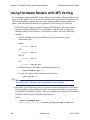
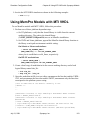
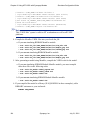
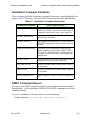
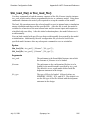
The SIGnal INSTance tm [-p filename] command turns on the modeling system timing
measurement for the selected instance. The system then returns to the simulator the
actual measured delay values for that instance. If you provide an optional filename, the
system also saves the measured delays to a timing measurement (.TIM) file. By
convention, device_name.TIM is the filename used for the timing measurement output.
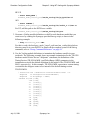
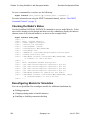
The SIGnal INSTance notm command turns off timing measurement for the selected
instance, which is the default behavior. If timing measurement is disabled, the
Technology File delays (or the Shell Software delays if SIGnal INSTance lst is
specified) are returned to the simulator.
July 31, 2001
Synopsys, Inc.
261