1
L
Simulator Configuration Guide
Chapter 9: Using Cyclone with Synopsys Models
9
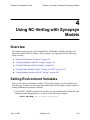
Using Cyclone with Synopsys
Models
Overview
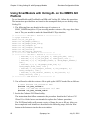
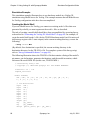
This chapter explains how to use MemPro models and hardware models with Cyclone.
The procedures are organized into the following major sections:
●
“Setting Environment Variables” on page 171
●
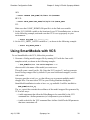
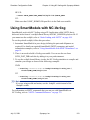
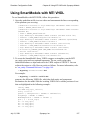
“Using SmartModels with Cyclone” on page 173
●
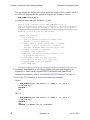
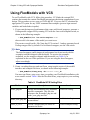
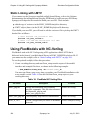
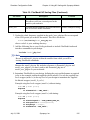
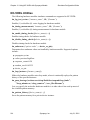
“Using FlexModels with Cyclone” on page 173
●
“Using SmartModels with Cyclone” on page 173
●
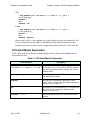
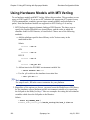
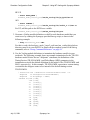
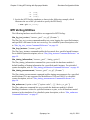
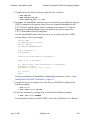
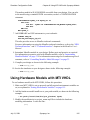
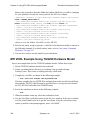
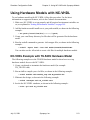
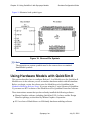
“Using Hardware Models with Cyclone” on page 174
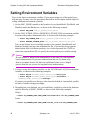
Setting Environment Variables
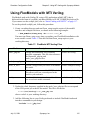
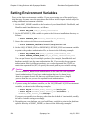
First, set the basic environment variables. If you are not using one of the model types,
skip that step. In some cases the procedures that follow in this chapter include steps for
setting additional environment variables.
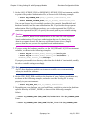
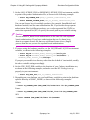
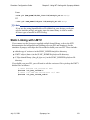
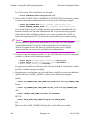
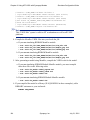
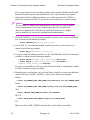
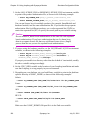
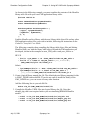
1. Set the LMC_HOME variable to the location of your MemPro installation tree, as
shown in the following example:
% setenv LMC_HOME path_to_models_installation
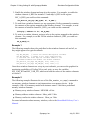
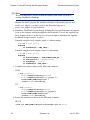
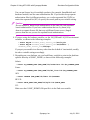
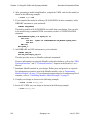
2. Set the LM_LICENSE_FILE or SNPSLMD_LICENSE_FILE environment variable
to point to the product authorization file, as shown in the following example:
% setenv LM_LICENSE_FILE path_to_product_authorization_file
% setenv SNPSLMD_LICENSE_FILE path_to_product_authorization_file
July 31, 2001
Synopsys, Inc.
171