1
Chapter 13
Module Adapters
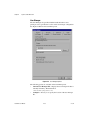
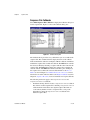
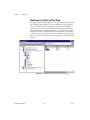
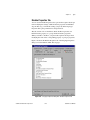
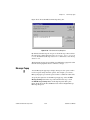
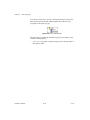
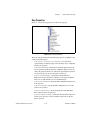
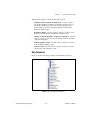
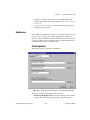
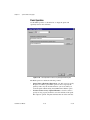
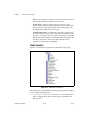
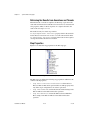
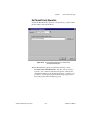
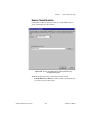
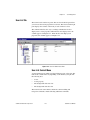
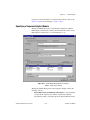
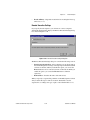
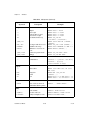
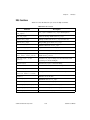
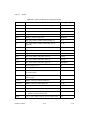
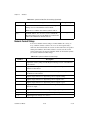
You can customize the TestStand search directory paths with the
Search Directories command in the Configure menu of the sequence
editor menu bar.
•
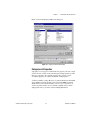
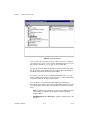
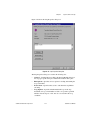
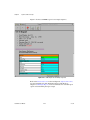
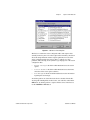
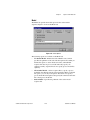
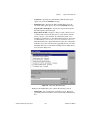
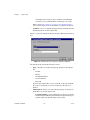
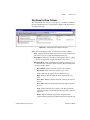
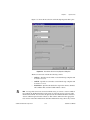
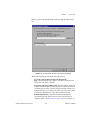
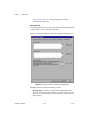
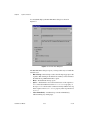
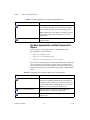
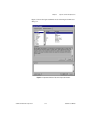
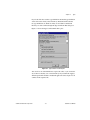
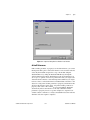
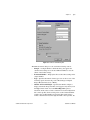
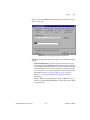
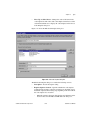
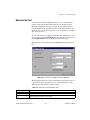
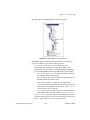
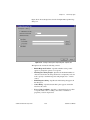
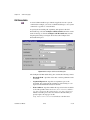
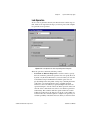
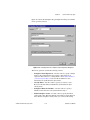
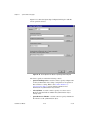
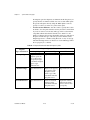
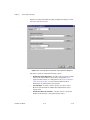
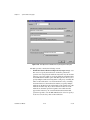
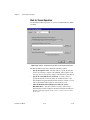
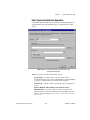
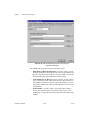
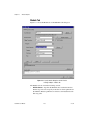
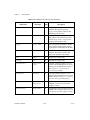
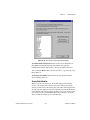
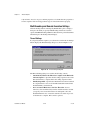
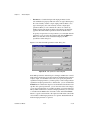
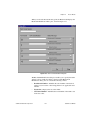
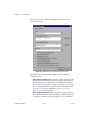
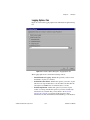
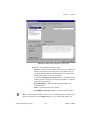
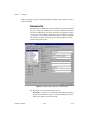
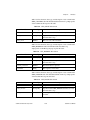
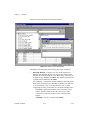
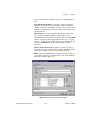
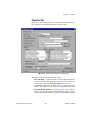
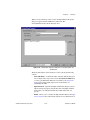
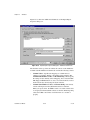
Function—Selects the function in the DLL that the step calls. If the
DLL file contains a type library, the adapter automatically populates
the function ring control with all the function names in the type library.
Otherwise, the adapter reads the DLL file and finds the names of all
functions that the DLL exports. If a DLL type library contains links to
a help file for a function, you can click the ? button to access the help.
•
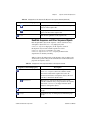
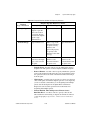
Calling Convention—Specifies the calling convention of the
function.
•
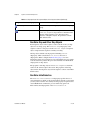
Edit Prototype—Enables editing of the function prototype. The
adapter clears this control when it reads a function prototype from the
DLL type library. Checkmark the control to enable manual editing of
the function prototype.
•
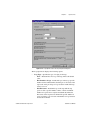
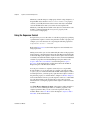
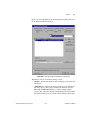
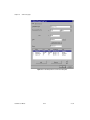
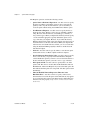
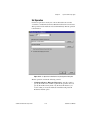
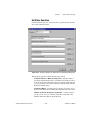
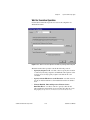
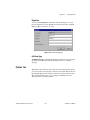
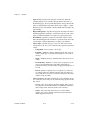
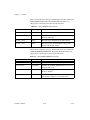
Parameter—Specifies the data type of the return value of each
parameter.
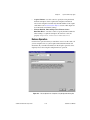
For each parameter you also specify the value or expression to pass.
If a DLL file contains a type library, the adapter queries the type library
for the parameter list information and displays it in the parameter
section automatically when you select a new function in the Function
ring control. At any time, you can request the adapter to query the type
library for the currently selected function by clicking the Reload
Prototype button. If the DLL does not have type library information,
you must enter parameter information manually.
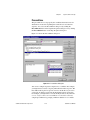
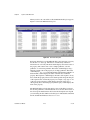
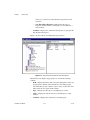
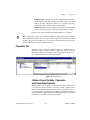
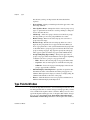
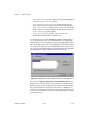
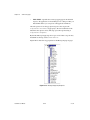
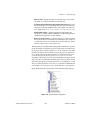
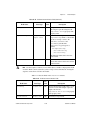
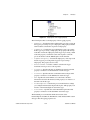
The Parameter ring control lists a symbolic name for each parameter
and a special entry for the return value. When you select a parameter
in the ring control, the type of controls in the Parameter section change.
To insert or remove parameters, click the New or Delete buttons. To
rearrange the parameter order, select the parameter you want to move
and select the Move Up or Move Down button.
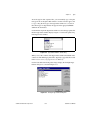
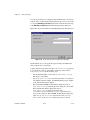
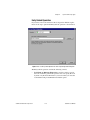
•
© National Instruments Corporation
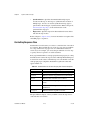
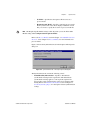
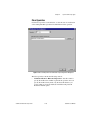
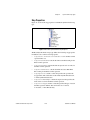
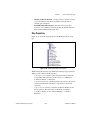
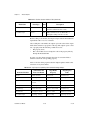
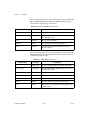
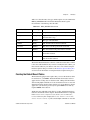
Category—Specifies a group of data types to list in the DataType
control. The categories include Numeric, String, Array, Object, and
Struct. The Data Type control specifies the data type of the function
parameter.
13-7
TestStand User Manual