1
Chapter 3
Configuring and Customizing TestStand
Modifying Run-Time Operator Interfaces
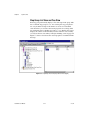
TestStand installs the executable, project, and source files for each run-time
operator interface in the <TestStand>\OperatorInterfaces\NI
directory tree. If you want to customize one of the run-time operator
interfaces, copy the operator interface project and source files from the
NI subdirectory to the <TestStand>\OperatorInterfaces\User
subdirectory before customizing. This practice ensures that a newer
installation of TestStand does not overwrite your customizations.
Refer to Chapter 16, Run-Time Operator Interfaces, for more information
on the operator interfaces that come with TestStand.
Adding Users and Managing User Privileges
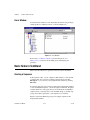
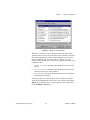
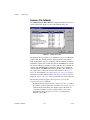
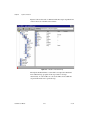
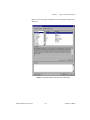
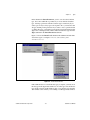
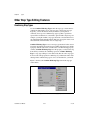
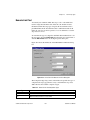
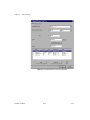
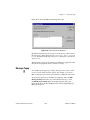
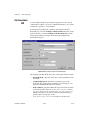
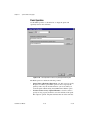
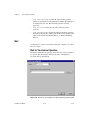
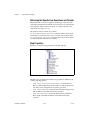
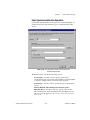
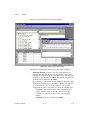
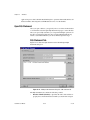
To add users to the TestStand user list, select Configure»User Manager.
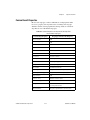
Refer to Chapter 12, User Management, for more information on adding
new users, changing user privileges, and adding new user privileges.
TestStand User Manual
3-12
ni.com