1
LS-INGRID
INTERACTIVE COMMANDS
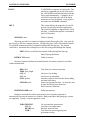
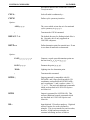
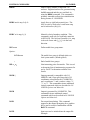
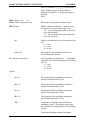
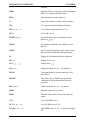
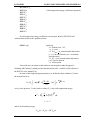
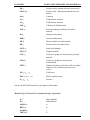
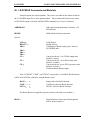
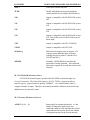
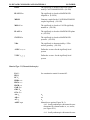
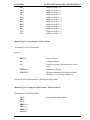
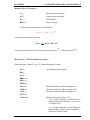
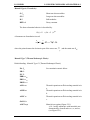
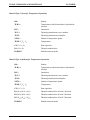
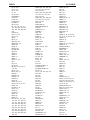
c = IRB: initial rigid body velocity
c = V: current velocity
c = DV: current distortional velocity
c = RB: current rigid body velocity
c = A: current acceleration
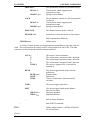
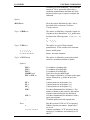
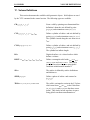
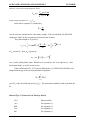
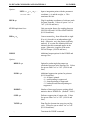
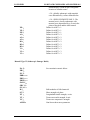
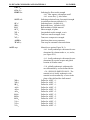
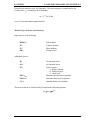
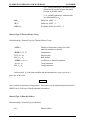
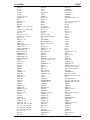
DI WARP ang
Display shells with warp angles that exceed ang.
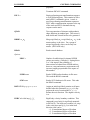
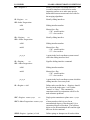
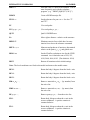
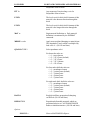
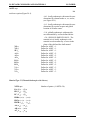
DIAD
This can be used in any of the above commands
instead of DI. If this is used, then the display
request is in addition to the previous ones rather
than replacing them.
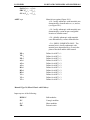
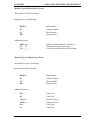
DICOL l
Following DI and DIAD options are to be
performed using color number l. Valid numbers
for l are 1 through 7.
DIOFF
Turn off display options.
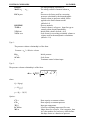
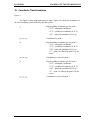
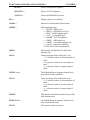
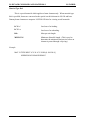
DM m1 m2...,
Delete materials m1, m2, ... (by number) from
active display list.
DMN m1 m2...,
Delete materials m1, m2, ... (by name) from
active display list.
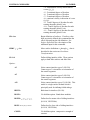
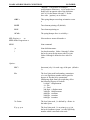
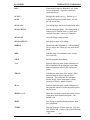
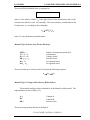
DMEM
Dump memory allocations statistics.
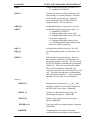
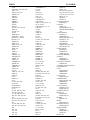
DRAW
Draw the mesh. All mesh lines are plotted.
DSV
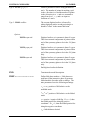
View three-dimensional digitized surfaces.
DSVS d1, d2, ...dn ;
View digitized surfaces d1, d2 ...
DSAD d1, d2, ...dn ;
Add digitized surfaces d1, d2 ... to the active
display list.
DSRM d1, d2, ...dn ;
Remove digitized surfaces d1, d2 ... from the
active display list.
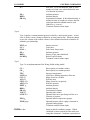
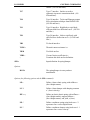
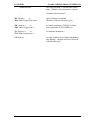
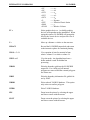
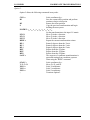
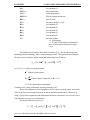
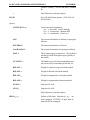
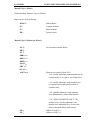
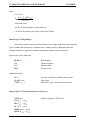
ELPLT on/off
Turn element number plotting on or off. The
default is off.
EXIT
Exit LS-INGRID now.
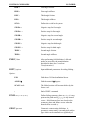
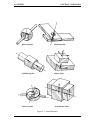
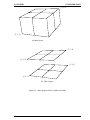
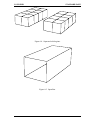
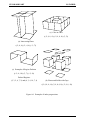
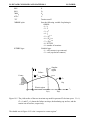
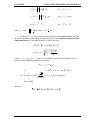
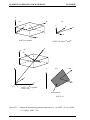
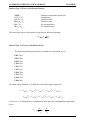
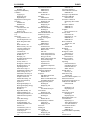
FOLD n d
Airbag folding. All nodes of the model are
included in the fold operation. Fold definitions
1 through n are applied in ascending order. d is
an optional thickness which can be used to
increase the fold thicknesses. The maximum of
d and the fold definition specified thickness is
used.
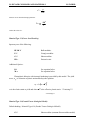
FRAME
Reference frame with tick marks plotted
13.5