1
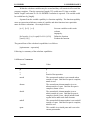
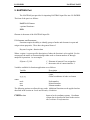
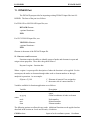
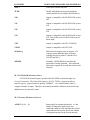
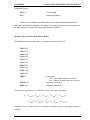
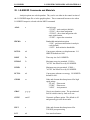
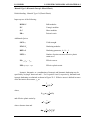
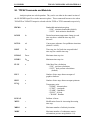
INTERACTIVE COMMANDS
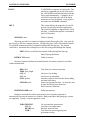
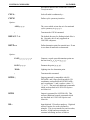
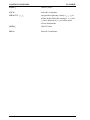
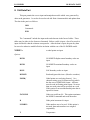
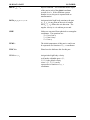
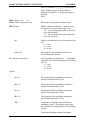
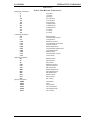
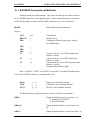
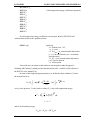
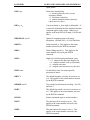
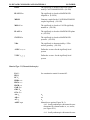
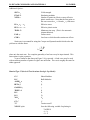
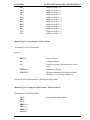
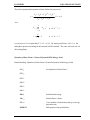
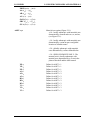
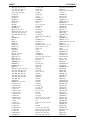
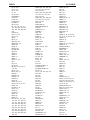
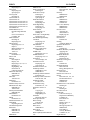
LS-INGRID
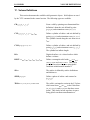
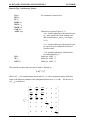
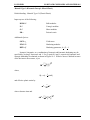
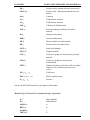
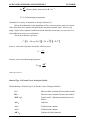
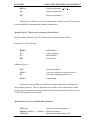
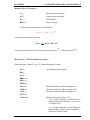
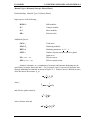
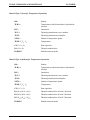
= SY
= SZ
= SXY
= SYZ
= SZX
=P
= EFP
= RHO
= RVOL
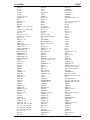
-->
-->
-->
-->
-->
-->
-->
-->
-->
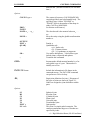
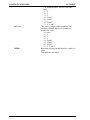
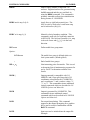
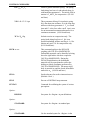
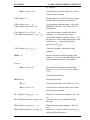
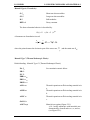
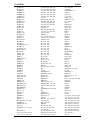
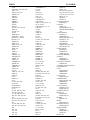
σyy
σzz
σxy
σyz
σzx
Pressure
Effective Plastic Strain
ρ
Relative Volume
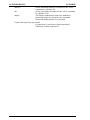
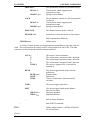
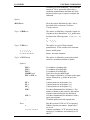
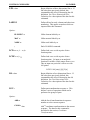
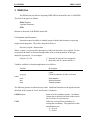
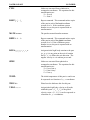
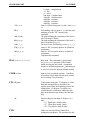
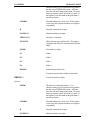
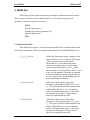
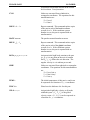
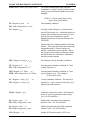
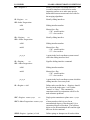
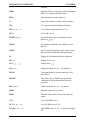
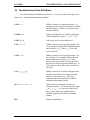
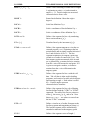
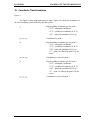
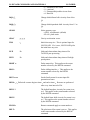
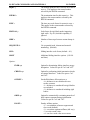
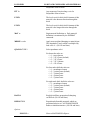
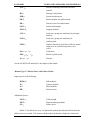
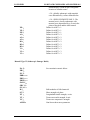
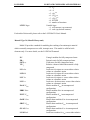
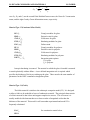
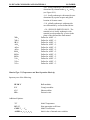
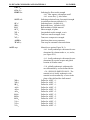
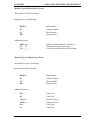
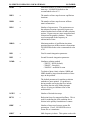
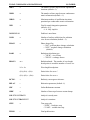
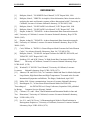
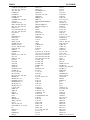
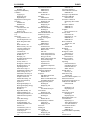
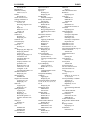
TV n
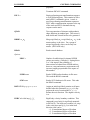
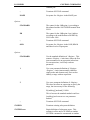
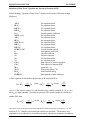
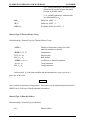
Select graphics device n. Available graphics
devices are dependent on the installation. When
typing this option, LS-INGRID will prompt the
user for the correct device and provide a list of
available devices.
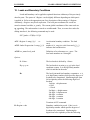
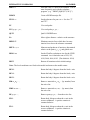
Ux
Move up a distance x relative to the structure.
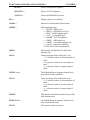
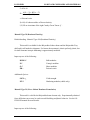
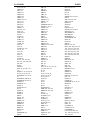
UPDATE
Re-read the LS-INGRID input deck and return
to the interactive phase for continued plotting.
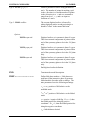
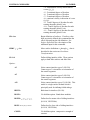
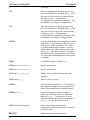
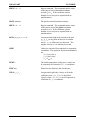
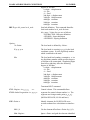
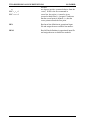
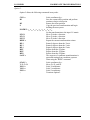
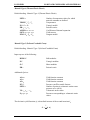
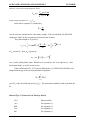
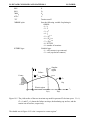
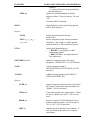
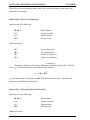
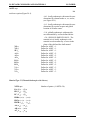
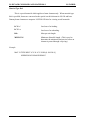
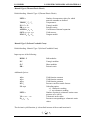
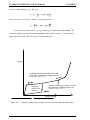
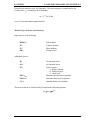
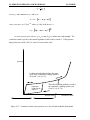
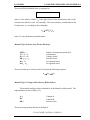
VEOS n V1 V2
View equation of state for material n from
relative volume V1 to relative volume V2.
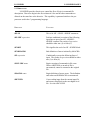
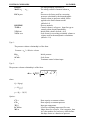
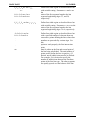
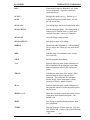
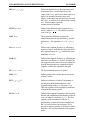
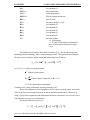
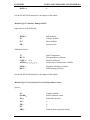
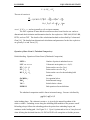
VIEW or G
View the mesh. An algorithm based on a zbuffer method is used for hidden line
processing.
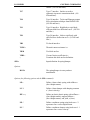
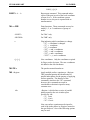
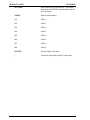
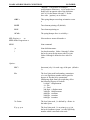
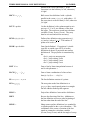
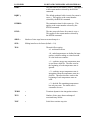
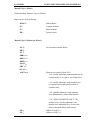
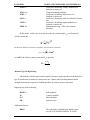
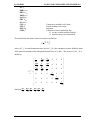
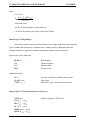
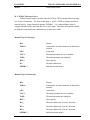
WBGR
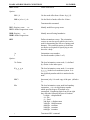
Write the boundary grid into the LS-INGRID
output file. For a solid grid, all internal
polygons are removed and the external polygons
are written out.
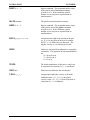
WBIF
Write the boundary information file, grfinfo for
use by POST.
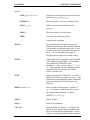
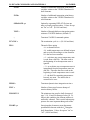
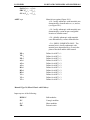
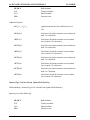
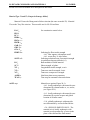
WRDB
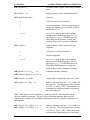
Write reduced TAURUS database. This option
only writes out surface polygons.
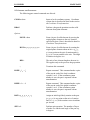
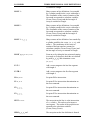
WTDB
Write TAURUS database.
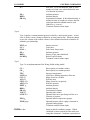
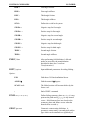
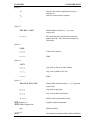
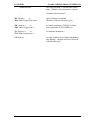
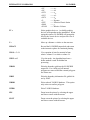
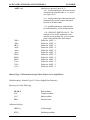
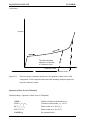
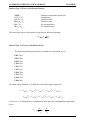
ZIN
Zoom in on the picture by selecting the upper
and lower corners with the mouse.
ZOUT
Zoom out on the picture by selecting the upper
and lower corners with the mouse.
13.10