1
Coursemates
Key concepts
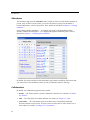
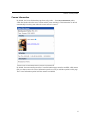
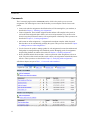
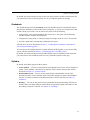
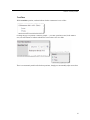
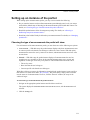
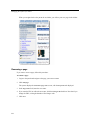
This section offers an overview of the Coursemates feature.
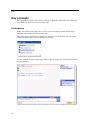
Portlet basics
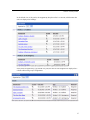
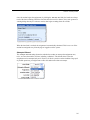
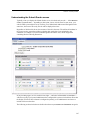
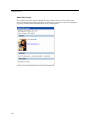
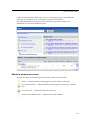
The Coursemates portlet is actually an instance of the Group Directory portlet. This details does
not necessarily have any import but is mentioned in case a technical issue comes up that you need
to troubleshoot.
Default locations
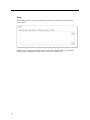
The default layout for course contexts includes a Coursemates portlet instance on the
Collaboration page.
Adjusting your view
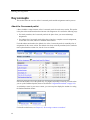
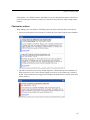
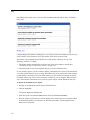
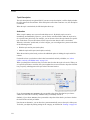
While using the Coursemates portlet, you can adjust your own personal view of the portlet by
making faculty members’ names highlighted.
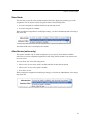
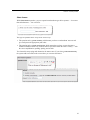
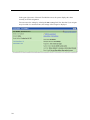
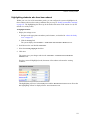
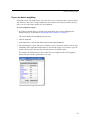
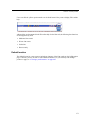
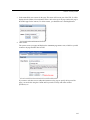
To add highlighting to faculty members’ names:
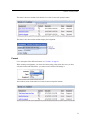
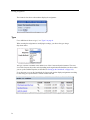
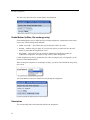
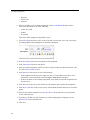
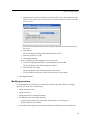
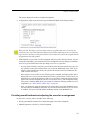
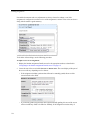
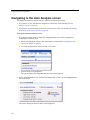
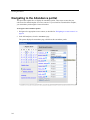
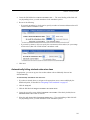
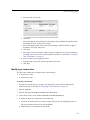
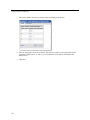
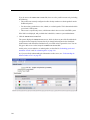
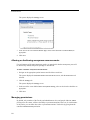
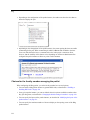
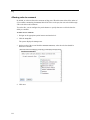
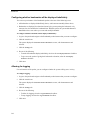
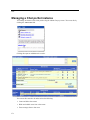
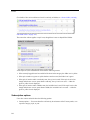
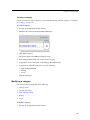
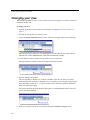
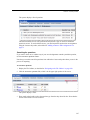
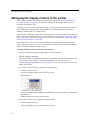
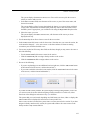
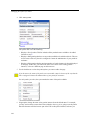
1 Navigate to the Coursemates portlet and click the wrench icon.
2 Click the Preferences tab.
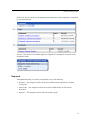
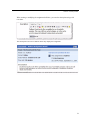
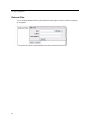
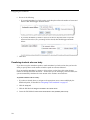
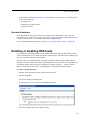
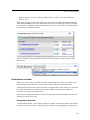
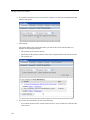
3 Select the checkbox labeled Highlight Faculty/Leaders.
4 Click Save.
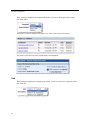
5 Click Exit.
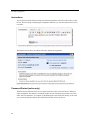
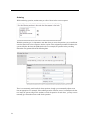
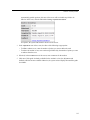
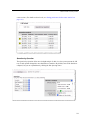
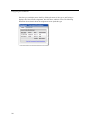
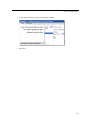
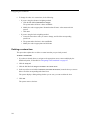
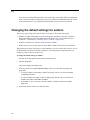
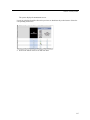
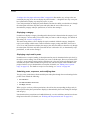
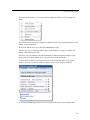
The system now highlights faculty members (within your personal view).
282