1
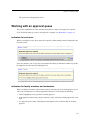
e-Racer: Faculty Guide
Deleting readings
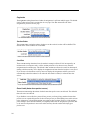
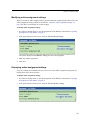
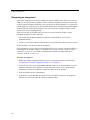
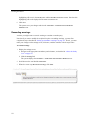
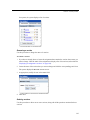
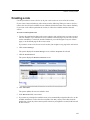
Use this procedure to delete one or more readings from your File Cabinet.
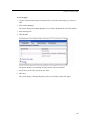
To delete one or more readings:
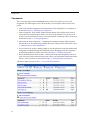
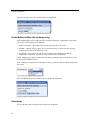
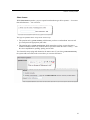
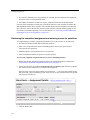
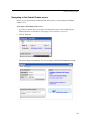
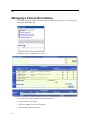
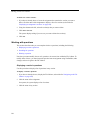
1 If you haven’t already done so, display the File Cabinet, as described in “Navigating to the File
Cabinet” on page 380, and click the Readings tab.
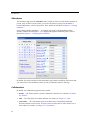
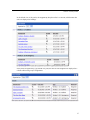
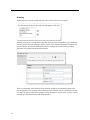
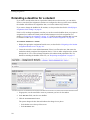
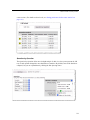
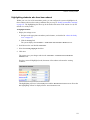
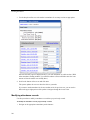
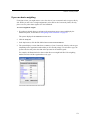
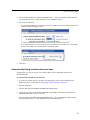
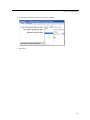
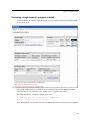
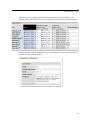
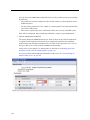
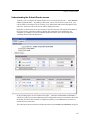
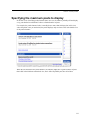
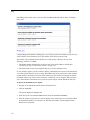
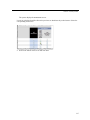
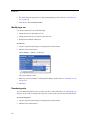
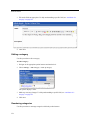
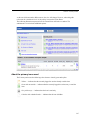
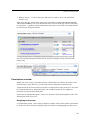
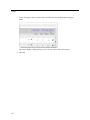
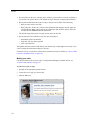
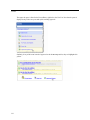
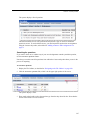
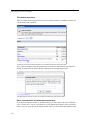
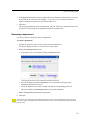
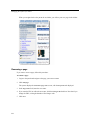
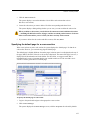
2 Using the column at the left, select the item(s) that you want to delete.
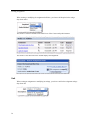
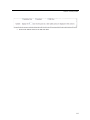
3 Click Delete Selected.
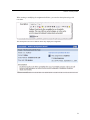
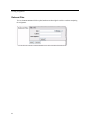
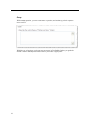
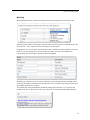
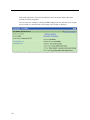
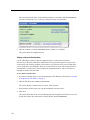
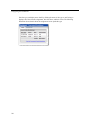
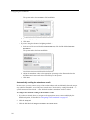
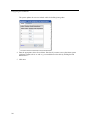
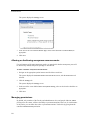
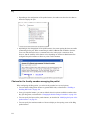
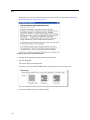
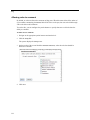
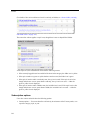
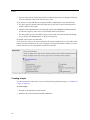
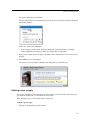
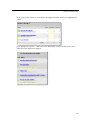
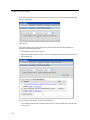
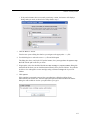
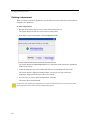
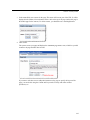
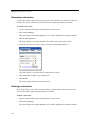
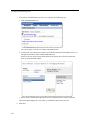
The system displays a dialog asking if you are sure you want to delete the readings.
4 Click OK.
395