1
e-Racer: Faculty Guide
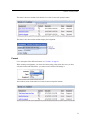
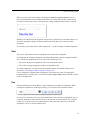
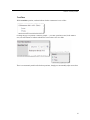
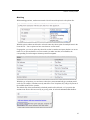
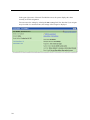
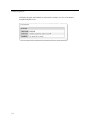
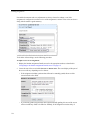
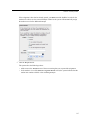
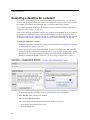
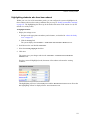
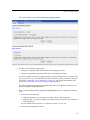
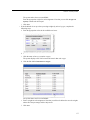
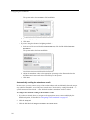
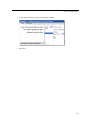
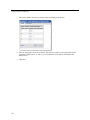
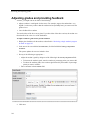
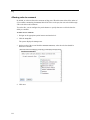
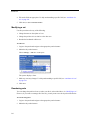
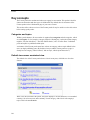
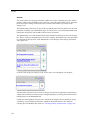
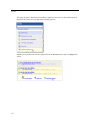
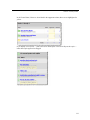
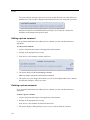
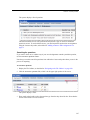
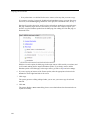
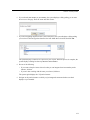
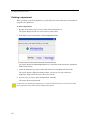
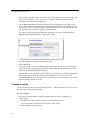
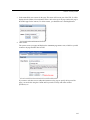
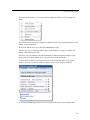
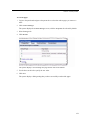
The system displays the Edit Forum page. At the top of the page is a field labeled Allow
Anonymous Posting, which includes a checkbox that allows users to post messages
anonymously.
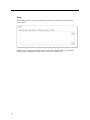
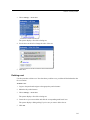
3 Select or de-select the checkbox as appropriate. The system automatically saves your selection
as soon as you make it.
Troubleshooting
This section is intended to help you diagnose configuration errors.
The ‘Add a Post’ or ‘Reply’ button does not show up
If users report that the Add a Post or Reply button does not show up for a post, there may be a few
reasons why:
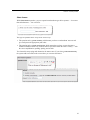
• The user might not have permission to publish posts or replies. To check this, click the wrench
icon and navigate to the Permissions tab. For the person to have permission to see the Add a
Post button, that person’s role should have the Can Add Posts permission. For the person to
have permission to see the Reply button, that person’s role should have the Can Reply to Posts
permission. (For more details, see “Troubleshooting” on page 331.)
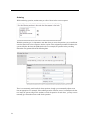
• The post, or the topic that contains the post, might be read-only. To check to see whether the
topic is read only, check the topic’s Activation setting (for help with this, see “Modifying a
topic” on page 313). To check the setup of the post itself, look at its display setting, which is
viewable at the bottom right of the post’s text. (For help with this, see “Adjusting a post’s
display setting” on page 320.)
If the Reply button specifically is not showing up, there are a few additional possible reasons:
• The post might be set up so that users can respond only once. If this is the case, once the user has
responded, the system will remove the Reply button from that user’s view. To check this, open
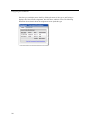
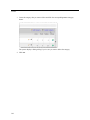
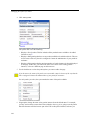
the post for editing and display the Options tab. This tab contains an area labeled This post is:,
331