1
Chapter 31 Workstation
Setup
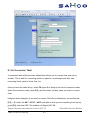
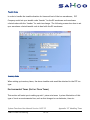
The functionality of this feature allows you to reset the cursor and modify the start up colors
if you are a Windows user.
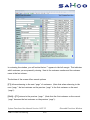
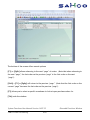
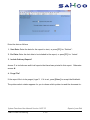
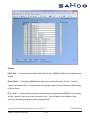
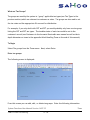
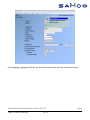
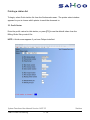
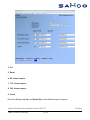
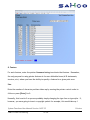
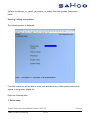
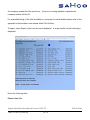
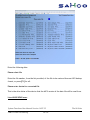
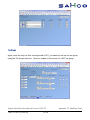
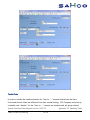
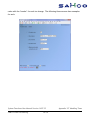
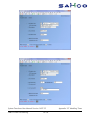
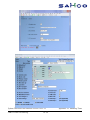
Go to System Functions >> Workstation setup to bring up the entry screen.
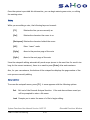
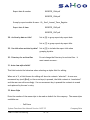
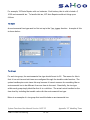
1. Fix Windows XP Cursor?
Y(es) or N(o)
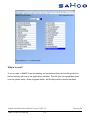
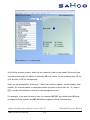
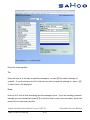
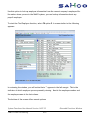
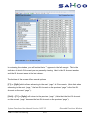
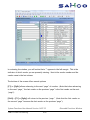
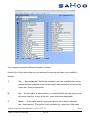
2. Start-up colors use the search [?] to choose from the selection window.
For Windows and Thin Client installations:
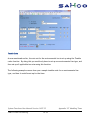
1. Field mode is the preferred method if you have an external network connection
(working away from the office over the internet)
2. Character mode is the preferred method if you have an internal network connection
(working from within your office)
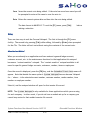
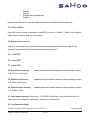
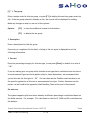
3. Set the field to [Y] for Character Mode or [Y] for Field mode.
4. O/E till# Enter the OE till number for this workstation to operate as.
5. Retail Mode? Enter “R”= Retail entry only, “O”= Order entry only, “B” = both retail
System Functions User Manual Version 14.07.35
SAMCO Power Accounting
31.241
Workstation Setup