1
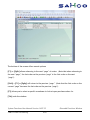
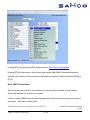
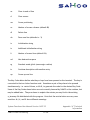
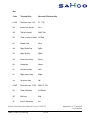
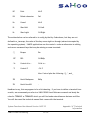
To exit the [F1] menu, press [Tab] before making a selection.
Exiting
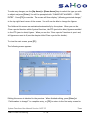
There are two ways to exit the Personal Notepad. The first is through the [F1] menu
facility. The second is by pressing [Tab] while editing, followed by [Enter] when prompted
for the File: The latter will exit out without saving the contents of the current note.
NOTE: Please note that while there is no specific security on the personal notepad files, all
notepads are maintained in the “ssi” directory.
4. System Notepad
The System Notepad is used to maintain up to 99 pages of notes for specific customers,
vendors, employees, items, and GL accounts (known as master file records).
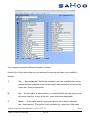
There are three ways of accessing the notes on a master file record. We will discuss only
two methods in this section. The third method is described in the Find sections for
customers, vendors, items, employees and GL accounts.
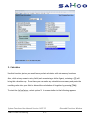
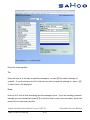
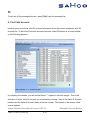
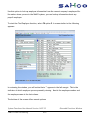
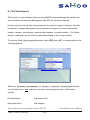
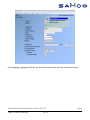
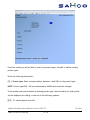
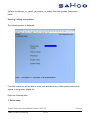
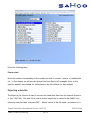
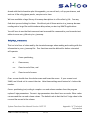
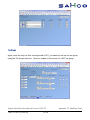
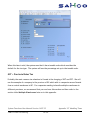
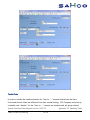
The first method of accessing notes for a master file record is by calling it up directly
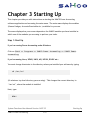
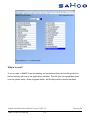
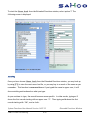
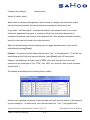
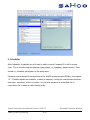
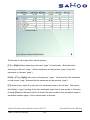
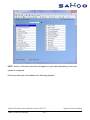
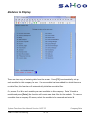
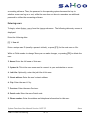
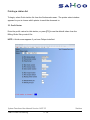
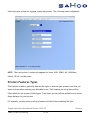
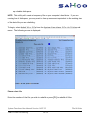
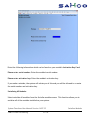
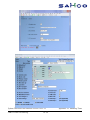
through this function. To start the System Notepad from the Extended Functions window,
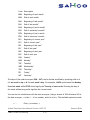
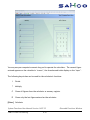
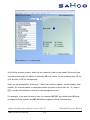
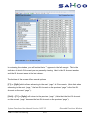
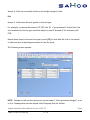
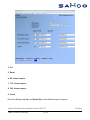
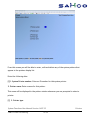
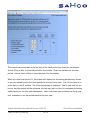
select option 4. The following screen is displayed:
System Functions User Manual Version 14.07.35
SAMCO Power Accounting
6.42
Extended Functions Window