1
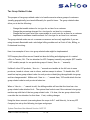
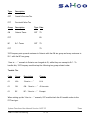
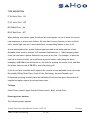
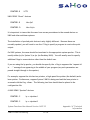
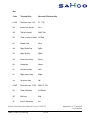
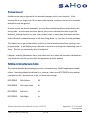
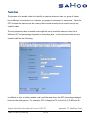
TYPE DESCRIPTION
IT-ON Italic Print - ON
IT-OF Italic Print - OFF
BD-ON Bold Print - ON
BD-OF Bold Print - OFF
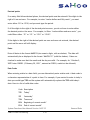
When defining your printer types, the above list would appear for you to enter the control
code sequences to access each feature. Be sure that for every feature you turn on (bold,
italic, special type face etc.) there should be a corresponding feature to turn it off.
As was mentioned earlier, printer feature types are used in the design and use of user
definable forms (such as invoices, A/R customer statements etc.). When designing these
forms you can insert a printer feature at any point on any line. For example, to print the
total on an invoice in bold, you would enter a printer feature code (using the above
examples) of BD-ON to turn bold print on, the code for printing the invoice total, and then
the printer feature code of BD-OF to turn bold printing off.
If you do not have a module which supports the creation of user definable forms (Accounts
Receivable, Billing/Order Entry, Point of Sale, Purchasing, Accounts Payable, and
Professional Invoicing currently have user definable forms) you can ignore this section all
together as regular reports do not use these codes.
To Begin
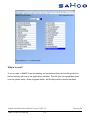
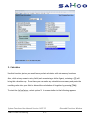
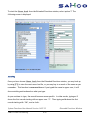
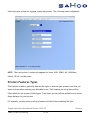
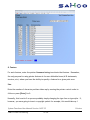
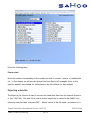
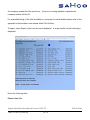
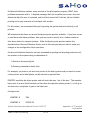
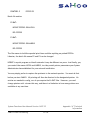
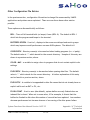
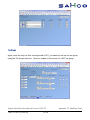
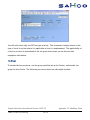
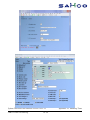
Select Printer feature types from the Printers menu. Next, choose Enter.
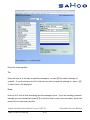
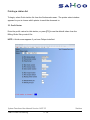
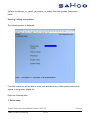
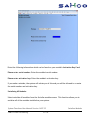
Entering printer features
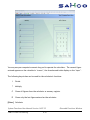
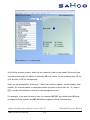
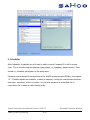
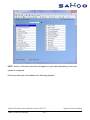
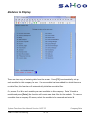
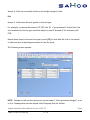
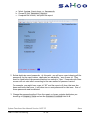
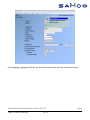
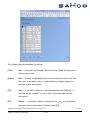
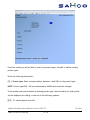
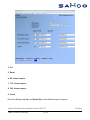
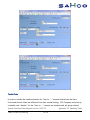
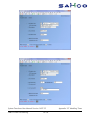
The following screen appears:
System Functions User Manual Version 14.07.35
SAMCO Power Accounting
19.190
Printers