1
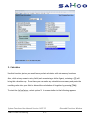
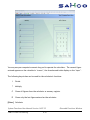
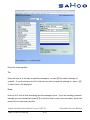
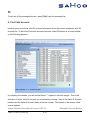
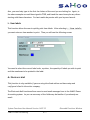
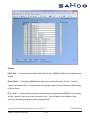
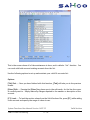
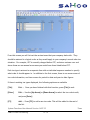
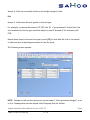
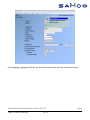
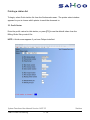
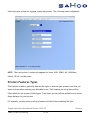
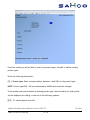
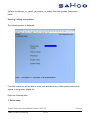
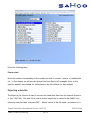
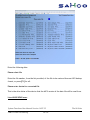
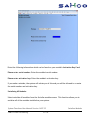
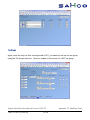
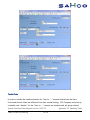
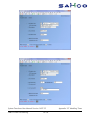
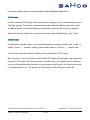
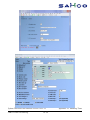
From this screen you will be able to enter new printer types, and edit or delete existing
printer types.
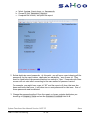
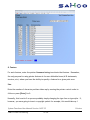
Enter the following information:
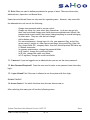
[?] 1. Printer type: Enter a unique number (between 1 and 999) for the printer type.
NOTE: Printer types 500 - 999 are maintained by SAMCO and cannot be changed.
If the number you enter matches an existing printer type, the information for that printer
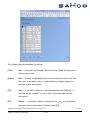
will be displayed for editing, or use one of the following options:
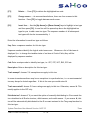
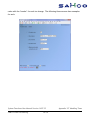
[F3]
To- delete printer from file.
System Functions User Manual Version 14.07.35
SAMCO Power Accounting
19.194
Printers