1
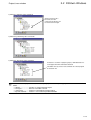
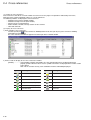
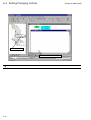
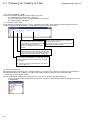
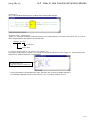
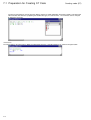
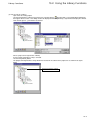
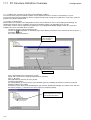
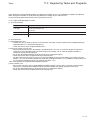
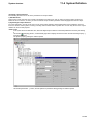
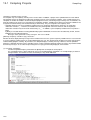
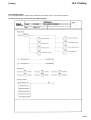
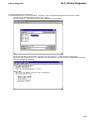
Adding circuits (LD)
4-2 Creating an LD Circuit
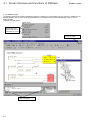
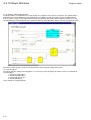
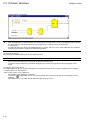
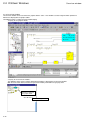
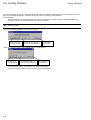
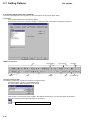
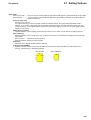
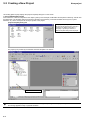
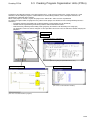
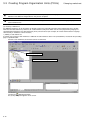
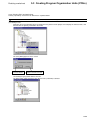
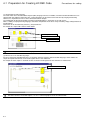
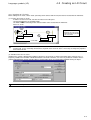
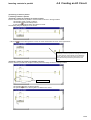
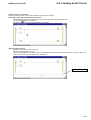
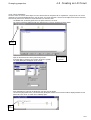
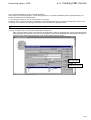
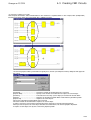
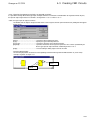
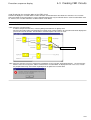
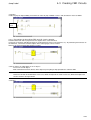
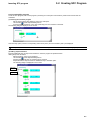
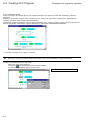
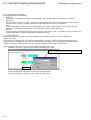
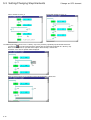
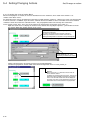
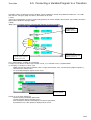
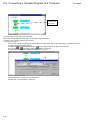
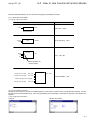
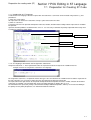
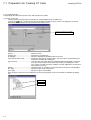
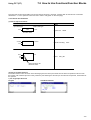
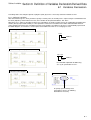
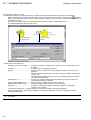
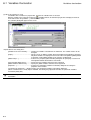
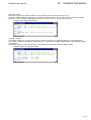
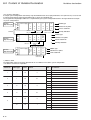
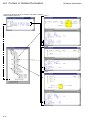
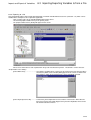
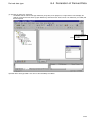
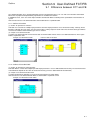
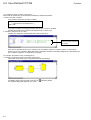
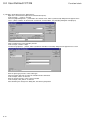
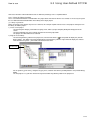
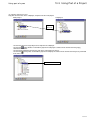
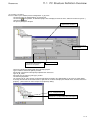
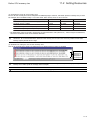
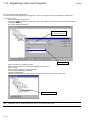
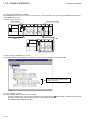
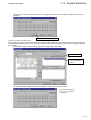
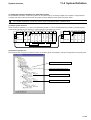
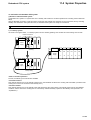
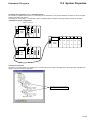
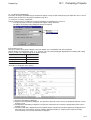
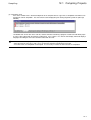
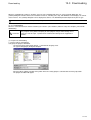
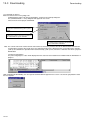
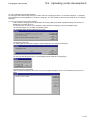
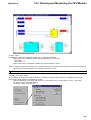
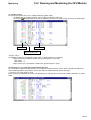
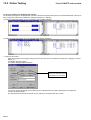
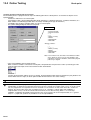
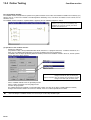
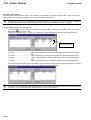
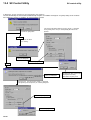
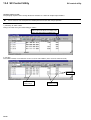
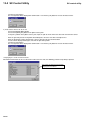
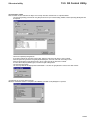
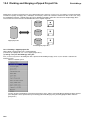
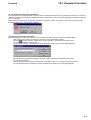
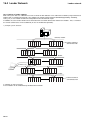
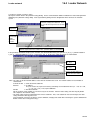
2) Inserting a circuit
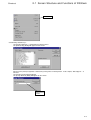
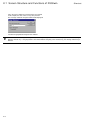
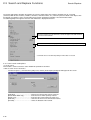
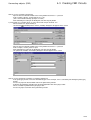
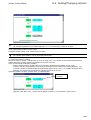
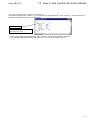
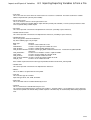
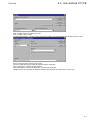
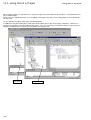
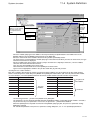
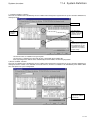
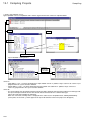
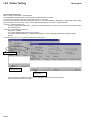
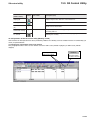
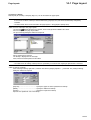
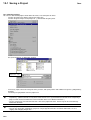
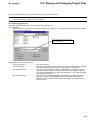
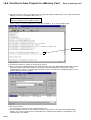
Insert the “C005” contact.
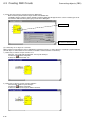
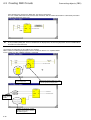
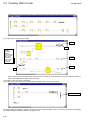
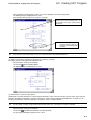
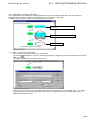
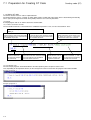
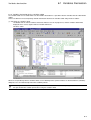
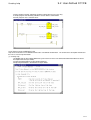
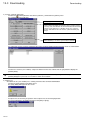
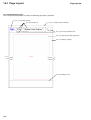
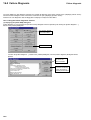
Added circuit
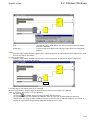
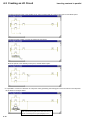
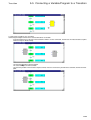
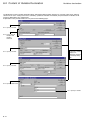
Circuit A
Circuit C
Circuit B
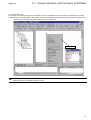
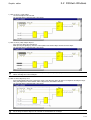
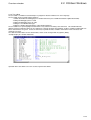
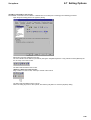
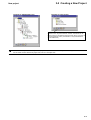
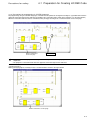
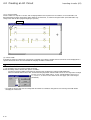
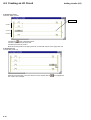
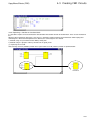
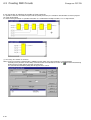
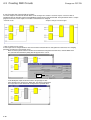
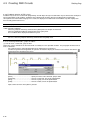
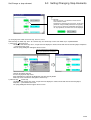
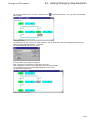
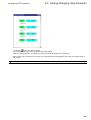
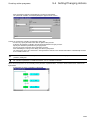
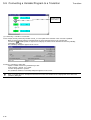
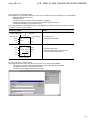
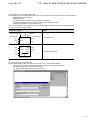
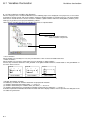
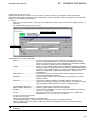
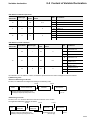
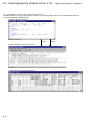
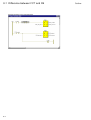
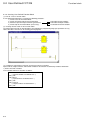
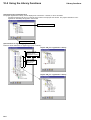
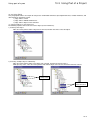
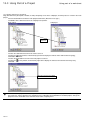
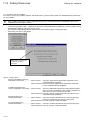
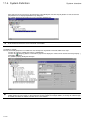
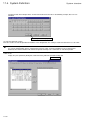
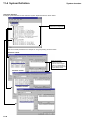
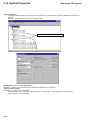
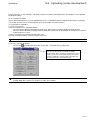
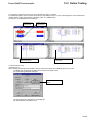
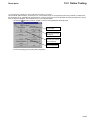
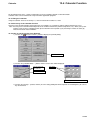
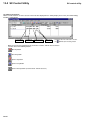
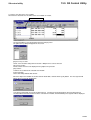
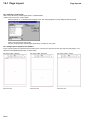
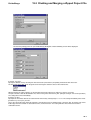
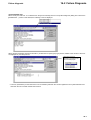
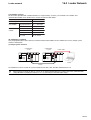
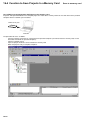
Left-click the
[Insert LD branch] button.
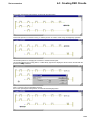
Left-click a point on the left power rail.
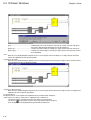
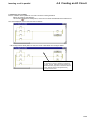
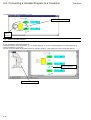
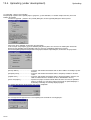
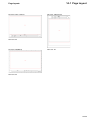
Left-click the contact of circuit C.
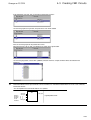
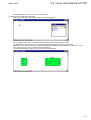
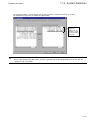
Move the mouse pointer to the right power rail, and left-click a point on the right power rail.
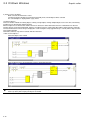
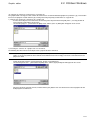
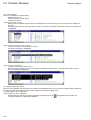
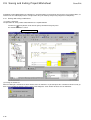
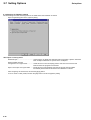
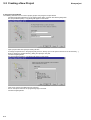
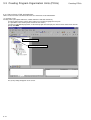
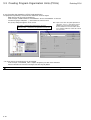
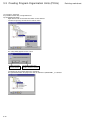
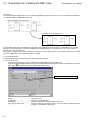
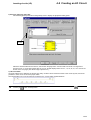
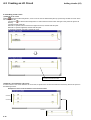
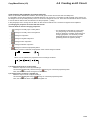
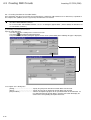
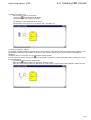
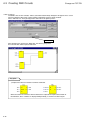
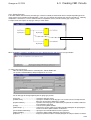
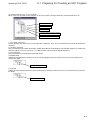
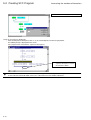
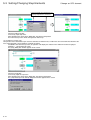
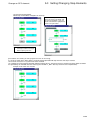
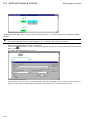
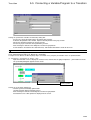
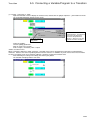
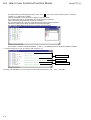
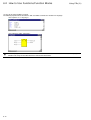
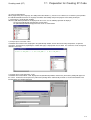
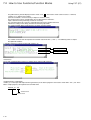
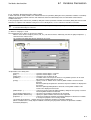
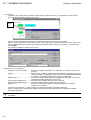
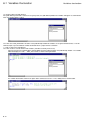
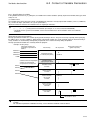
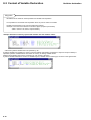
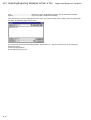
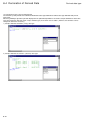
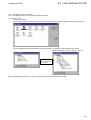
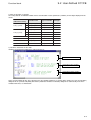
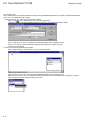
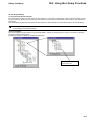
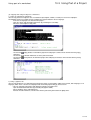
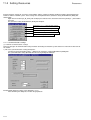
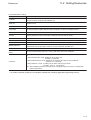
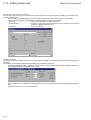
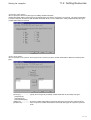
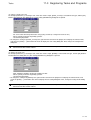
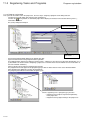
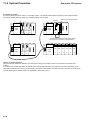
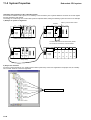
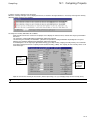
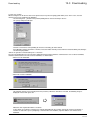
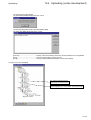
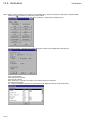
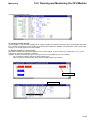
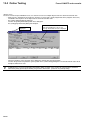
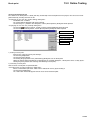
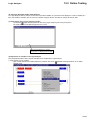
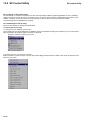
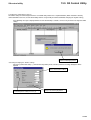
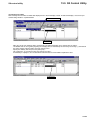
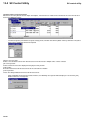
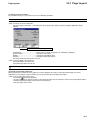
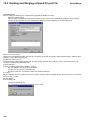
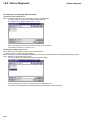
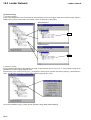
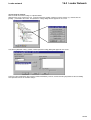
3) Inserting a coil
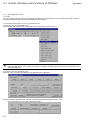
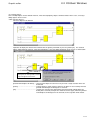
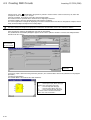
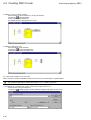
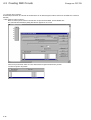
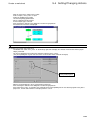
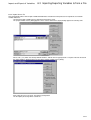
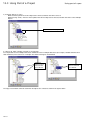
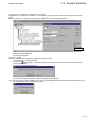
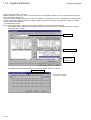
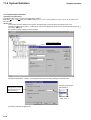
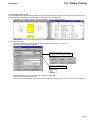
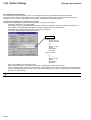
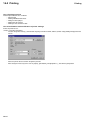
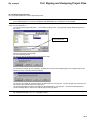
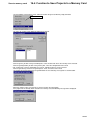
To insert the “C006” coil,
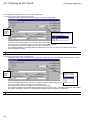
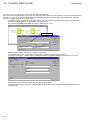
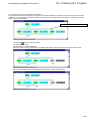
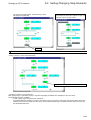
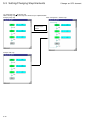
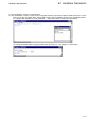
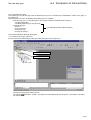
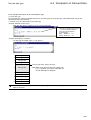
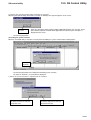
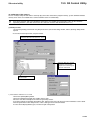
Select the horizontal line of circuit C with the mouse, and left-click the
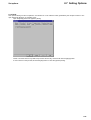
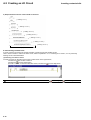
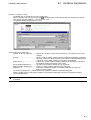
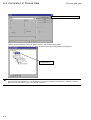
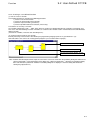
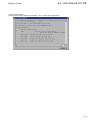
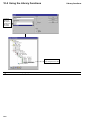
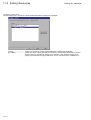
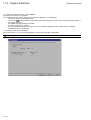
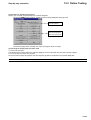
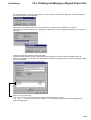
The “C006” coil is inserted.
4-18
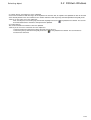
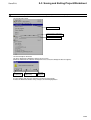
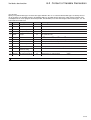
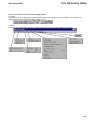
[Coil right] button.