1
Divide/Merge
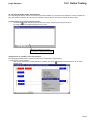
15-3 Dividing and Merging a Zipped Project File
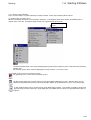
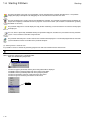
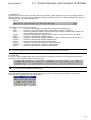
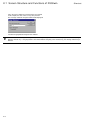
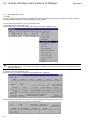
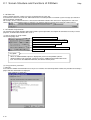
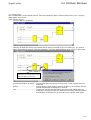
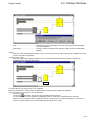
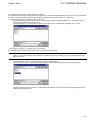
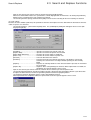
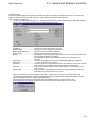
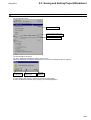
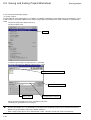
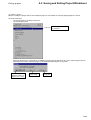
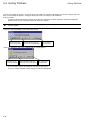
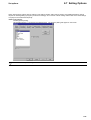
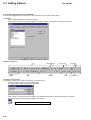
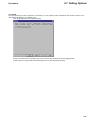
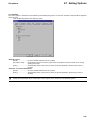
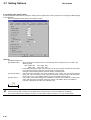
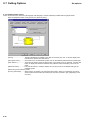
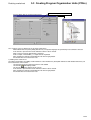
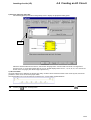
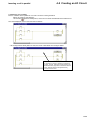
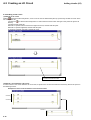
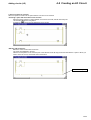
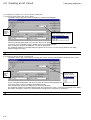
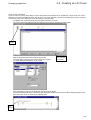
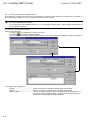
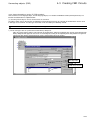
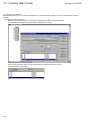
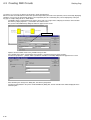
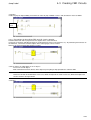
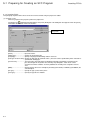
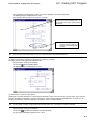
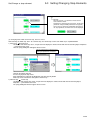
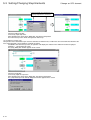
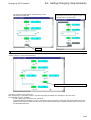
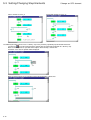
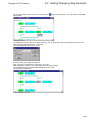
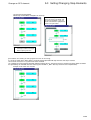
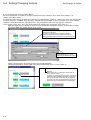
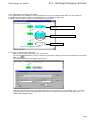
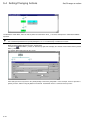
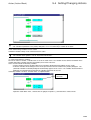
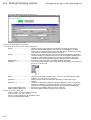
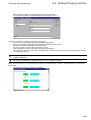
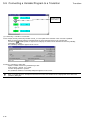
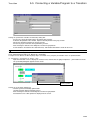
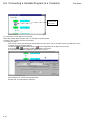
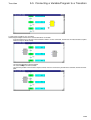
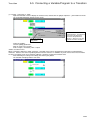
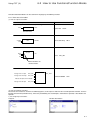
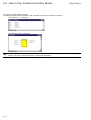
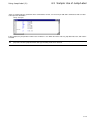
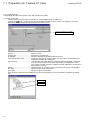
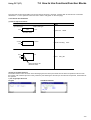
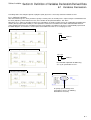
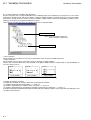
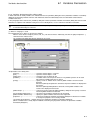
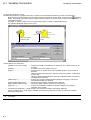
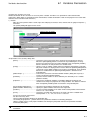
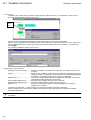
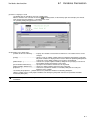
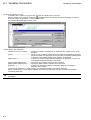
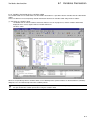
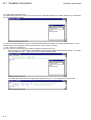
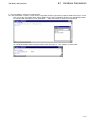
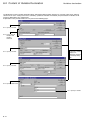
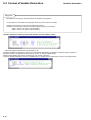
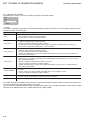
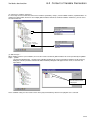
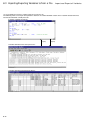
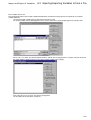
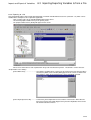
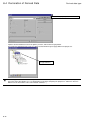
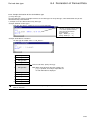
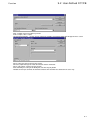
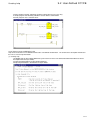
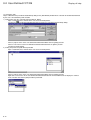
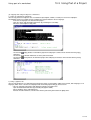
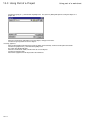
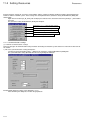
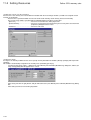
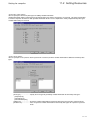
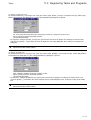
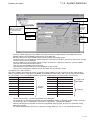
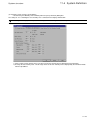
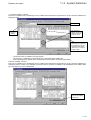
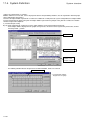
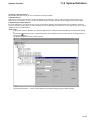
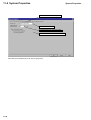
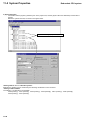
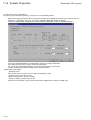
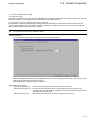
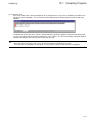
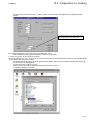
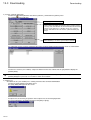
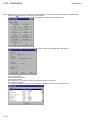
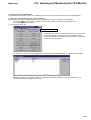
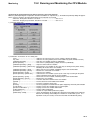
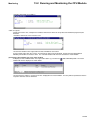
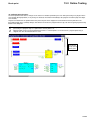
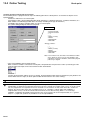
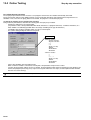
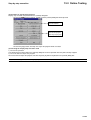
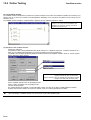
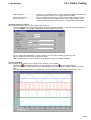
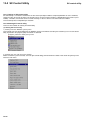
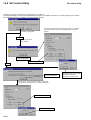
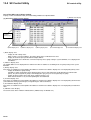
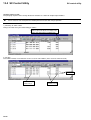
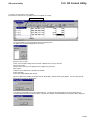
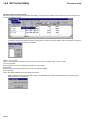
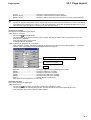
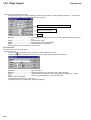
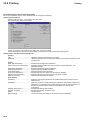
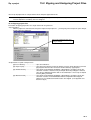
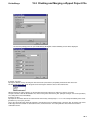
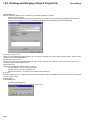
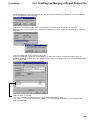
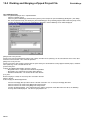
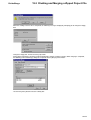
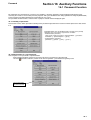
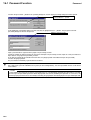
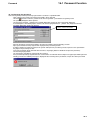
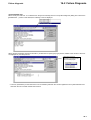
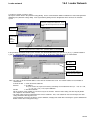
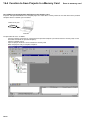
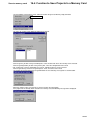
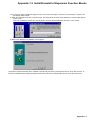
◊ Left-click the [Setting] tab in the {File Divide/Merge} dialog box, and the following screen will be displayed.
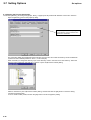
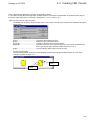
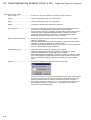
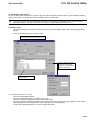
[Division size] box:
Specify the division size by selecting one from the list box (fixed values) or inputting the desired value in the box.
To select from the list box, check the [Select from the list] box and then select a value from the list.
When [Depends on empty capacity.] is selected from the list box, 8K bytes or more free space is necessary.
To input a numeric value for the division size, uncheck the [Select from the list] box. (8K bytes or larger size can be specified.)
The setting takes effect immediately.
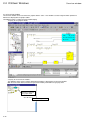
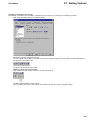
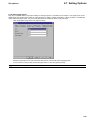
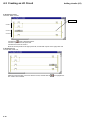
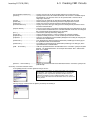
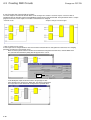
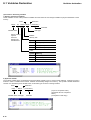
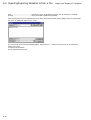
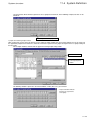
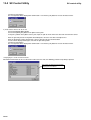
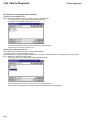
[History] list box:
Specify here the number of times to record the file name history. Setting range is 1 to 10. The setting immediately takes effect.
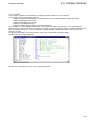
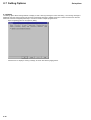
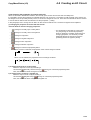
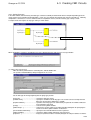
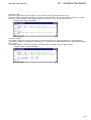
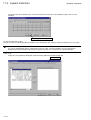
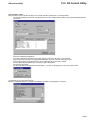
[Initializes by last input.] list box:
To use the current file name when this function is activated next time (as default name), check this box. To make the file name
field empty when this function is activated next time, uncheck this box. The setting will take effect when this function is
activated next time.
15-7