1
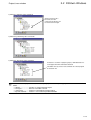
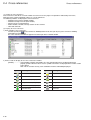
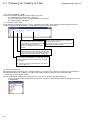
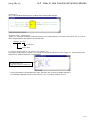
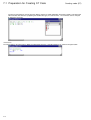
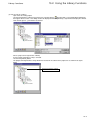
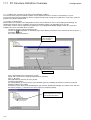
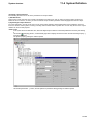
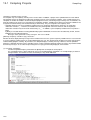
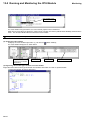
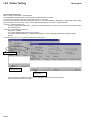
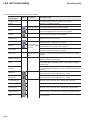
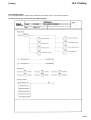
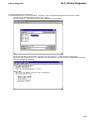
Adding circuits (LD)
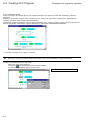
4-2 Creating an LD Circuit
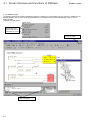
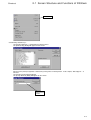
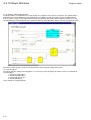
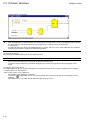
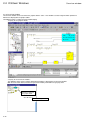
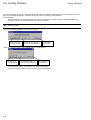
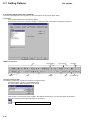
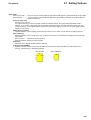
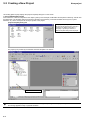
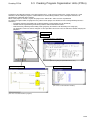
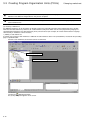
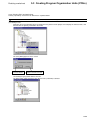
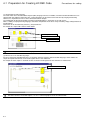
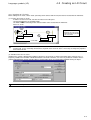
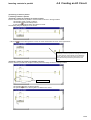
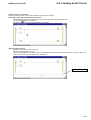
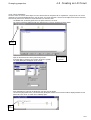
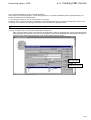
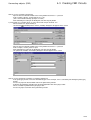
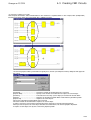
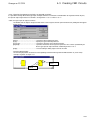
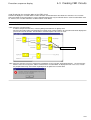
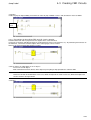
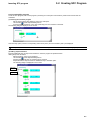
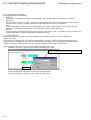
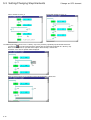
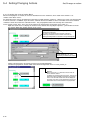
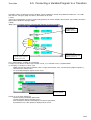
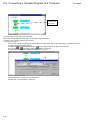
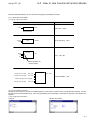
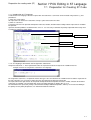
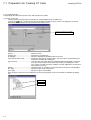
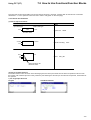
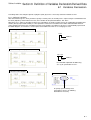
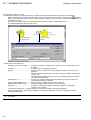
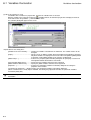
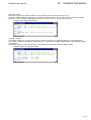
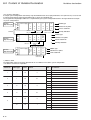
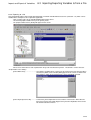
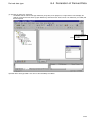
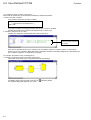
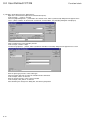
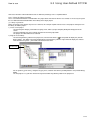
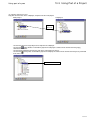
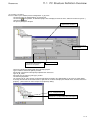
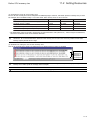
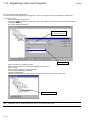
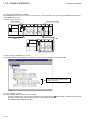
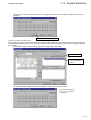
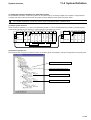
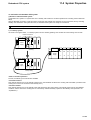
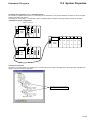
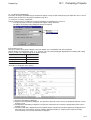
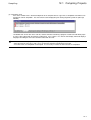
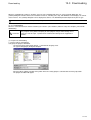
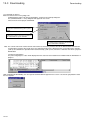
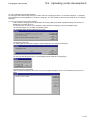
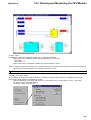
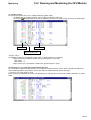
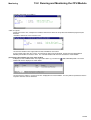
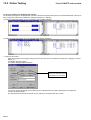
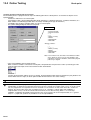
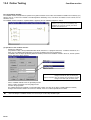
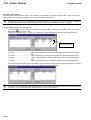
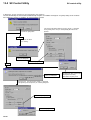
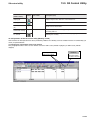
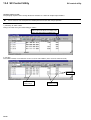
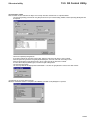
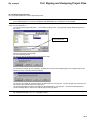
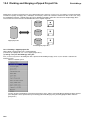
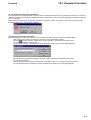
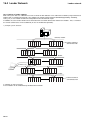
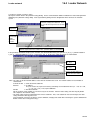
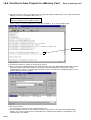
2) Inserting a circuit
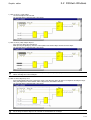
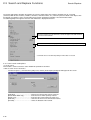
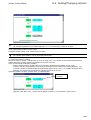
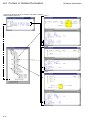
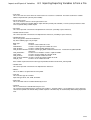
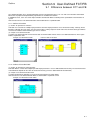
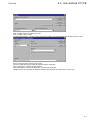
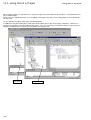
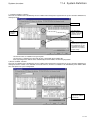
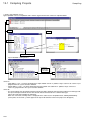
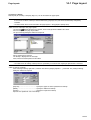
Insert the “C005” contact.
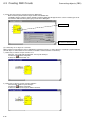
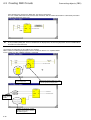
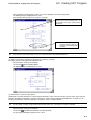
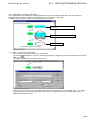
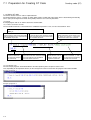
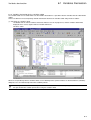
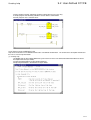
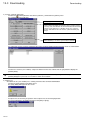
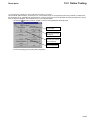
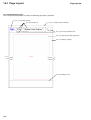
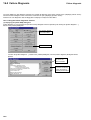
Added circuit
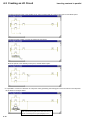
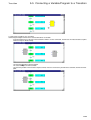
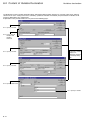
Circuit A
Circuit C
Circuit B
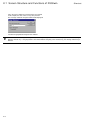
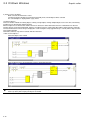
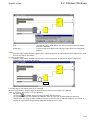
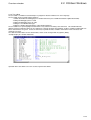
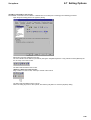
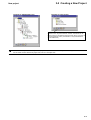
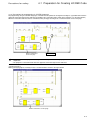
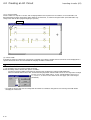
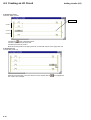
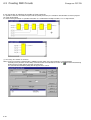
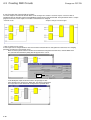
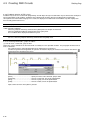
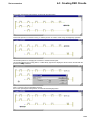
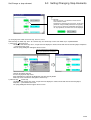
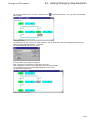
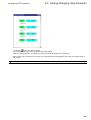
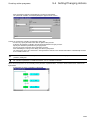
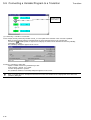
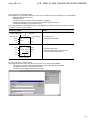
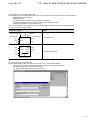
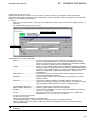
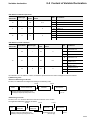
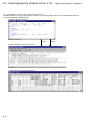
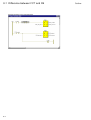
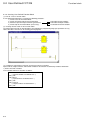
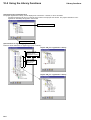
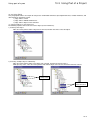
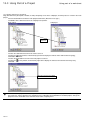
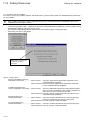
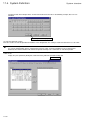
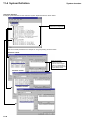
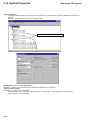
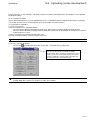
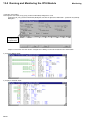
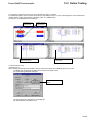
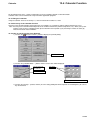
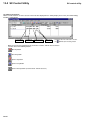
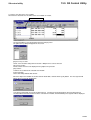
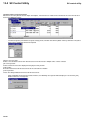
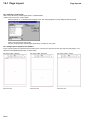
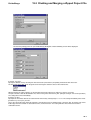
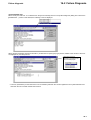
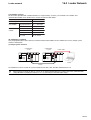
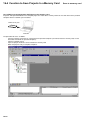
Left-click the
[Insert LD branch] button.
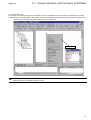
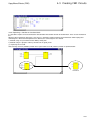
Left-click a point on the left power rail.
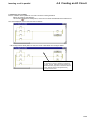
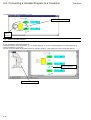
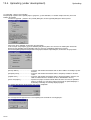
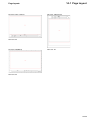
Left-click the contact of circuit C.
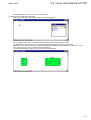
Move the mouse pointer to the right power rail, and left-click a point on the right power rail.
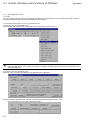
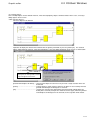
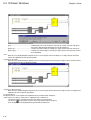
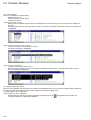
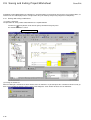
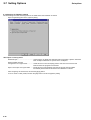
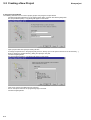
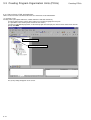
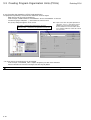
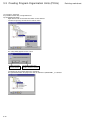
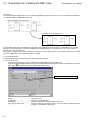
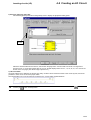
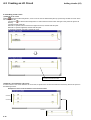
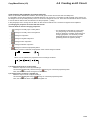
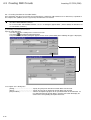
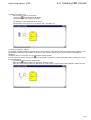
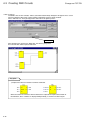
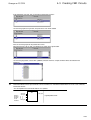
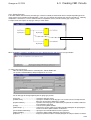
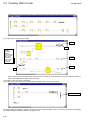
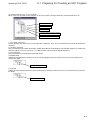
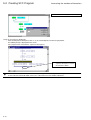
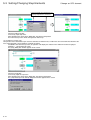
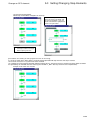
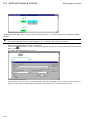
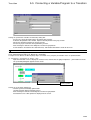
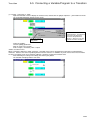
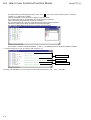
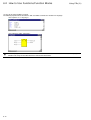
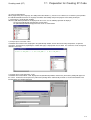
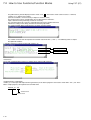
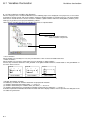
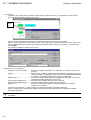
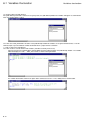
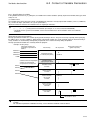
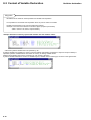
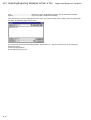
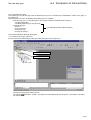
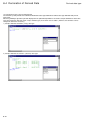
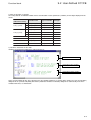
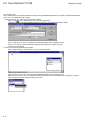
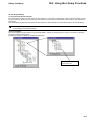
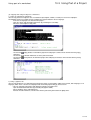
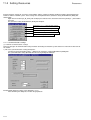
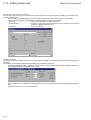
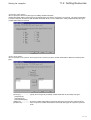
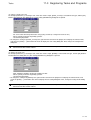
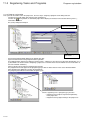
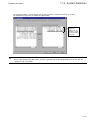
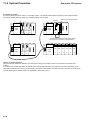
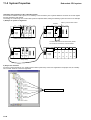
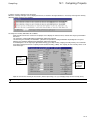
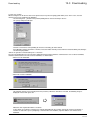
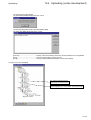
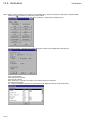
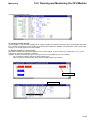
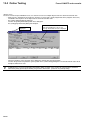
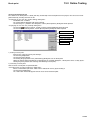
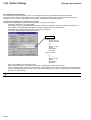
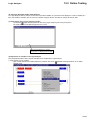
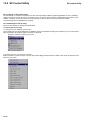
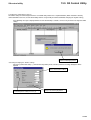
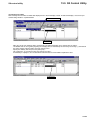
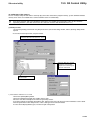
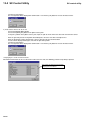
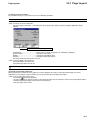
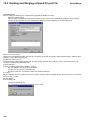
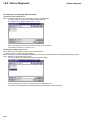
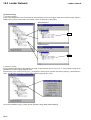
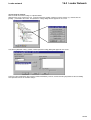
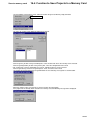
3) Inserting a coil
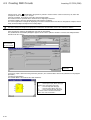
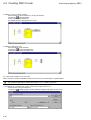
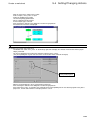
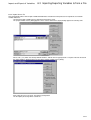
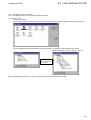
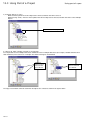
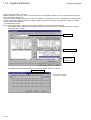
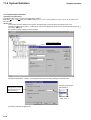
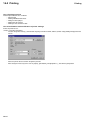
To insert the “C006” coil,
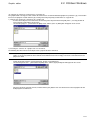
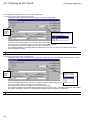
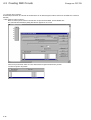
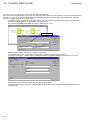
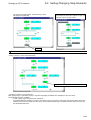
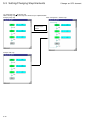
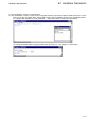
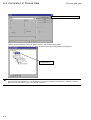
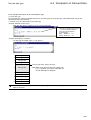
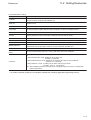
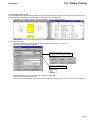
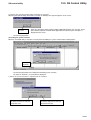
Select the horizontal line of circuit C with the mouse, and left-click the
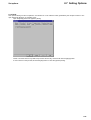
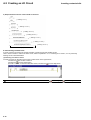
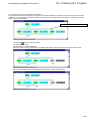
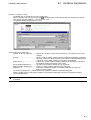
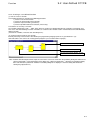
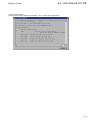
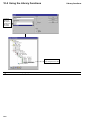
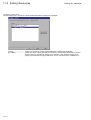
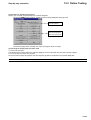
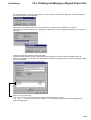
The “C006” coil is inserted.
4-18
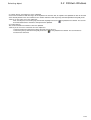
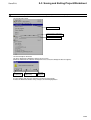
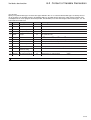
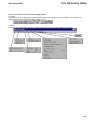
[Coil right] button.