1
WebCCTV User Manual
123
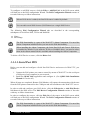
4.2.1.8 Quick Playback
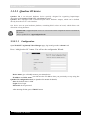
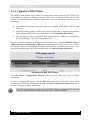
The Quick Playback function delivers easy access to recordings from the past 1, 5 and 15
minutes. Instead of going to the Recordings section and manually selecting this small time
interval, you can just click a single button.
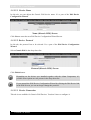
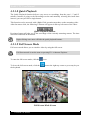
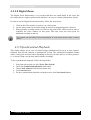
This function can be accessed with a Right-Click operation anywhere on the streaming video.
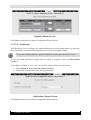
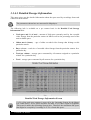
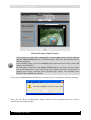
After the mouse click, the following 3 buttons will appear in the top left corner of the video:
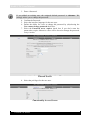
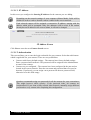
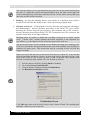
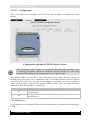
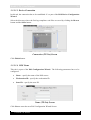
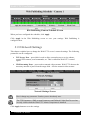
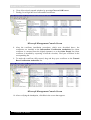
Quick Playback Buttons
Pressing a button will take you to the recordings of the currently streaming camera. The time
interval is indicated on the button.
Right-clicking once more will hide the quick playback buttons.
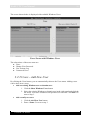
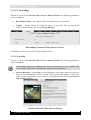
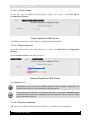
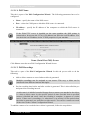
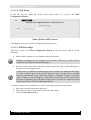
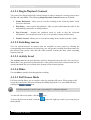
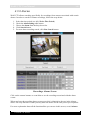
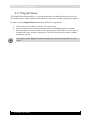
4.2.1.9 Full Screen Mode
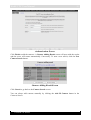
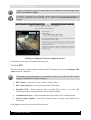
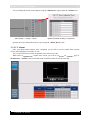
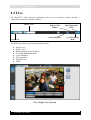
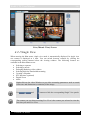
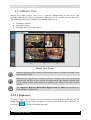
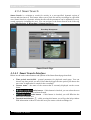
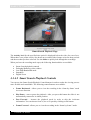
Full screen mode allows you to visualize video by using the full screen.
Full Screen mode is not the same as pressing F11 in Internet Explorer.
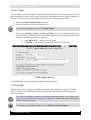
To enter the full screen mode, click the
To leave the full screen mode, click the
the keyboard.
icon.
icon at the right top corner or press any key on
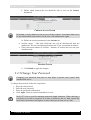
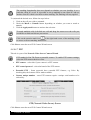
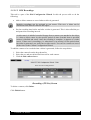
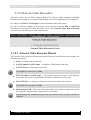
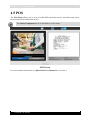
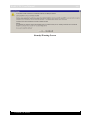
Full Screen Mode Screen
Version 5.4 Series




















![[MANUAL] WebCCTV User Manual 4.4.0.0](http://vs1.manualzilla.com/store/data/005886634_1-9e25e0c8c7fa6f72c2b69bbb4cc67aa8-150x150.png)
![[MANUAL] WebCCTV Installation Manual 4.4.0.0](http://vs1.manualzilla.com/store/data/005935803_1-1275fe61ae4b5b7c0ce4f62506e594f6-150x150.png)

![[MANUAL] GuardNVR Installation Manual 4.4.0.0](http://vs1.manualzilla.com/store/data/005799040_1-22ffd5d438f0b0c95843f8ff9431bc2d-150x150.png)