1
WebCCTV User Manual
148
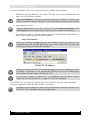
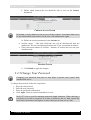
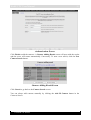
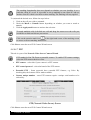
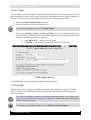
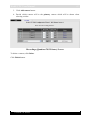
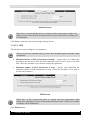
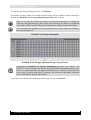
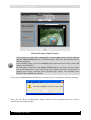
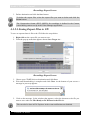
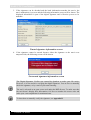
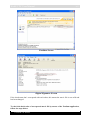
3. If the signature can be decoded and the hash information matches the movie, the
movie authenticity is proven and the following information screen will be shown. The
displayed information is part of the digital signature and is likewise proven to be
authentic.
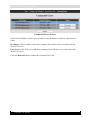
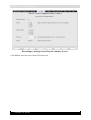
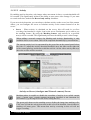
Trusted signature information screen
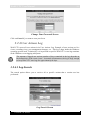
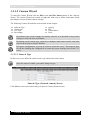
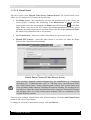
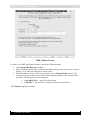
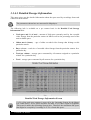
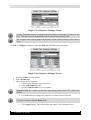
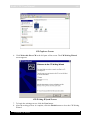
4. If the signature cannot be trusted because either the signature or the movie was
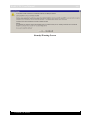
tampered with, the following screen will be shown.
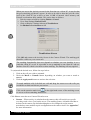
Not trusted signature information screen
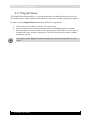
The Digital Signature Verifier was created by Quadrox to make your life easier.
However, it is not crucial to verifying the digital signature. You are free to manually
check the signature, or by a tool of your own choosing.
The tool is released as an open source tool under the BSD license. To make sure that
the tool doesn’t display false information, feel free to examine the source code and
make your own compilation for maximum trust.
To learn how to manually verify the signature, see Appendix B.
Version 5.4 Series




















![[MANUAL] WebCCTV User Manual 4.4.0.0](http://vs1.manualzilla.com/store/data/005886634_1-9e25e0c8c7fa6f72c2b69bbb4cc67aa8-150x150.png)
![[MANUAL] WebCCTV Installation Manual 4.4.0.0](http://vs1.manualzilla.com/store/data/005935803_1-1275fe61ae4b5b7c0ce4f62506e594f6-150x150.png)
![[MANUAL] GuardNVR Installation Manual 4.4.0.0](http://vs1.manualzilla.com/store/data/005799040_1-22ffd5d438f0b0c95843f8ff9431bc2d-150x150.png)