1
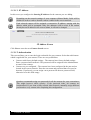
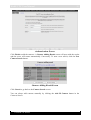
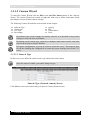
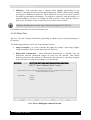
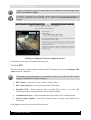
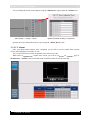
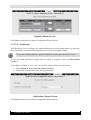
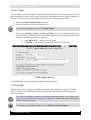
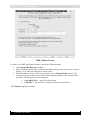
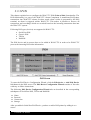
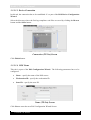
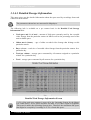
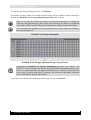
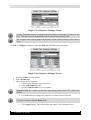
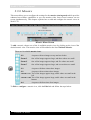
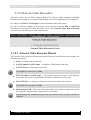
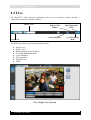
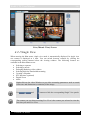
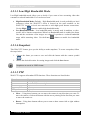
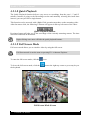
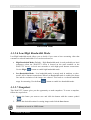
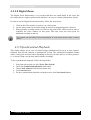
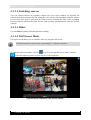
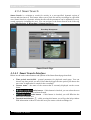
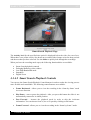
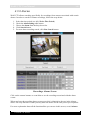
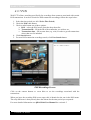
WebCCTV User Manual 138 4.3.4.3 Full Screen Mode Full screen mode allows you to visualize video by using the full screen. When going to full screen the activity line and camera buttons are hidden by default. You can unhide them by clicking the icon. Full Screen mode is not the same as pressing F11 in Internet Explorer. To enter the full screen mode, click the To leave the full screen mode, click the the keyboard. icon. icon at the right top corner or press any key on Full Screen Mode 4.3.4.4 Low/High Bandwidth Mode Low/High bandwidth mode allows you to decide if you want to have streaming video that consumes a reduced bandwidth. You can choose between: High Bandwidth Mode (Default) – High Bandwidth mode is used preferably on local computers (when the WebCCTV client is located on the same machine as the WebCCTV server), in local area networks or with high-speed Internet connections. Use the High ( ) button to enable high bandwidth mode. Low Bandwidth Mode – Low bandwidth mode is mostly used in medium- or slowspeed LAN or Internet connections. When Low Bandwidth mode is enabled, the frame Version 5.4 Series





















![[MANUAL] WebCCTV User Manual 4.4.0.0](http://vs1.manualzilla.com/store/data/005886634_1-9e25e0c8c7fa6f72c2b69bbb4cc67aa8-150x150.png)

![[MANUAL] WebCCTV Installation Manual 4.4.0.0](http://vs1.manualzilla.com/store/data/005935803_1-1275fe61ae4b5b7c0ce4f62506e594f6-150x150.png)

![[MANUAL] GuardNVR Installation Manual 4.4.0.0](http://vs1.manualzilla.com/store/data/005799040_1-22ffd5d438f0b0c95843f8ff9431bc2d-150x150.png)