1
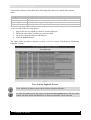
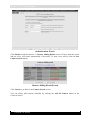
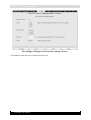
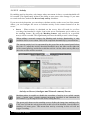
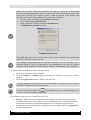
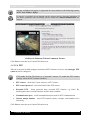
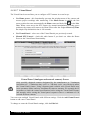
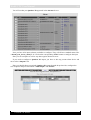
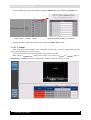
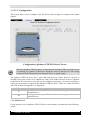
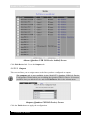
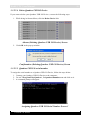
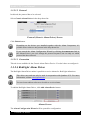
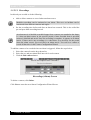
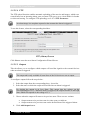
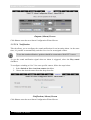
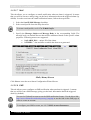
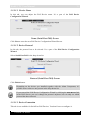
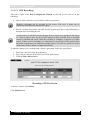
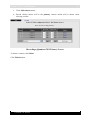
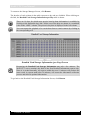
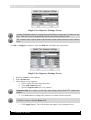
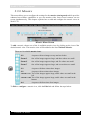
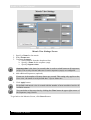
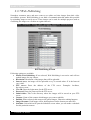
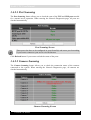
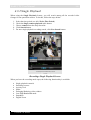
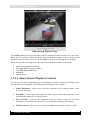
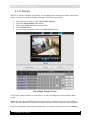
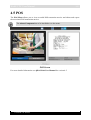
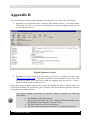
WebCCTV User Manual 128 4.3.2 Single Playback When using the Single Playback feature, you will search among all the recorded video footage for one particular camera. To do this, follow the steps below: 1. 2. 3. 4. 5. Select the time period (see 4.3.1 Select Time Period). Check the Single camera playback radio button. Choose camera from the drop-down list. Click Search button. For new single playback recording search, click New Search button. Recordings Single Playback Screen When you have the recording mode open, the following functionality is available: Single playback controls Switching sources Activity level Slider Enlarging/Reducing video window Low/High Bandwidth mode Snapshots Digital Zoom Version 5.4 Series