1
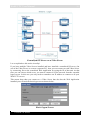
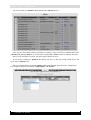
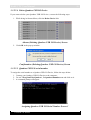
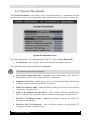
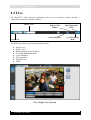
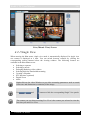
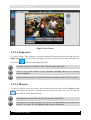
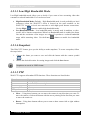
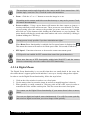
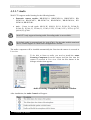
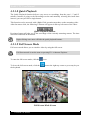
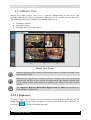
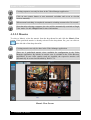
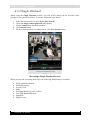
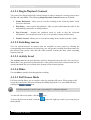
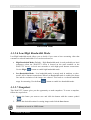
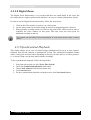
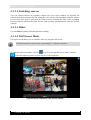
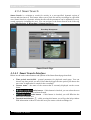
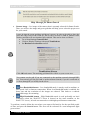
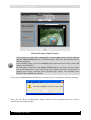
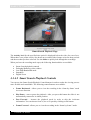
WebCCTV User Manual 132 Recordings Synchronized Playback Screen When you have the recording mode open, the following functionality is available: Synchronized playback controls Switching sources Slider Enlarging/Reducing video window Double click on the video window of a camera in order to switch to single playback of this camera. The Snapshots, High/Low Bandwidth, Digital Zoom and Activity level functionalities are not available in synchronized playback. 4.3.3.1 Synchronized Playback Controls You can use the Synchronize Playback Control buttons in order to make the viewing process more flexible and controllable. The following Synchronized Playback Control buttons are available: Frame Backward – allows you to view the recording in the ‘frame-by-frame’ mode in reverse direction. Play/Pause – start or pause the playback. After you press this button the slider is not automatically returned to its initial position. Frame Forward – allows you to view the recording in the “frame-by-frame” mode. Version 5.4 Series





















![[MANUAL] WebCCTV User Manual 4.4.0.0](http://vs1.manualzilla.com/store/data/005886634_1-9e25e0c8c7fa6f72c2b69bbb4cc67aa8-150x150.png)

![[MANUAL] WebCCTV Installation Manual 4.4.0.0](http://vs1.manualzilla.com/store/data/005935803_1-1275fe61ae4b5b7c0ce4f62506e594f6-150x150.png)

![[MANUAL] GuardNVR Installation Manual 4.4.0.0](http://vs1.manualzilla.com/store/data/005799040_1-22ffd5d438f0b0c95843f8ff9431bc2d-150x150.png)