1
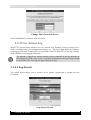
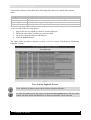
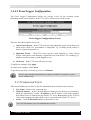
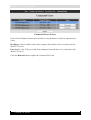
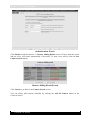
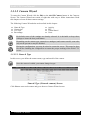
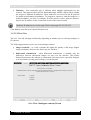
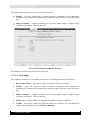
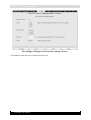
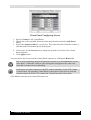
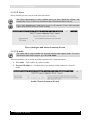
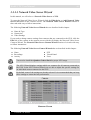
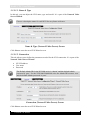
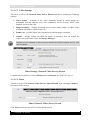
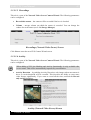
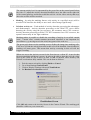
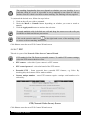
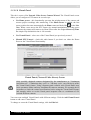
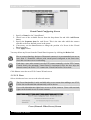
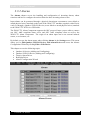
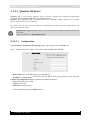
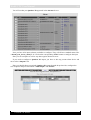
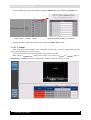
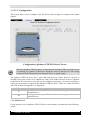
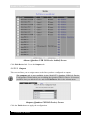
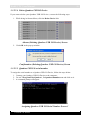
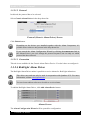
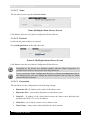
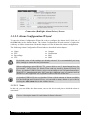
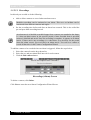
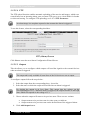
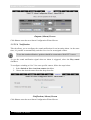
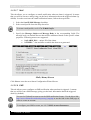
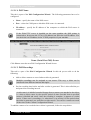
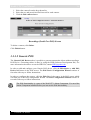
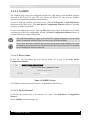
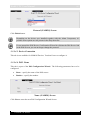
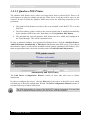
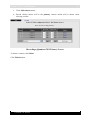
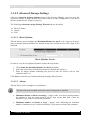
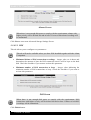
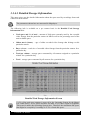
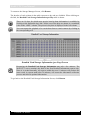
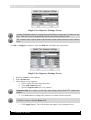
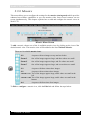
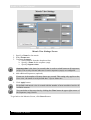
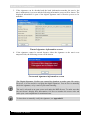
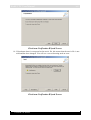
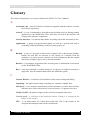
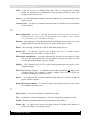
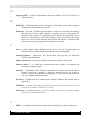
WebCCTV User Manual 62 3.3.2.4.1 Name This tab allows you to specify the Device Name. Name (RedLight Alarm Driver) Screen Click Next to enter the next Alarm Configuration Wizard Screen. 3.3.2.4.2 Protocol In this tab, the protocol has to be selected Select RedLight Driver in the drop-down list. Protocol (RedLight Alarm Driver) Screen Click Next to enter the next Alarm Configuration Wizard Screen. Depending on the drivers you installed together with the Alarm Component, it’s possible some values are not present in the drop-down list. If you entered the Alarm Configuration Wizard by clicking the Edit Device link in the Alarms Screen, you can’t change the protocol anymore, but can only see which protocol has been selected. 3.3.2.4.3 Connection This tab allows for the configuration of the following settings: Dispatcher IP – IP address of the sender of the alarm events. Dispatcher Port – port used by dispatcher to send alarm events. Client IP – IP address of the client which accepts the alarm events. Basically this should be the WebCCTV server IP Address. Client Port – port used by client to receive alarm events. Client Name – unique name which identifies the client machine. Version 5.4 Series