1
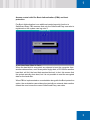
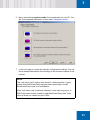
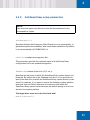
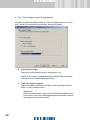
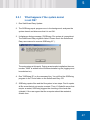
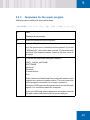
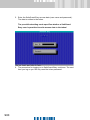
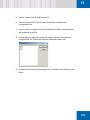
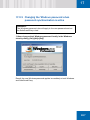
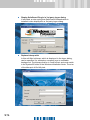
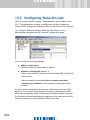
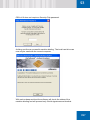
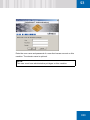
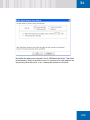
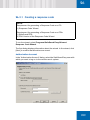
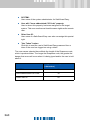
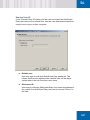
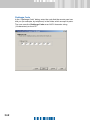
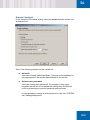
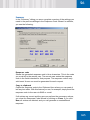
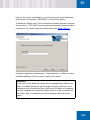
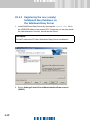
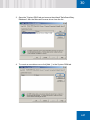
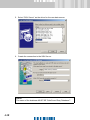
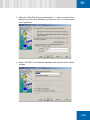
T TKV `çãé~íáÄáäáíó=ïáíÜ=äçÖçå= ÅçãéçåÉåíë=ëìééäáÉÇ=Äó= çíÜÉê=îÉåÇçêë To guarantee the best possible security, the Utimaco Logon component ensures that it is always the first Windows logon component called by the operating system. Should anything change the call order the Utimaco Logon component will automatically reinstate itself as the first component to be called. If, as a result, logging on to Windows becomes impossible, or Windows no longer responds after logging on, there are two possible ways to undo the changes introduced by the logon component: To manually define the logon component that is to be called by Utimaco logon component, press and hold down [F8] key when the system first switches from the blue text display to the (as yet empty) desktop. If [F8] is not pressed, a dialog will appear. The user must define the logon component that is to be called by the Utimaco logon component, either the original Microsoft logon component or a third-party logon component. This dialog will reappear at each login until the user disables it. After that, the current logon component setting remains. Selecting the original Microsoft component will ensure that logon is performed correctly but may disable some features of the third-party product. Due to a lack of standardization it is not always possible to run every set of different Windows logon components together. ñÅ For bigger rollouts it is possible to suppress this user interaction. To do so the administrator must ensure that, before the reboot after the new logon component has been installed, the "ForceKnownGina" registry value in the "HKLM\Software\Utimaco\SGLogon" key is set from 0 to the value 1 (new logon component will be called by SafeGuard Logon Extensions). Alternatively, you can set this value to 2 to force the use of the original Microsoft component even if other software is installed. UV