1
OP
OPKS oÉèìáêÉÇ=ëÉííáåÖë=Ñçê=j~ÅÜáåÉ=
_áåÇáåÖ
The Machine Binding establishes a unique connection between the
machine and its hard disk. This is achieved through a signature that is
checked against the reference signature created during the initial machine
binding. This reference signature is then stored in the registry. The boot
process will only proceed if both signatures are identical. In any other
case, the boot process is terminated.
ñÅ
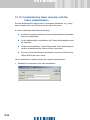
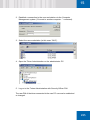
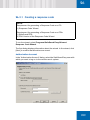
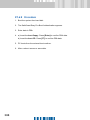
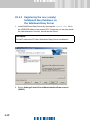
To combine Machine Binding and SafeGuard Easy:
1. Prepare the chip for use.
2. Install SafeGuard Easy.
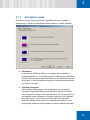
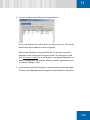
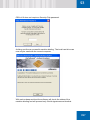
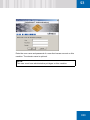
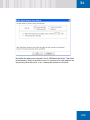
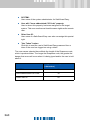
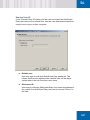
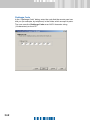
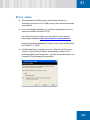
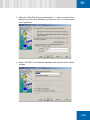
When you install SafeGuard Easy you must ensure that the "Machine
Binding” option is active.
Apart from this, no other special configuration settings are required in
SafeGuard Easy.
POR