1
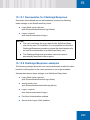
NTKNKP= pïáíÅÜáåÖ=pÉÅìêÉ=^ìíç=içÖçå=
çÑÑ=íÉãéçê~êáäó
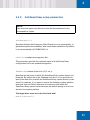
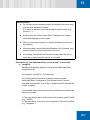
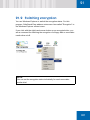
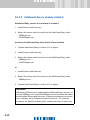
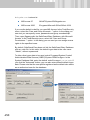
If Secure Auto Logon (with or without smartcard) is enabled, it can be
disabled later, by a user with Windows administrator rights, and enabled
again by running CHGSAL.EXE from the SafeGuard Easy directory.
To do so, proceed as follows:
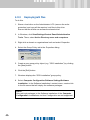
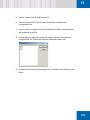
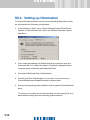
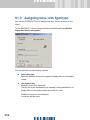
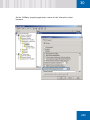
1. Boot in MS DOS mode or select the Run command in the Windows
Start Menu, and then run "cmd" to display the DOS prompt.
2. Switch to the directory in which SafeGuard Easy is stored (e.g. on a
network drive). Enter the following command with the appropriate
parameters:
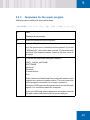
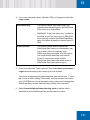
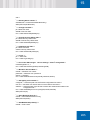
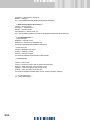
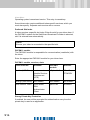
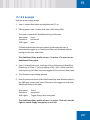
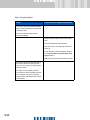
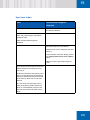
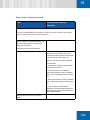
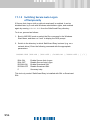
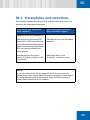
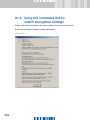
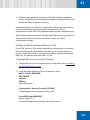
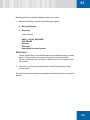
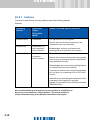
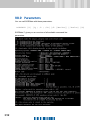
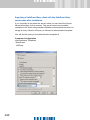
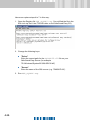
CHGSAL.EXE /SAL:ON | /SAL:OFF | /SCSAL:ON | /SCSAL:OFF | [ /? ]
/SAL:ON
/SAL:OFF
/SCSAL:ON
/SCSAL:OFF
/?
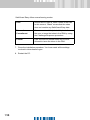
Enable Secure Auto Logon
Disable Secure Auto Logon
Enable Smartcard SAL
Disable Smartcard SAL
Summary help
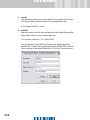
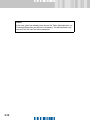
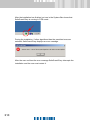
This tool only works if SafeGuard Easy is installed with SAL or Smartcard
SAL.
ORS