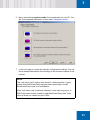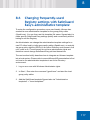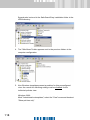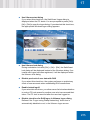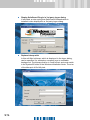
1
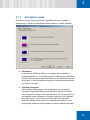
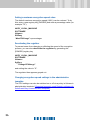
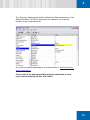
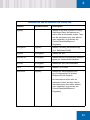
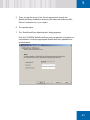
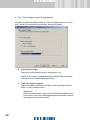
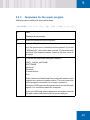
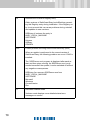
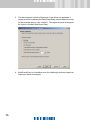
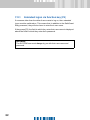
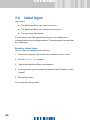
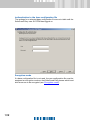
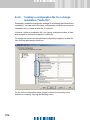
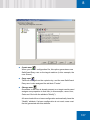
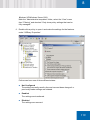
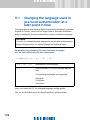
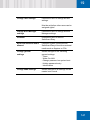
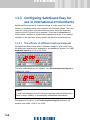
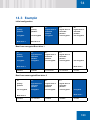
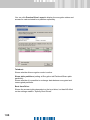
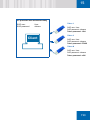
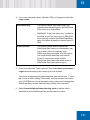
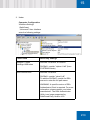
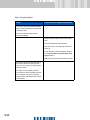
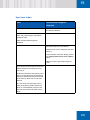
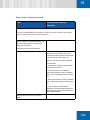
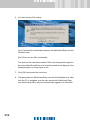
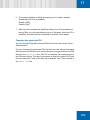
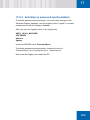
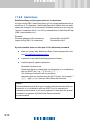
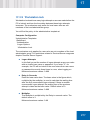
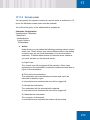
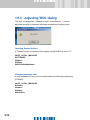
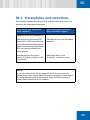
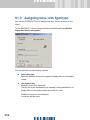
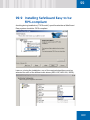
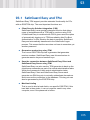
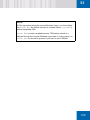
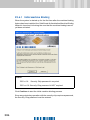
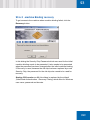
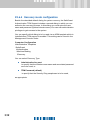
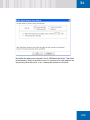
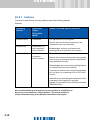
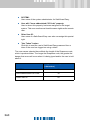
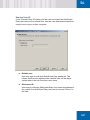
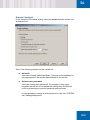
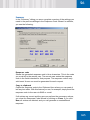
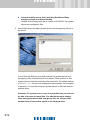
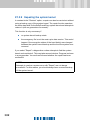
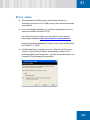
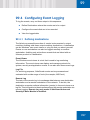
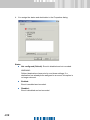
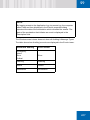
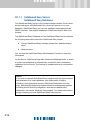
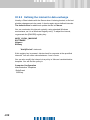
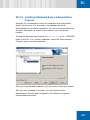
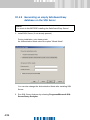
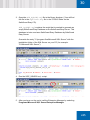
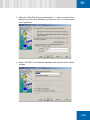
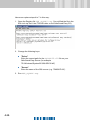
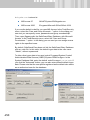
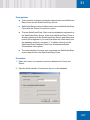
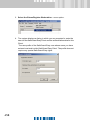
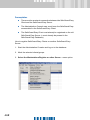
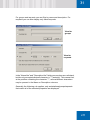
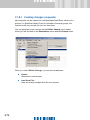
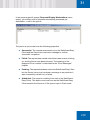
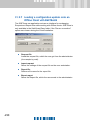
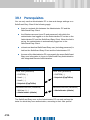
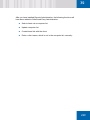
SafeGuard Easy offers several issuing modes:
User
Allows user to issue a “blank” token in the PBA.
In this context, “Blank” means that the token
does not contain any SafeGuard Easy data.
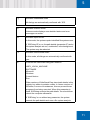
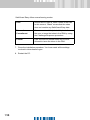
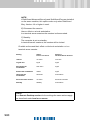
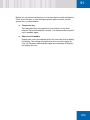
External
Commitment
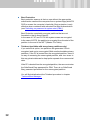
Forces user to call helpdesk. Helpdesk allows
the user to issue the token in the PBA by using
the Challenge/Response procedure.
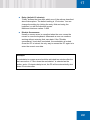
Central
User receives an issued token and is never
allowed to issue the token in the PBA.
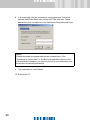
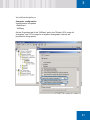
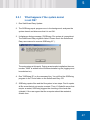
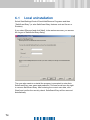
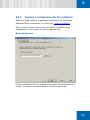
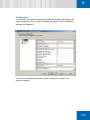
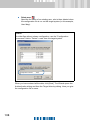
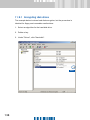
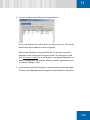
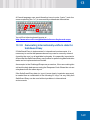
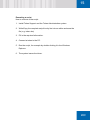
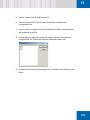
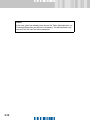
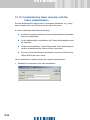
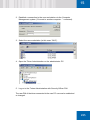
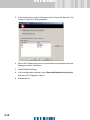
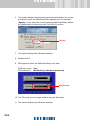
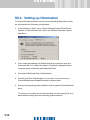
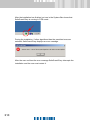
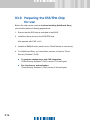
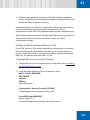
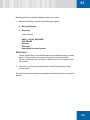
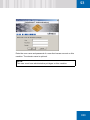
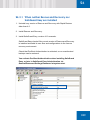
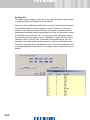
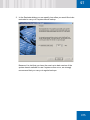
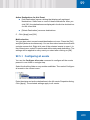
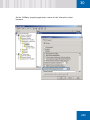
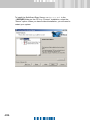
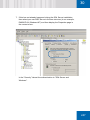
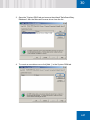
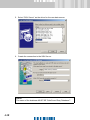
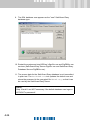
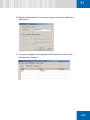
7. Close the installation procedure. You have made all the settings
involved in token-based logon.
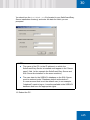
8. Restart the PC.
NVU