1
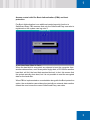
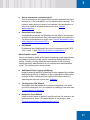
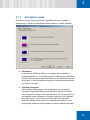
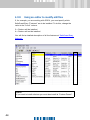
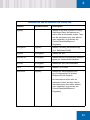
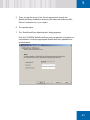
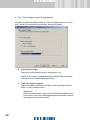
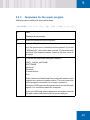
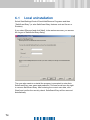
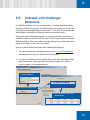
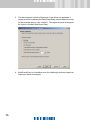
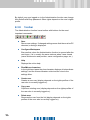
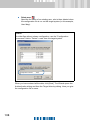
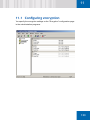
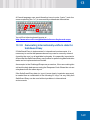
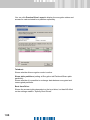
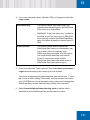
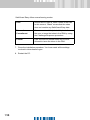
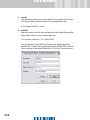
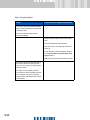
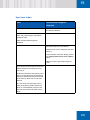
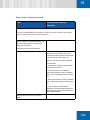
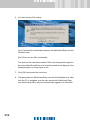
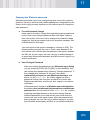
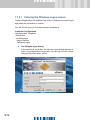
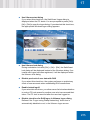
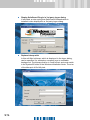
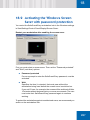
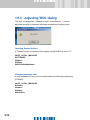
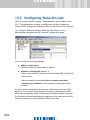
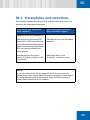
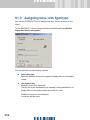
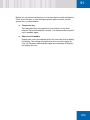
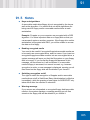
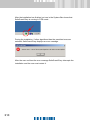
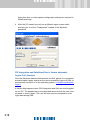
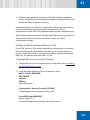
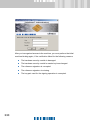
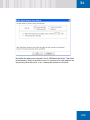
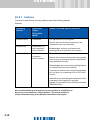
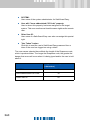
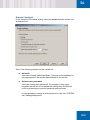
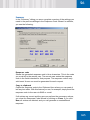
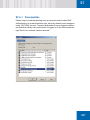
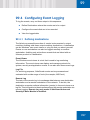
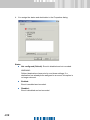
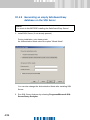
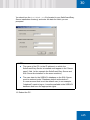
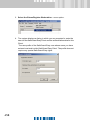
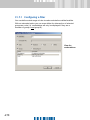
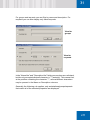
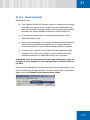
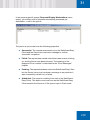
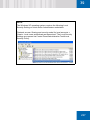
ON Before you can select a system key, it must also be set on the workstation. If this is not the case, a user with appropriate rights can later set this system key in Administration. Temporary key The temporary key only applies for the duration of one work session. When the computer restarts, it is deleted and the system key is enabled again. Show icon in taskbar Displays an icon in the taskbar which the user can click to display this dialog. The setting only applies for the currently-logged on user. No Windows administrator rights are necessary to display/ not display the icon. ñÅ PMP