1
Synchronizing Data Access and Program Operations
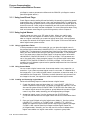
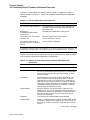
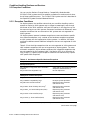
6.6 Using Event Flags
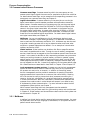
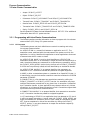
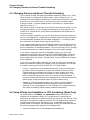
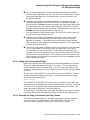
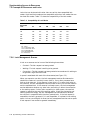
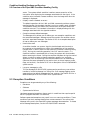
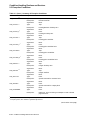
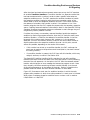
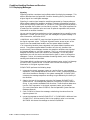
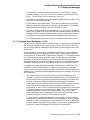
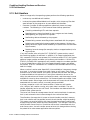
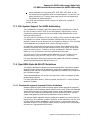
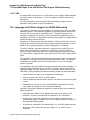
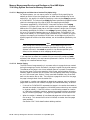
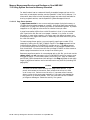
The LIB$GET_EF routine by default allocates flags from event flag cluster 1
(event flags 32 through 63). Event flags 1 through 32 (in event flag cluster
0) can also optionally be allocated by calls to LIB$GET_EF. To maintain
compatibility with older application software that used event flags 1 through
23 in an uncoordinated fashion, these event flags must be initially marked as
free by application calls to the LIB$FREE_EF routine before these flags can
be allocated by subsequent calls to the LIB$GET_EF routine.
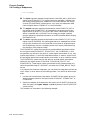
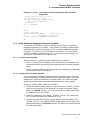
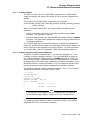
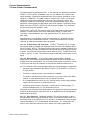
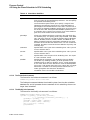
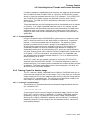
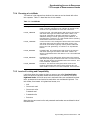
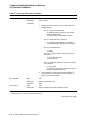
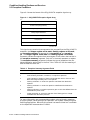
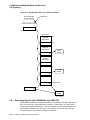
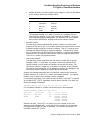
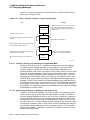
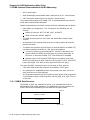
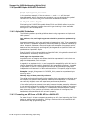
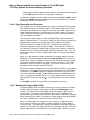
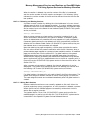
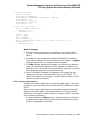
2. Before using the event flag, initialize it using the SYS$CLREF system service,
unless you pass the event flag to a routine that clears it for you.
3. When an event that is relevant to other program components is completed,
set the event flag with the SYS$SETEF system service.
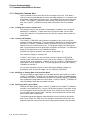
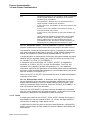
4. A program component can read the event flag to determine what has
happened and act accordingly. Use the SYS$READEF system service to
read the event flag.
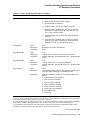
5. The program components that evaluate event flag status can be placed in a
wait state. Then, when the event flag is set, execution is resumed. Use the
SYS$WAITFR, SYS$WFLOR, SYS$WFLAND, or SYS$SYNCH routine to
accomplish this task.
6. When a local event flag is no longer required, free it by using the LIB$FREE_
EF routine.
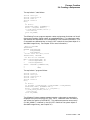
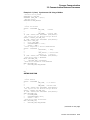
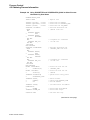
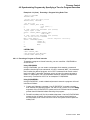
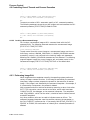
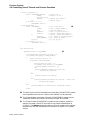
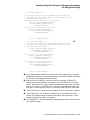
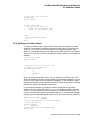
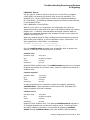
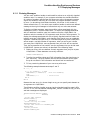
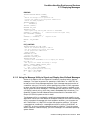
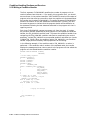
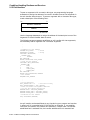
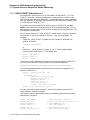
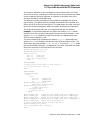
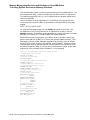
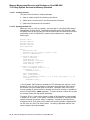
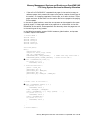
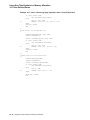
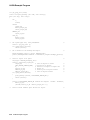
The following Fortran example uses LIB$GET_EF to choose a local event flag and
then uses SYS$CLREF to set the event flag to 0 (clear the event flag). (Note that
run-time library routines require an event flag number to be passed by reference,
and system services require an event flag number to be passed by value.)
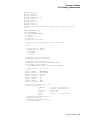
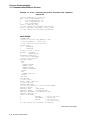
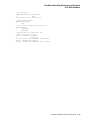
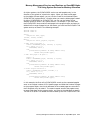
INTEGER
2
2
2
FLAG,
STATUS,
LIB$GET_EF,
SYS$CLREF
STATUS = LIB$GET_EF (FLAG)
IF (.NOT. STATUS) CALL LIB$SIGNAL (%VAL(STATUS))
STATUS = SYS$CLREF (%VAL(FLAG))
IF (.NOT. STATUS) CALL LIB$SIGNAL (%VAL(STATUS))
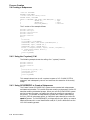
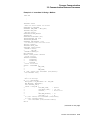
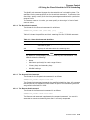
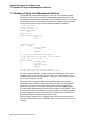
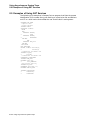
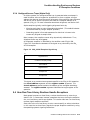
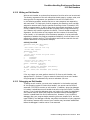
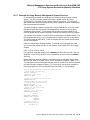
6.6.5.1 Example of Event Flag Services
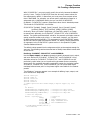
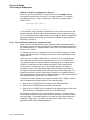
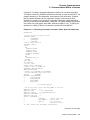
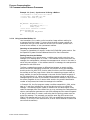
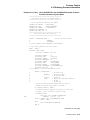
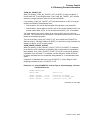
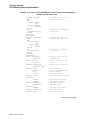
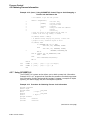
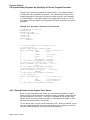
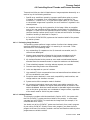
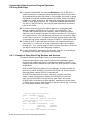
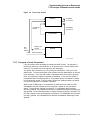
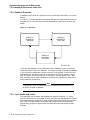
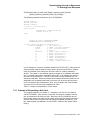
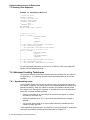
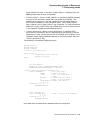
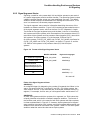
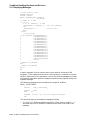
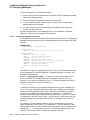
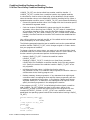
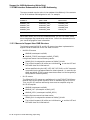
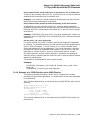
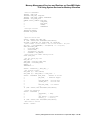
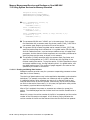
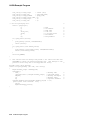
Local event flags are used most commonly with other system services. For
example, you can use the Set Timer (SYS$SETIMR) system service to request
that an event flag be set either at a specific time of day or after a specific interval
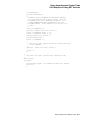
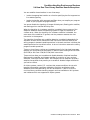
of time has passed. If you want to place a process in a wait state for a specified
period of time, specify an event flag number for the SYS$SETIMR service and
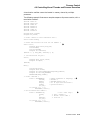
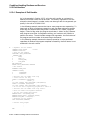
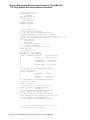
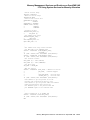
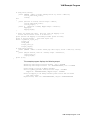
then use the Wait for Single Event Flag (SYS$WAITFR) system service, as shown
in the C example that follows:
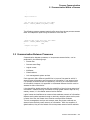
.
.
.
main() {
unsigned int status, daytim[1], efn=3;
6–24 Synchronizing Data Access and Program Operations