1
Page 138 of 153
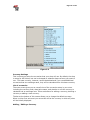
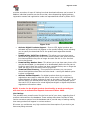
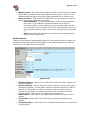
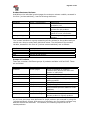
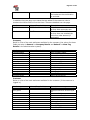
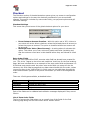
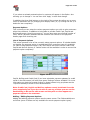
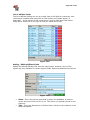
List of Affiliate Fields
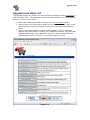
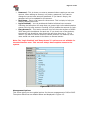
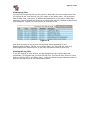
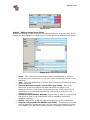
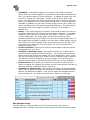
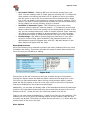
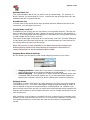
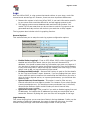
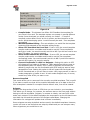
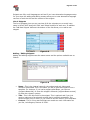
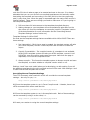
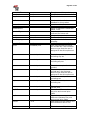
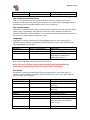
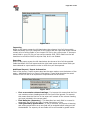
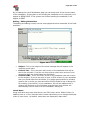
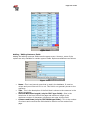
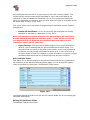
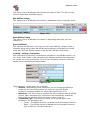
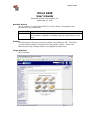
The list of affiliate fields gives you an overall view of the fields for customers, their
internal and viewable titles along with an ‘Edit’ button and ‘Delete’ button (if
applicable). At the bottom of this screen there is also an ‘Add New Field’ button
along with a select box for the type of field you would like to add.
Figure 14-6
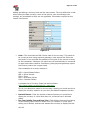
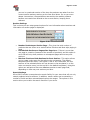
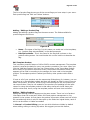
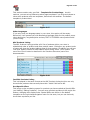
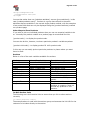
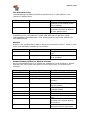
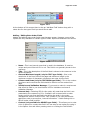
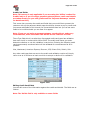
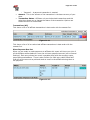
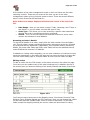
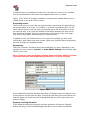
Adding / Editing Affiliate Fields
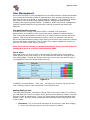
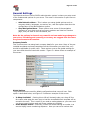
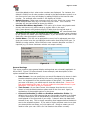
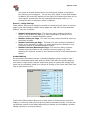
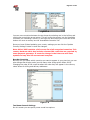
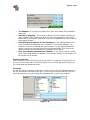
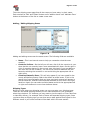
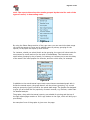
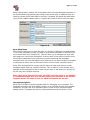
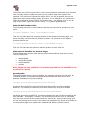
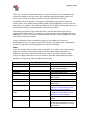
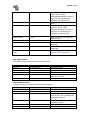
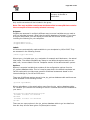
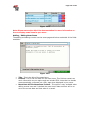
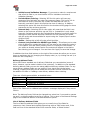
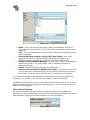
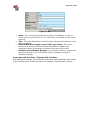
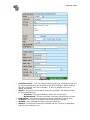
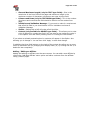
Adding and editing affiliate fields uses the same screen. However, some of the
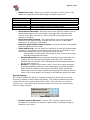
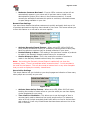
options are only available for certain types of fields. Options available are as follows:
Figure 14-7
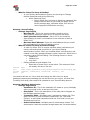
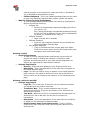
•
•
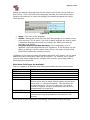
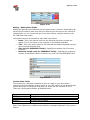
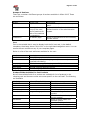
Name - This is an internal name that is used in the database. It must be
unique and you will be told if it is not. This field is not generally shown to the
customer.
Title - This is the description of the field that is shown to the customer in the
default templates.