1
Page 33 of 153
•
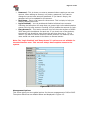
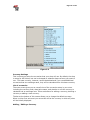
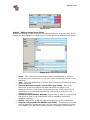
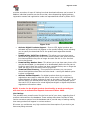
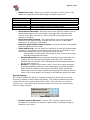
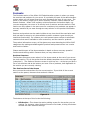
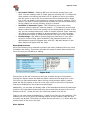
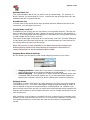
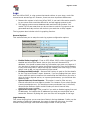
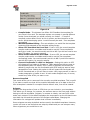
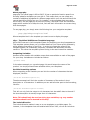
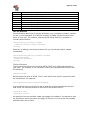
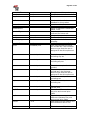
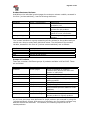
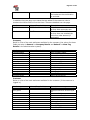
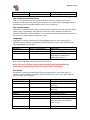
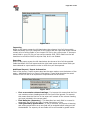
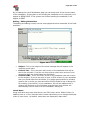
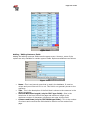
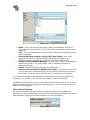
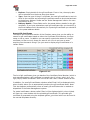
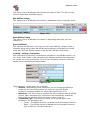
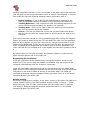
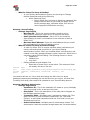
Basket Sort Order - Allows you to specify the order in which items in the
basket are displayed on the basket page. Available options are:
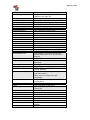
Type
Product Name
Product Code
Price (High to Low)
Price (Low to High)
Quantity
•
•
•
•
Description
Sort by the product name.
Sort by the product code.
Sort by the highest price to the lowest price.
Sort by the lowest price to the highest price.
Sort by quantity, with the highest quantity first.
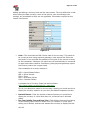
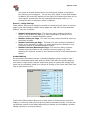
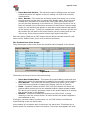
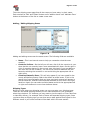
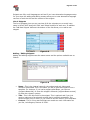
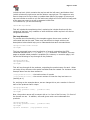
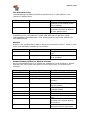
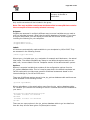
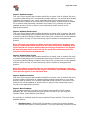
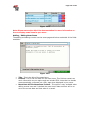
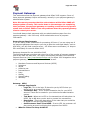
Show Basket After Add? - With this option set to YES the customer will be
automatically taken to the main basket / cart page after they add a new
product. Set to NO, the customer will be returned to the page they were
viewing (if possible).
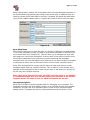
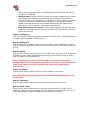
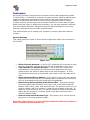
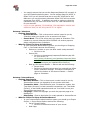
Show Associated Products - This option allows you to show associated
products on the basket screen. It selects from the full list of associated
products for all products in the basket.
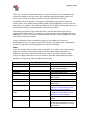
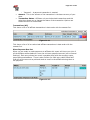
Maximum Associated Products to Show - Limits the number of associated
products selected to this number.
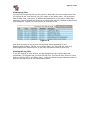
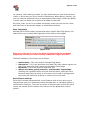
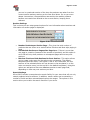
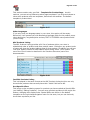
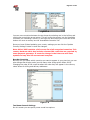
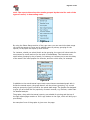
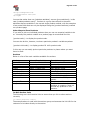
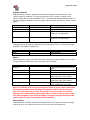
Select and Sort By - As you would not really wish to show all the associated
products for the products in the basket, this option lets you dictate how you
want them selected and sorted. The options are as follows:
Product Name, Product Code, Price (High to Low), Price (Low to High),
Associated Position and Random.
• Associated Position sorts and selects according to the positioning. For
instance, all those products that appear at the top of the associated
products lists for products will be selected before those appearing below
the top spot, and so on.
• Random is a special option that’s useful if you wish to show constantly
changing associated products on the basket page. By selecting random,
MCart 2005 will randomly choose one of the other Select and Sort By
options each time the page is loaded. By doing this the products, and the
order in which they appear, will change as the different options are used.
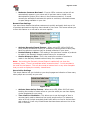
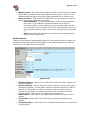
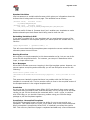
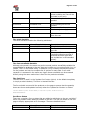
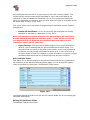
Review Settings
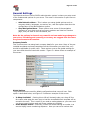
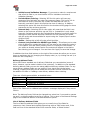
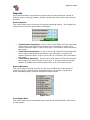
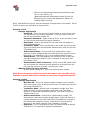
MCart 2005 includes the ability for registered customers (those with a customer
account) to be able to add reviews to products. This section provides some basic
options for the review system within MCart 2005. Each user can only review a
product once – the system does not allow multiple reviews for the same product
from the same customer.
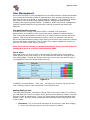
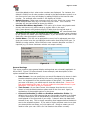
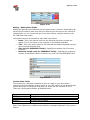
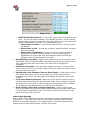
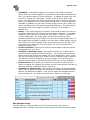
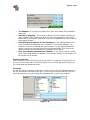
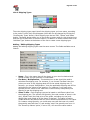
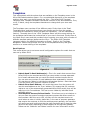
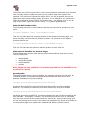
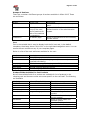
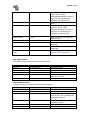
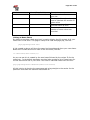
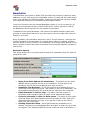
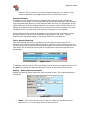
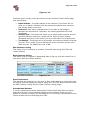
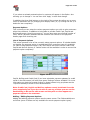
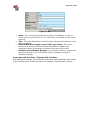
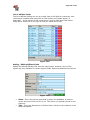
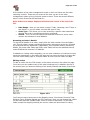
Figure 5-23
•
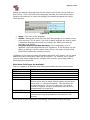
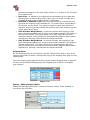
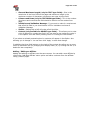
Enable Customer Reviews? - If set to YES, customer reviews will be
activated and customers will be able to add reviews (including a rating) to
products in your store.