1
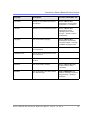
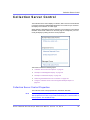
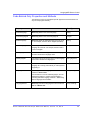
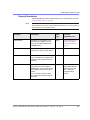
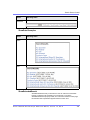
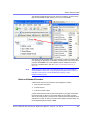
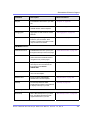
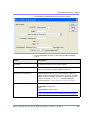
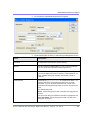
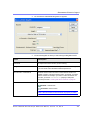
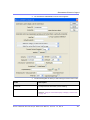
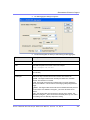
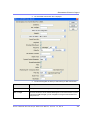
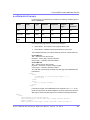
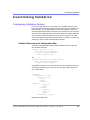
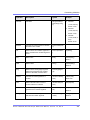
Dreamweaver Extension Support
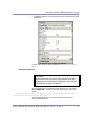
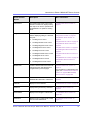
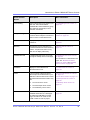
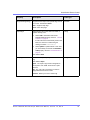
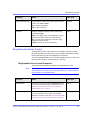
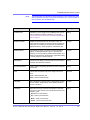
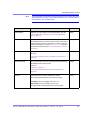
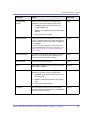
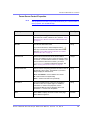
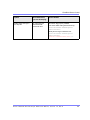
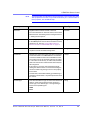
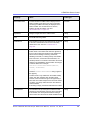
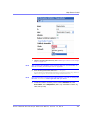
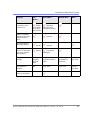
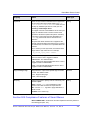
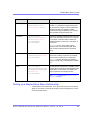
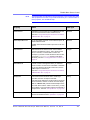
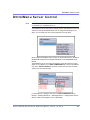
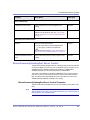
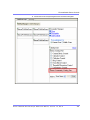
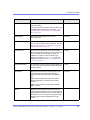
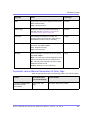
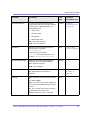
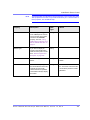
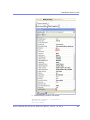
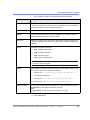
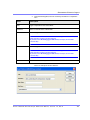
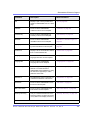
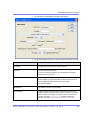
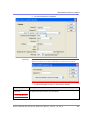
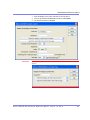
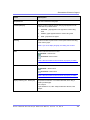
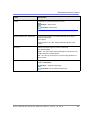
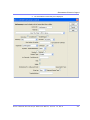
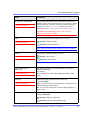
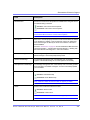
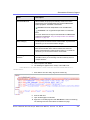
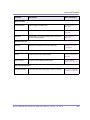
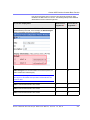
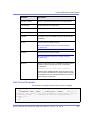
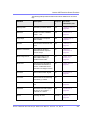
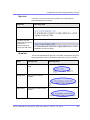
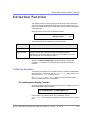
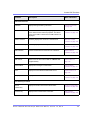
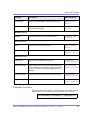
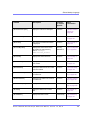
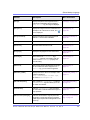
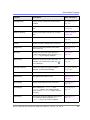
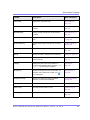
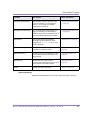
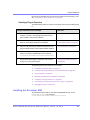
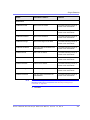
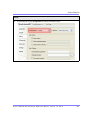
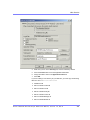
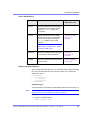
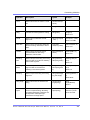
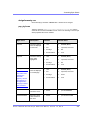
Field
Description
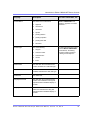
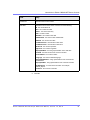
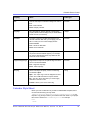
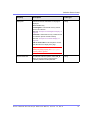
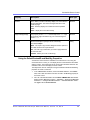
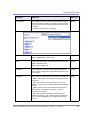
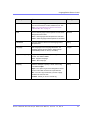
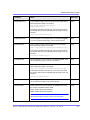
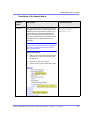
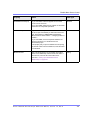
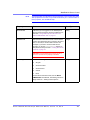
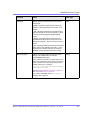
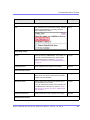
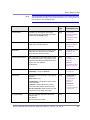
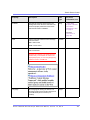
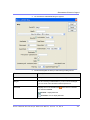
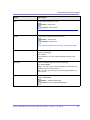
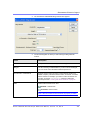
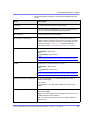
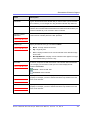
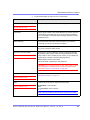
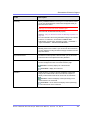
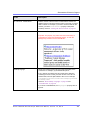
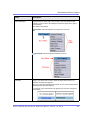
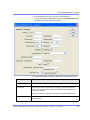
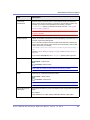
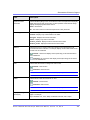
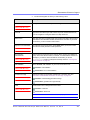
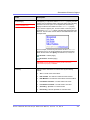
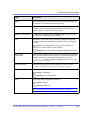
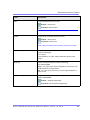
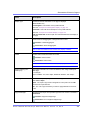
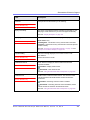
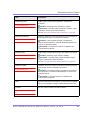
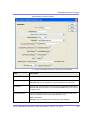
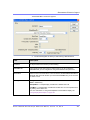
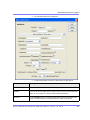
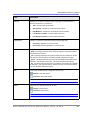
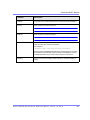
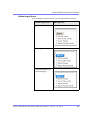
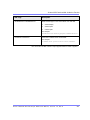
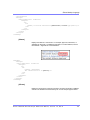
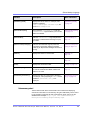
Wrap Tag
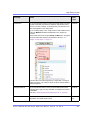
Allows a developer to specify a server control’s tag.
The default is Span.
Span - The <span> tag is used to designate an in-line portion of an HTML
document as a span element.
Div - The <div> tag is used when you want to apply attributes to a block of
code.
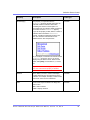
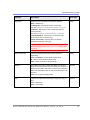
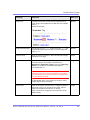
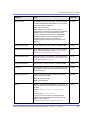
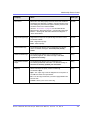
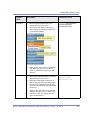
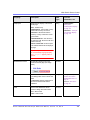
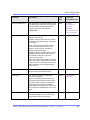
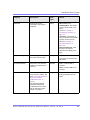
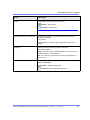
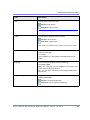
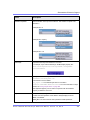
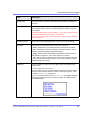
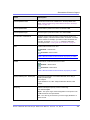
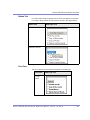
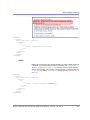
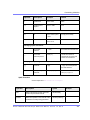
SuppressWrapper
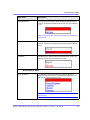
Suppresses the output of the span/div tags around the control. The default is
Unchecked.
Checked = Suppress wrapper tags
Unchecked = Do not suppress wrapper tags
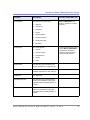
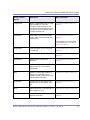
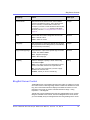
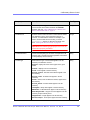
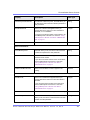
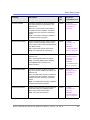
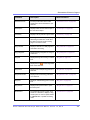
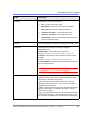
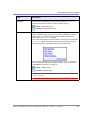
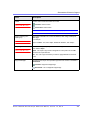
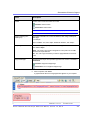
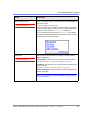
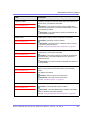
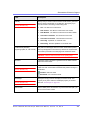
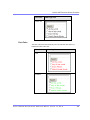
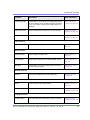
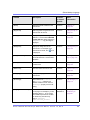
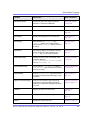
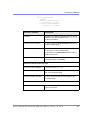
Visible
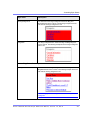
Used to show or hide the function at run time.
Checked = Show function
Unchecked = Hide function
Note: If Hide and Visible are both checked, the property is hidden.
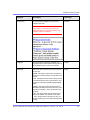
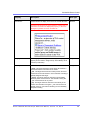
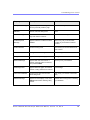
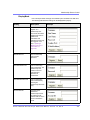
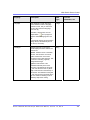
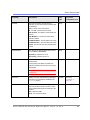
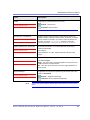
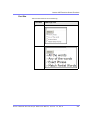
Hide
Used to hide the function at run time.
Checked = Hide function
Unchecked = Show function
Note: If Hide and Visible are both checked, the property is hidden.
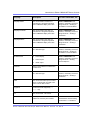
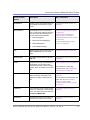
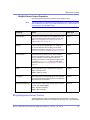
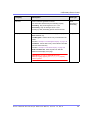
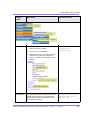
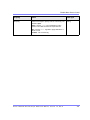
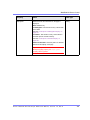
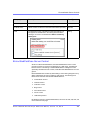
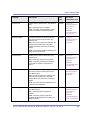
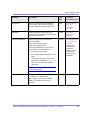
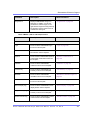
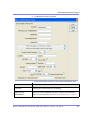
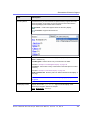
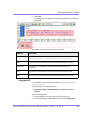
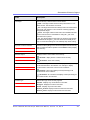
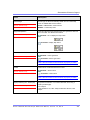
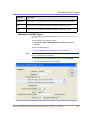
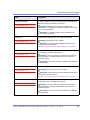
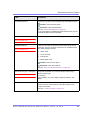
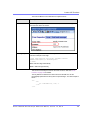
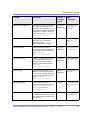
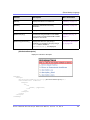
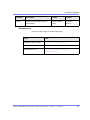
Style (Positioning Info GridLayout)
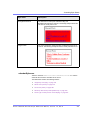
Set position information of a control as absolute, when using a GridLayout
Web page.
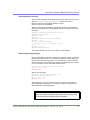
For example:
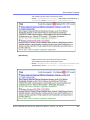
style="Z-INDEX: 101; LEFT: 328px; POSITION: absolute; TOP: 240px"
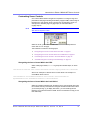
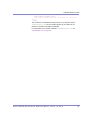
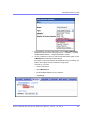
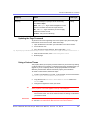
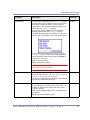
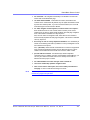
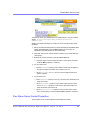
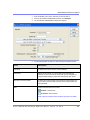
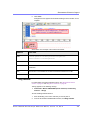
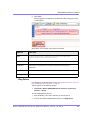
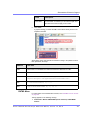
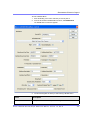
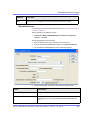
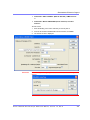
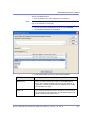
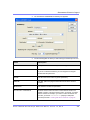
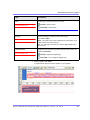
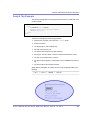
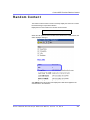
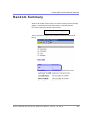
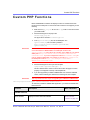
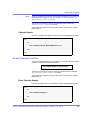
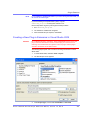
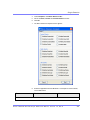
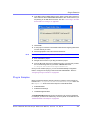
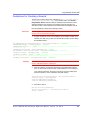
4.
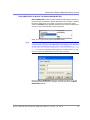
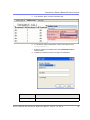
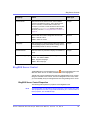
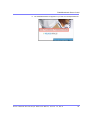
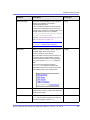
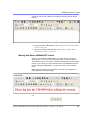
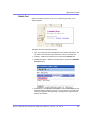
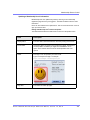
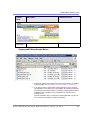
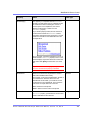
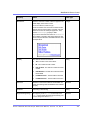
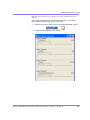
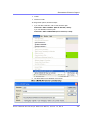
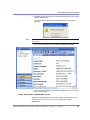
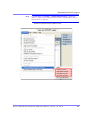
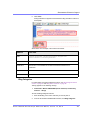
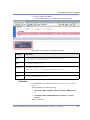
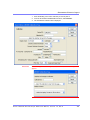
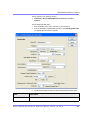
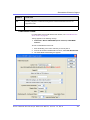
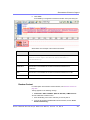
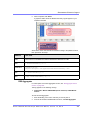
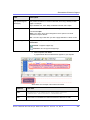
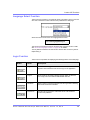
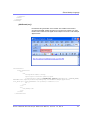
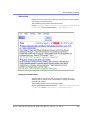
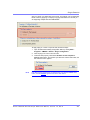
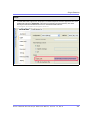
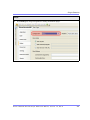
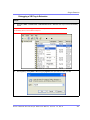
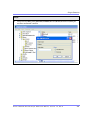
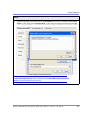
When completed, click insert.
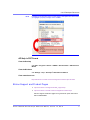
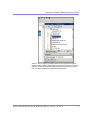
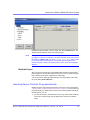
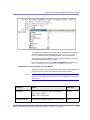
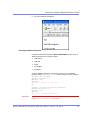
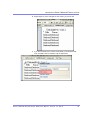
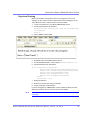
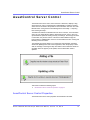
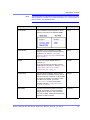
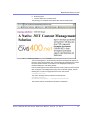
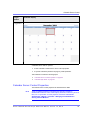
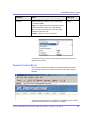
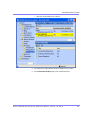
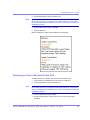
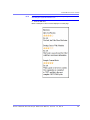
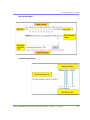
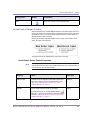
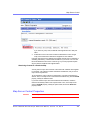
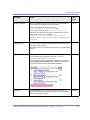
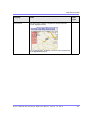
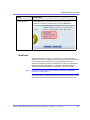
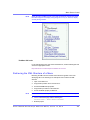
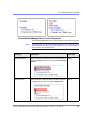
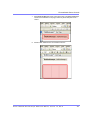
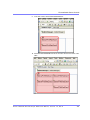
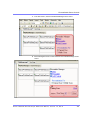
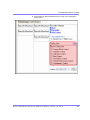
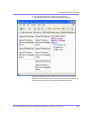
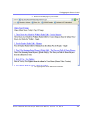
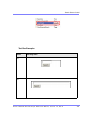
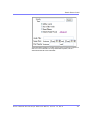
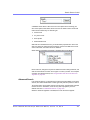
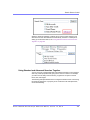
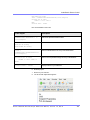
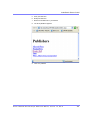
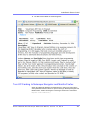
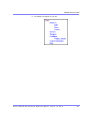
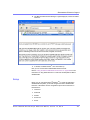
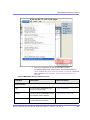
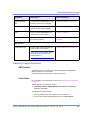
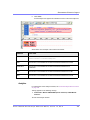
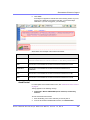
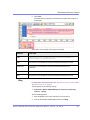
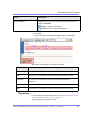
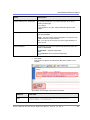
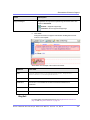
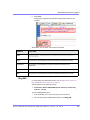
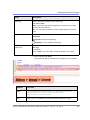
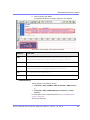
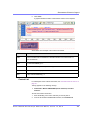
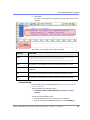
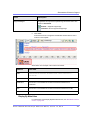
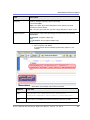
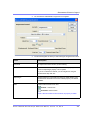
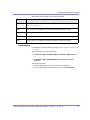
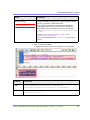
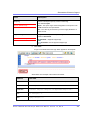
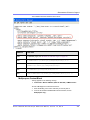
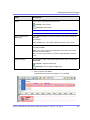
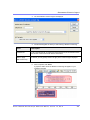
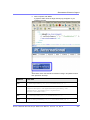
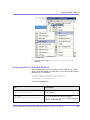
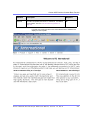
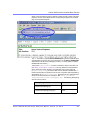
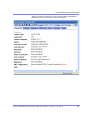
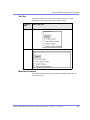
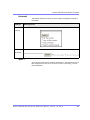
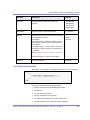
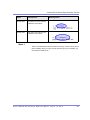
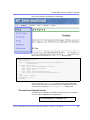
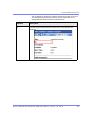
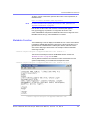
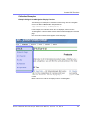
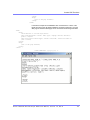
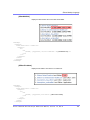
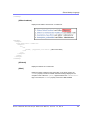
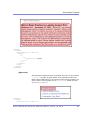
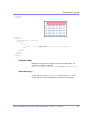
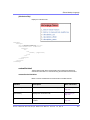
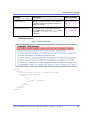
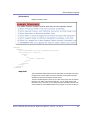
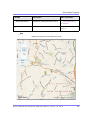
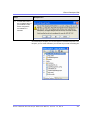
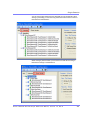
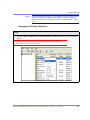
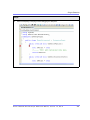
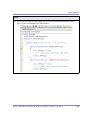
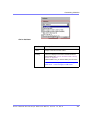
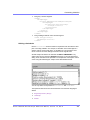
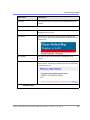
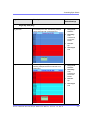
A graphic defines where the DHTML Menu appears on your template.
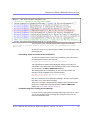
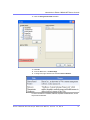
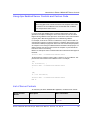
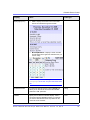
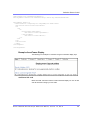
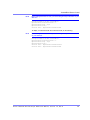
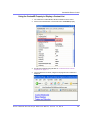
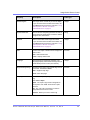
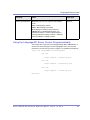
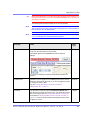
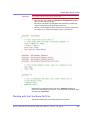
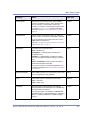
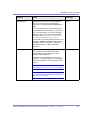
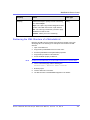
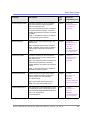
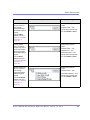
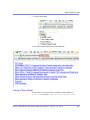
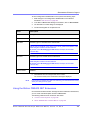
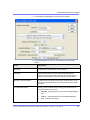
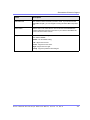
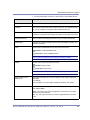
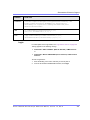
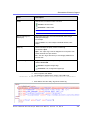
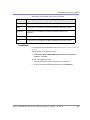
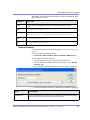
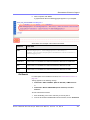
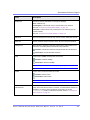
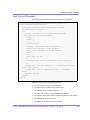
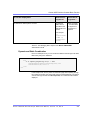
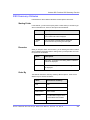
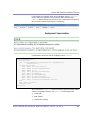
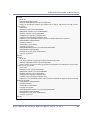
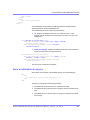
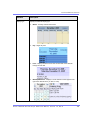
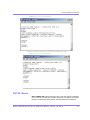
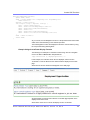
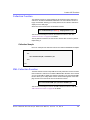
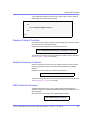
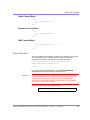
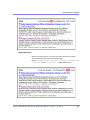
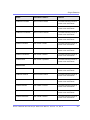
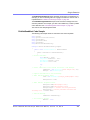
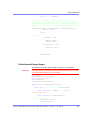
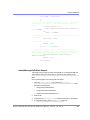
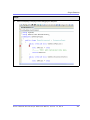
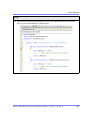
Shown below is an example of the code that is inserted:
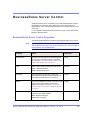
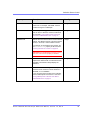
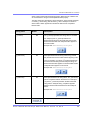
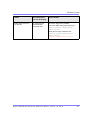
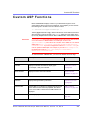
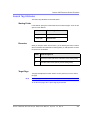
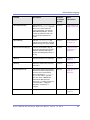
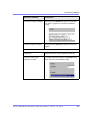
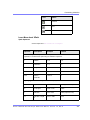
Platform
Code View
.NET
<cms:DhtmlMenu id="DhtmlMenu1" DefaultMenuID="16" ForeColor=""
runat="server"></cms:DhtmlMenu>
Ektron CMS40 0.NET Deve lope r Re fe re nce Manua l, Version 7.0, Rev 8
477