1
Custom ColdFusion Functions
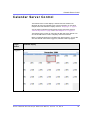
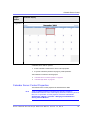
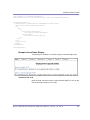
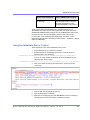
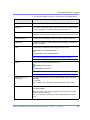
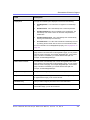
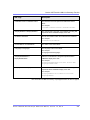
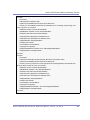
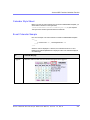
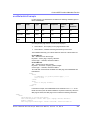
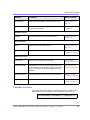
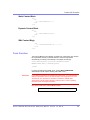
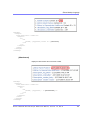
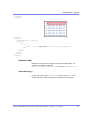
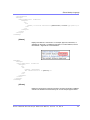
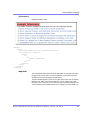
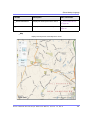
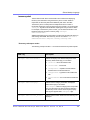
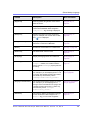
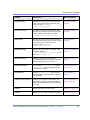
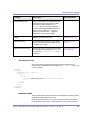
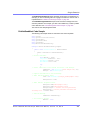
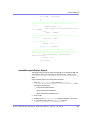
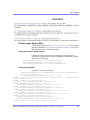
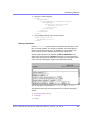
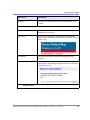
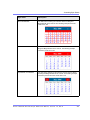
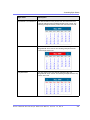
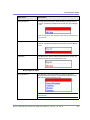
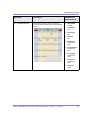
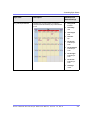
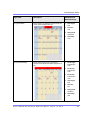
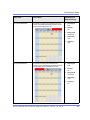
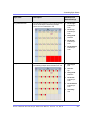
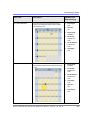
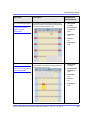
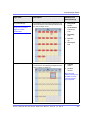
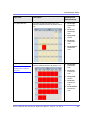
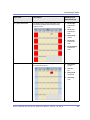
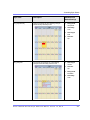
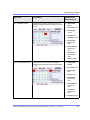
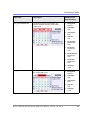
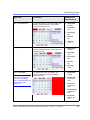
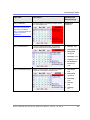
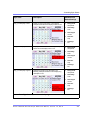
Here is a sample of the Event Calendar syntax.
Event Calendar Sample
<tr>
<td>
<CFModule template="#request.ecm.AppPath#ecmEvtCalendar.cfm" calendar_id="24"
DisplayType="monthupwithevent">
</td>
</tr>
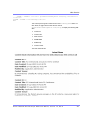
Form Function
The ecmFormBlock function displays an HTML form content block. For more
information about HTML forms, see the Ektron CMS400.NET Administrator
manual chapter “Working with HTML Forms.”
IMPORTANT!
If you create a template for an existing form content block, you must manually
change its quicklink to point to the new template. This change does not occur
automatically. This procedure is described in the Ektron CMS400.NET
Administrator manual chapter “Managing Library Assets”, section “Updating
Default Template for Multiple Quicklinks.”
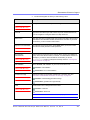
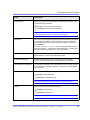
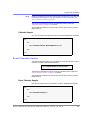
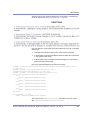
Here is the format for the form custom function
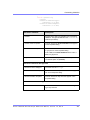
<CFMODULE template="#request.ecm.AppPath#ecmFormBlock.cfm" ID="" >
This function is basically the same as the Form function in ASP. See ”Form
Function” on page 678 for details.
The only difference between the Coldfusion function and the ASP one is the
syntax for implementing it. The ColdFusion example is below.
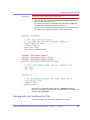
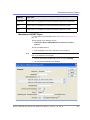
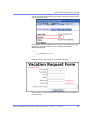
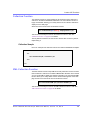
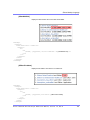
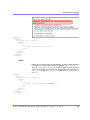
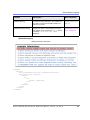
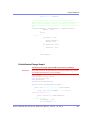
Here is an example of a form content block in an Ektron CMS400.NET template.
<tr>
<td>
<CFModule template="#request.ecm.AppPath#ecmFormBlock" form_id="1">
</td>
</tr>
MultiPurpose Function
The ecmMultiPurpose function displays either a content block or an content block
associated with a form. As a result, you can use one template to display both
types of content block.
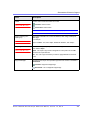
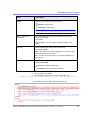
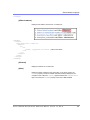
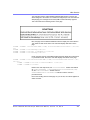
Here is the format for the Multipurpose function
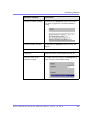
<CFMODULE template="#request.ecm.AppPath#ecmMultiPurpose.cfm"
DefaultID="" >
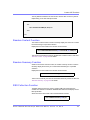
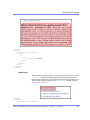
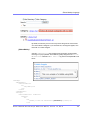
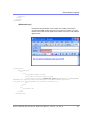
To pass in a standard content block, pass the id value in the url parameter, as
illustrated below.
http://localhost/cms400Min/index.asp?id=2
Ektron CMS40 0.NET Deve lope r Re fe re nce Manua l, Version 7.0, Rev 8
709