1
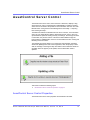
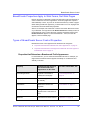
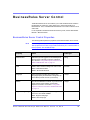
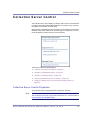
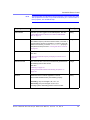
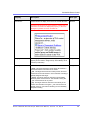
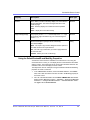
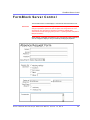
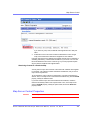
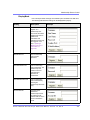
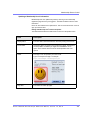
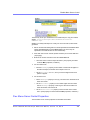
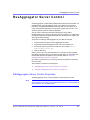
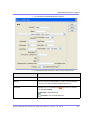
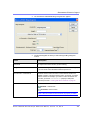
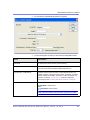
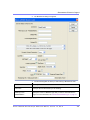
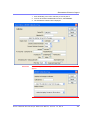
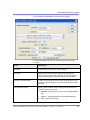
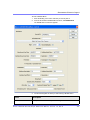
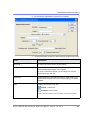
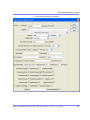
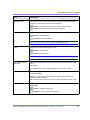
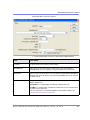
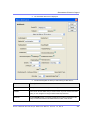
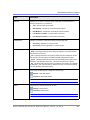
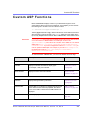
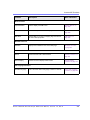
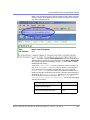
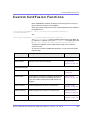
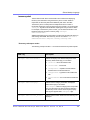
AssetControl Server Control
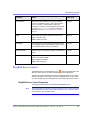
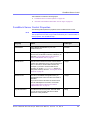
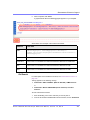
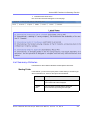
NOTE
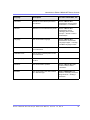
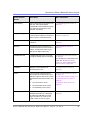
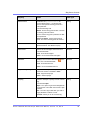
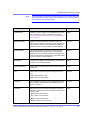
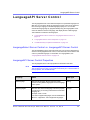
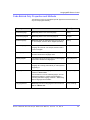
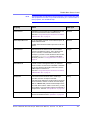
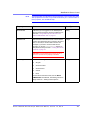
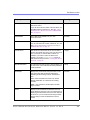
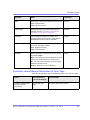
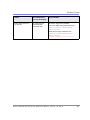
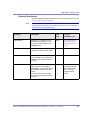
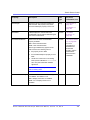
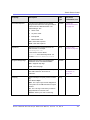
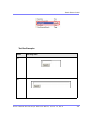
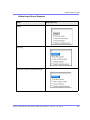
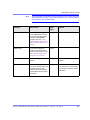
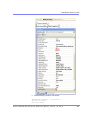
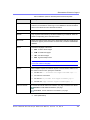
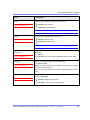
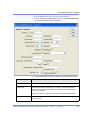
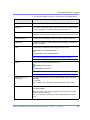
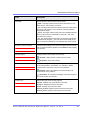
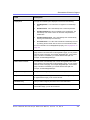
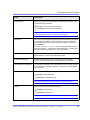
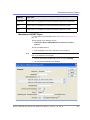
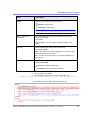
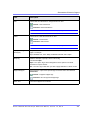
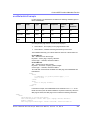
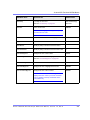
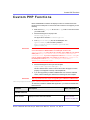
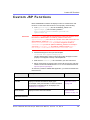
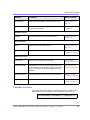
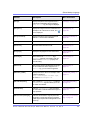
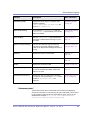
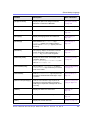
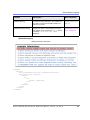
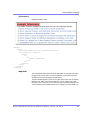
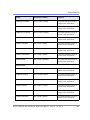
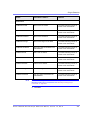
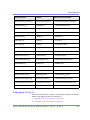
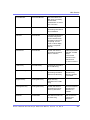
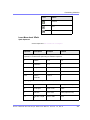
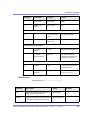
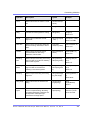
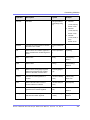
The following table only lists Ektron-specific properties. It does not describe native
.NET properties such as font, height, width and border style. For documentation of
these properties, see VisualStudio help.
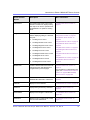
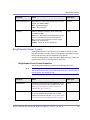
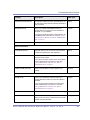
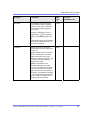
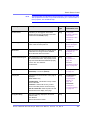
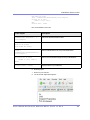
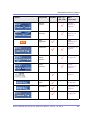
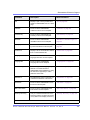
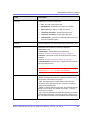
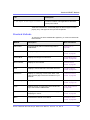
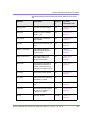
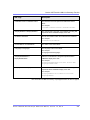
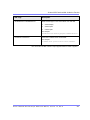
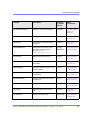
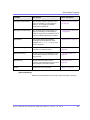
Property
Description
Data Type
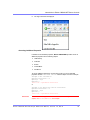
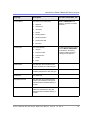
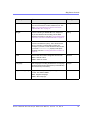
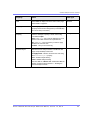
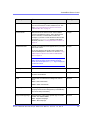
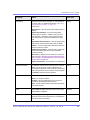
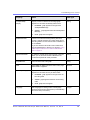
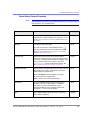
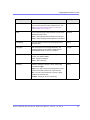
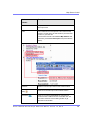
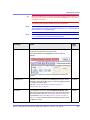
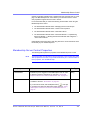
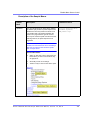
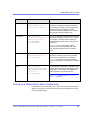
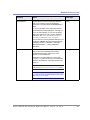
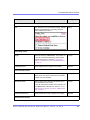
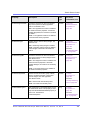
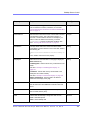
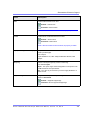
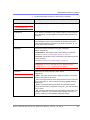
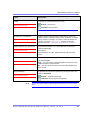
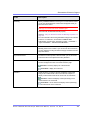
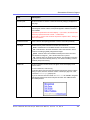
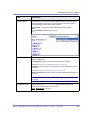
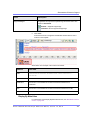
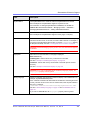
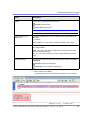
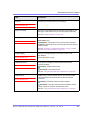
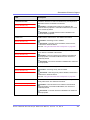
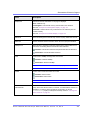
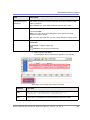
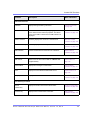
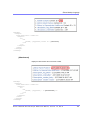
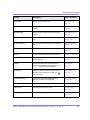
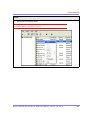
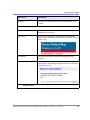
Authenticated
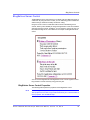
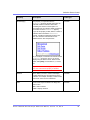
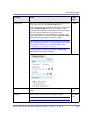
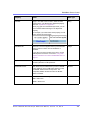
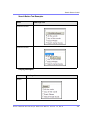
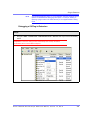
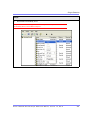
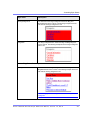
Indicates if you are logged in to the CMS Explorer
and can use it to browse to Content, Collections,
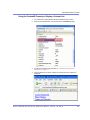
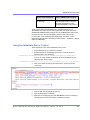
etc. See Also: ”Using CMS Explorer to Browse
Your Ektron CMS400.NET Site” on page 15
String
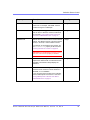
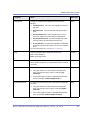
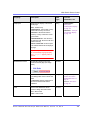
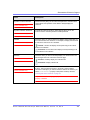
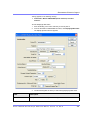
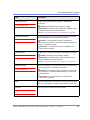
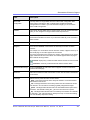
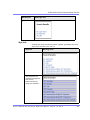
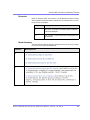
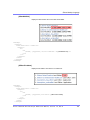
DefaultAssetID
The ID of the asset you want to update. This
property is used when the UploadType property is
set to Update. See Also: ”UploadType” on
page 53
Integer
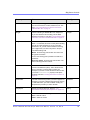
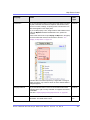
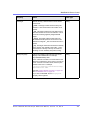
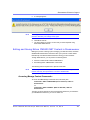
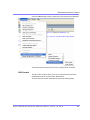
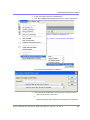
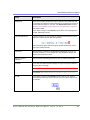
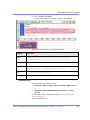
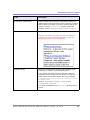
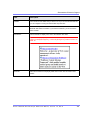
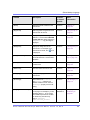
If you don’t know the ID number of the asset, use
the CMS Explorer to browse to it. See Also: ”Using
CMS Explorer to Browse Your Ektron
CMS400.NET Site” on page 15
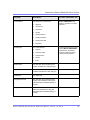
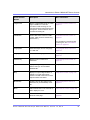
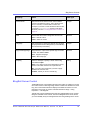
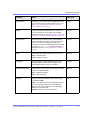
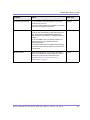
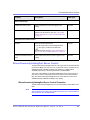
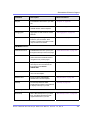
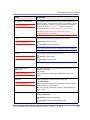
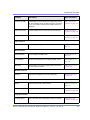
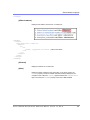
DefaultFolderID
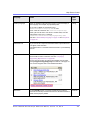
The ID of the folder where assets are added. This
property is used when the UploadType property is
set to Add. See Also: ”UploadType” on page 53
Integer
If you don’t know the ID number of the folder, use
the CMS Explorer to browse to it. See Also: ”Using
CMS Explorer to Browse Your Ektron
CMS400.NET Site” on page 15
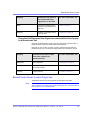
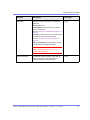
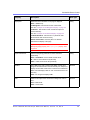
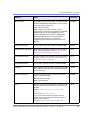
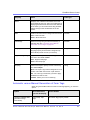
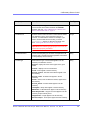
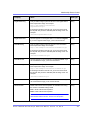
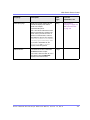
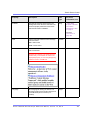
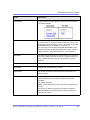
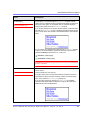
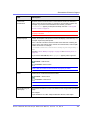
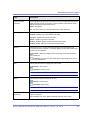
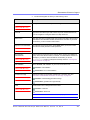
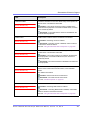
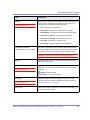
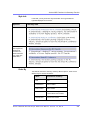
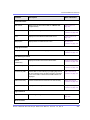
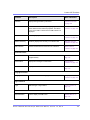
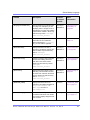
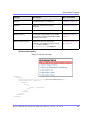
DynamicParameter
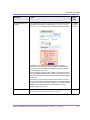
Gets or sets the Querystring parameter to read a
content ID or folder ID dynamically. The content ID
is read when the UploadType property is set to
Update. The folder ID is read when UploadType
property is set to Add. To use the default content
ID or default folder ID, leave blank.
String
See Also: ”UploadType” on page 53
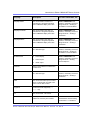
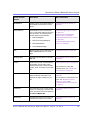
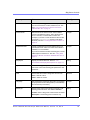
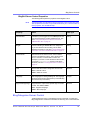
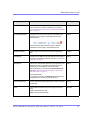
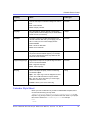
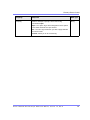
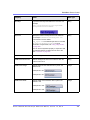
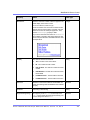
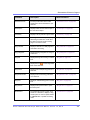
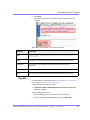
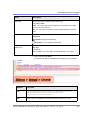
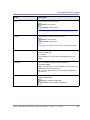
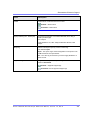
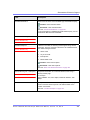
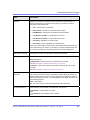
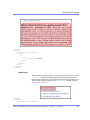
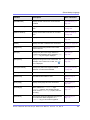
Hide
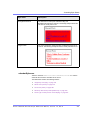
Used to hide output of AssetControl in design time
and run time.
Boolean
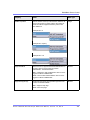
True = Hide AssetControl
False = Display AssetControl
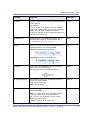
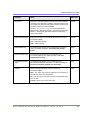
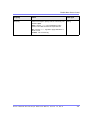
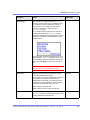
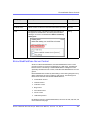
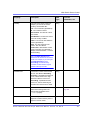
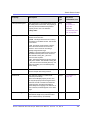
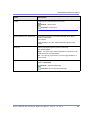
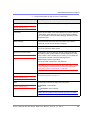
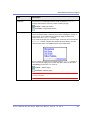
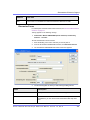
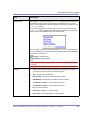
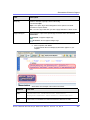
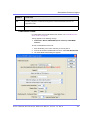
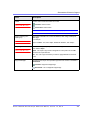
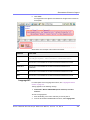
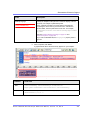
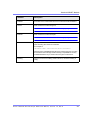
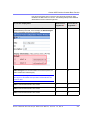
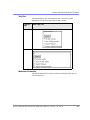
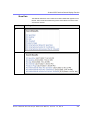
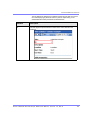
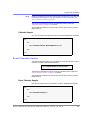
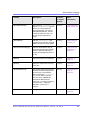
Language
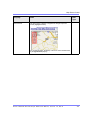
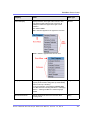
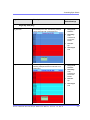
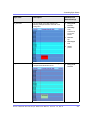
Set a language for viewing the collection. The
language property shows results in design-time (in
Visual Studio) and at run-time (in a browser).
Ektron CMS40 0.NET Deve lope r Re fe re nce Manua l, Version 7.0, Rev 8
Integer
52