1
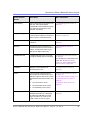
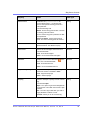
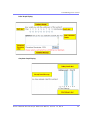
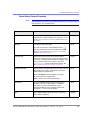
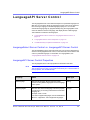
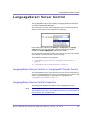
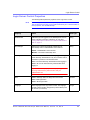
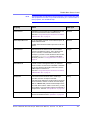
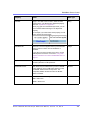
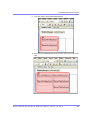
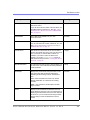
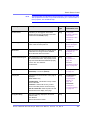
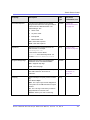
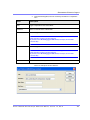
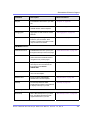
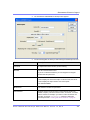
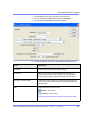
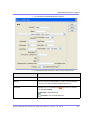
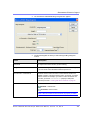
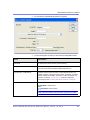
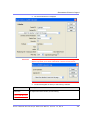
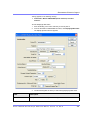
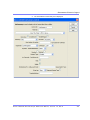
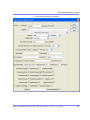
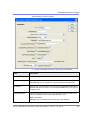
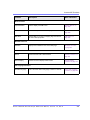
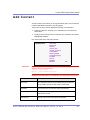
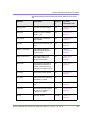
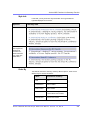
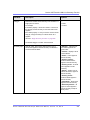
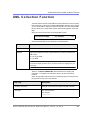
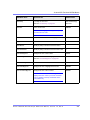
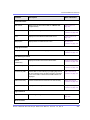
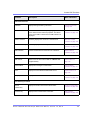
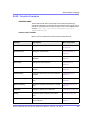
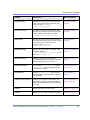
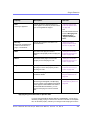
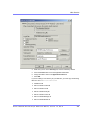
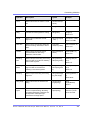
Dreamweaver Extension Support
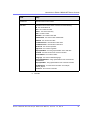
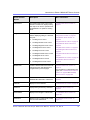
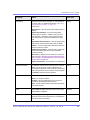
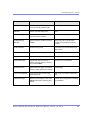
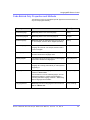
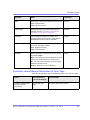
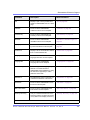
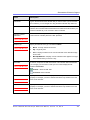
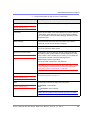
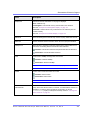
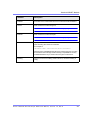
Field
Description
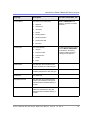
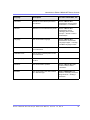
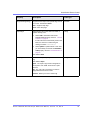
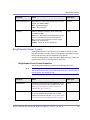
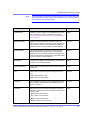
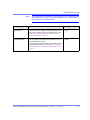
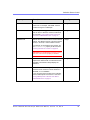
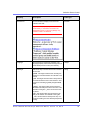
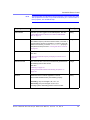
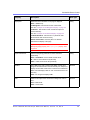
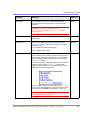
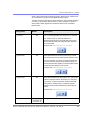
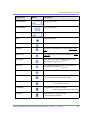
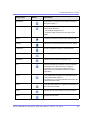
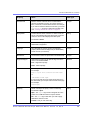
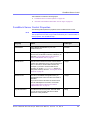
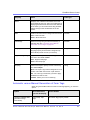
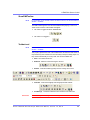
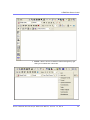
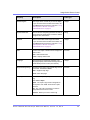
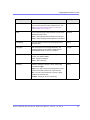
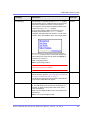
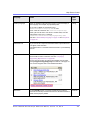
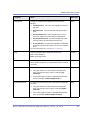
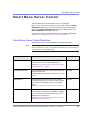
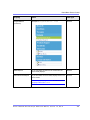
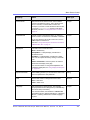
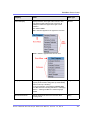
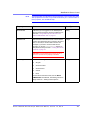
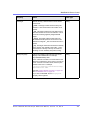
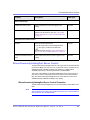
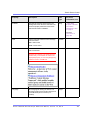
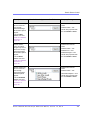
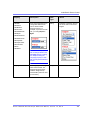
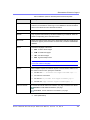
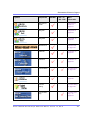
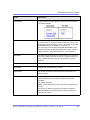
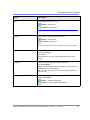
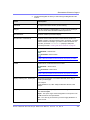
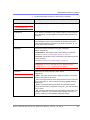
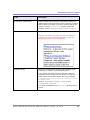
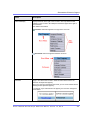
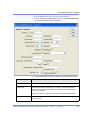
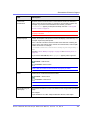
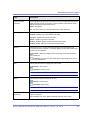
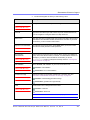
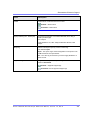
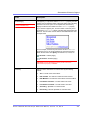
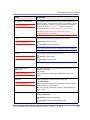
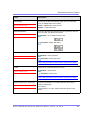
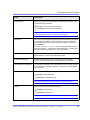
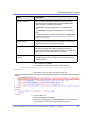
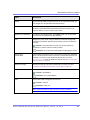
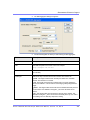
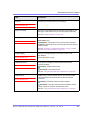
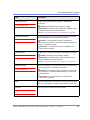
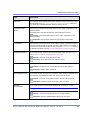
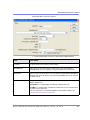
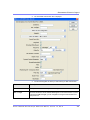
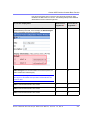
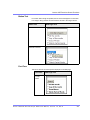
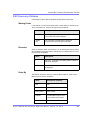
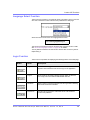
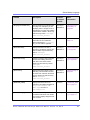
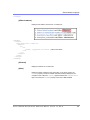
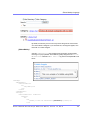
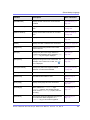
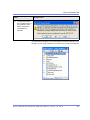
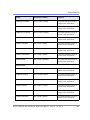
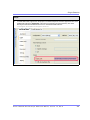
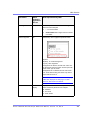
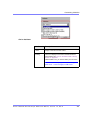
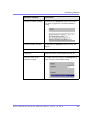
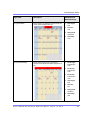
JavascriptEditorToolbar
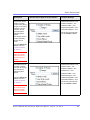
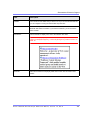
Decide which buttons are available in the Javascript Editor. See
Also: ”Adding and Removing Toolbar Buttons From the Javascript
Editor” on page 151
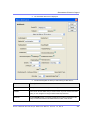
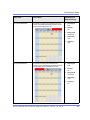
JavascriptEditorWidth
Set the width in pixels for the editor. The default is 625.
JavascriptEditorHeight
Set the height in pixels for the editor. The default is 400.
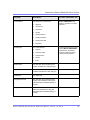
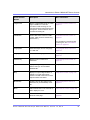
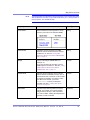
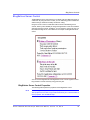
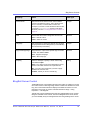
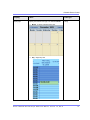
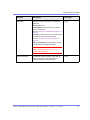
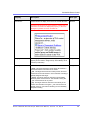
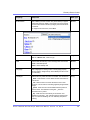
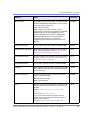
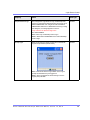
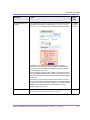
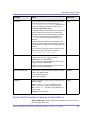
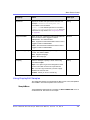
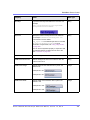
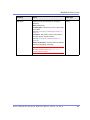
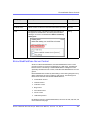
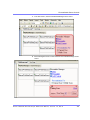
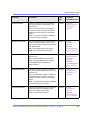
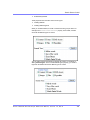
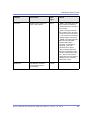
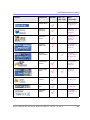
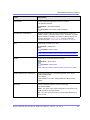
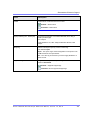
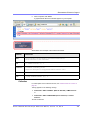
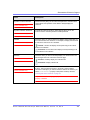
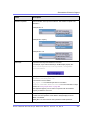
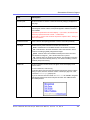
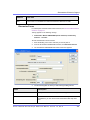
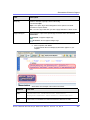
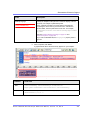
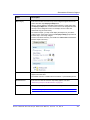
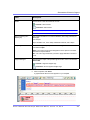
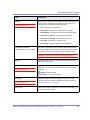
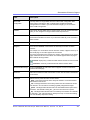
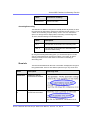
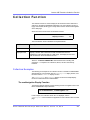
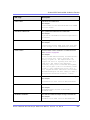
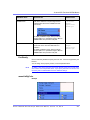
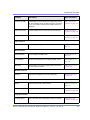
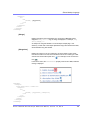
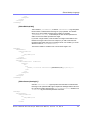
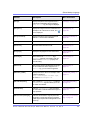
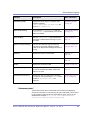
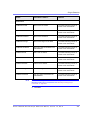
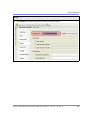
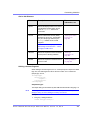
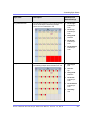
# of seconds - CacheInterval
Sets the amount of time the server control’s data is cached. The
default is 0 (zero). This is the amount of time, in seconds, a control’s
data is cached. For example, if you want to cache the data for five
minutes, you set the CacheInterval property to 300 (three
hundred). See Also: ”Caching with Server Controls” on page 42.
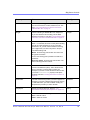
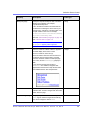
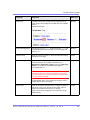
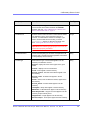
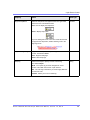
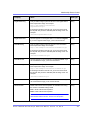
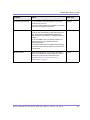
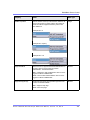
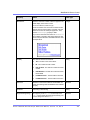
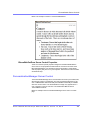
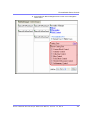
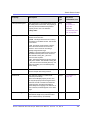
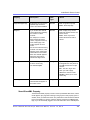
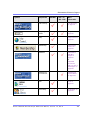
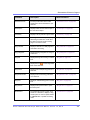
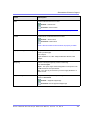
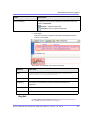
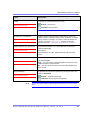
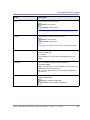
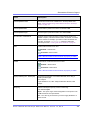
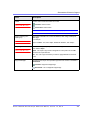
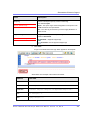
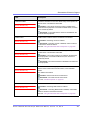
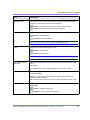
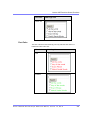
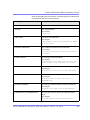
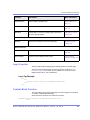
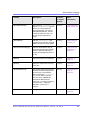
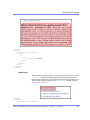
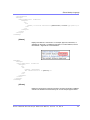
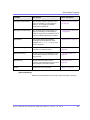
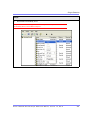
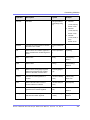
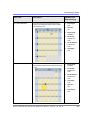
Hide
Used to hide a function at run time.
Checked = Hide function
Unchecked = Show function
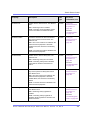
Note: If Hide and Visible are both checked, the property is hidden.
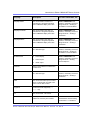
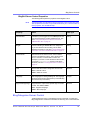
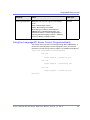
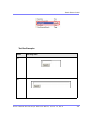
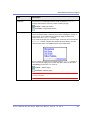
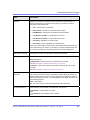
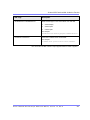
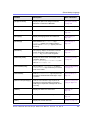
Visible
Used to show or hide the function at run time.
Checked = Show function
Unchecked = Hide function
Note: If Hide and Visible are both checked, the property is hidden.
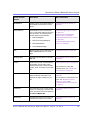
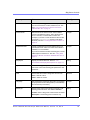
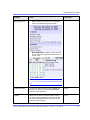
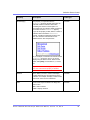
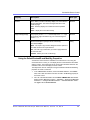
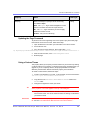
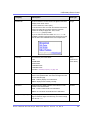
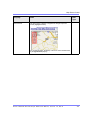
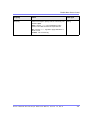
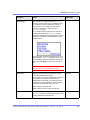
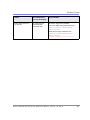
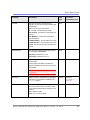
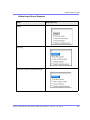
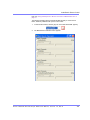
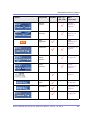
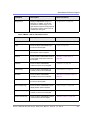
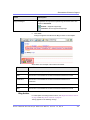
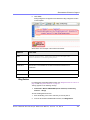
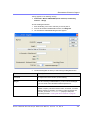
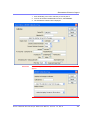
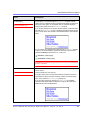
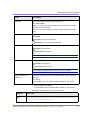
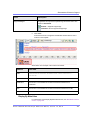
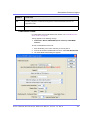
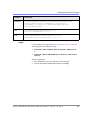
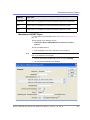
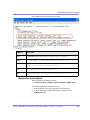
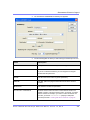
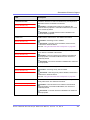
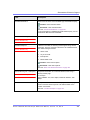
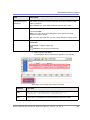
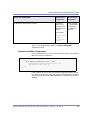
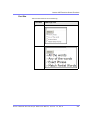
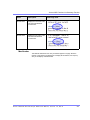
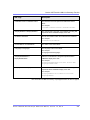
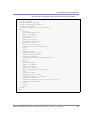
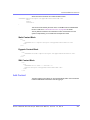
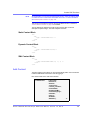
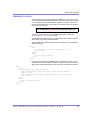
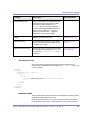
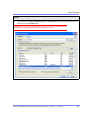
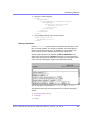
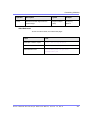
Style (Positioning Info - GridLayout)
Set position information of a control as absolute, when using a
GridLayout Web page.
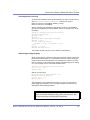
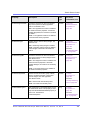
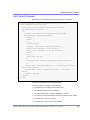
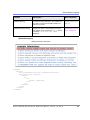
For example:
style="Z-INDEX: 101; LEFT: 328px; POSITION: absolute; TOP:
240px"
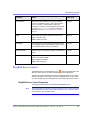
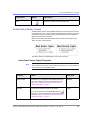
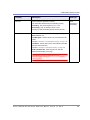
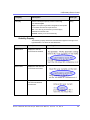
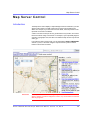
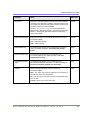
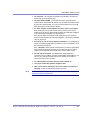
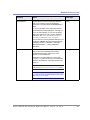
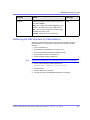
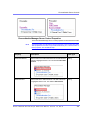
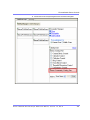
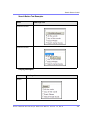
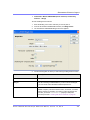
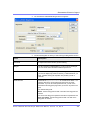
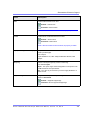
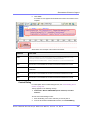
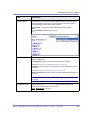
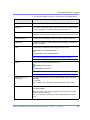
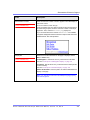
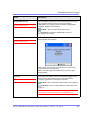
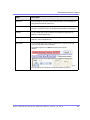
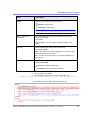
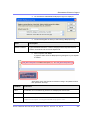
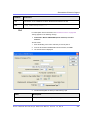
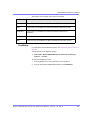
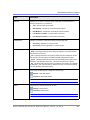
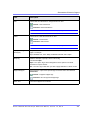
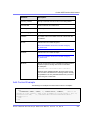
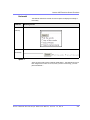
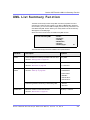
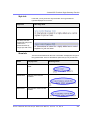
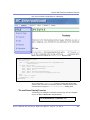
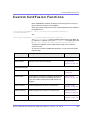
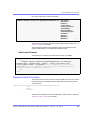
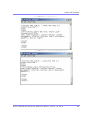
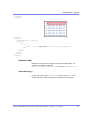
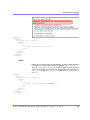
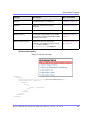
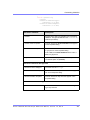
Wrap Tag
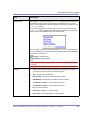
Allows a developer to specify a server control’s tag.
The default is Span.
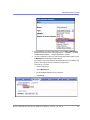
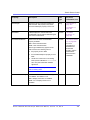
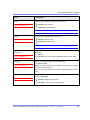
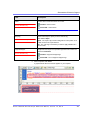
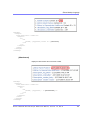
Span - The <span> tag is used to designate an in-line portion of an
HTML document as a span element.
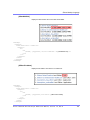
Div - The <div> tag is used when you want to apply attributes to a
block of code.
Ektron CMS40 0.NET Deve lope r Re fe re nce Manua l, Version 7.0, Rev 8
486