1
CHAPTER 13. 3D MOLECULE VIEWING
190
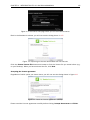
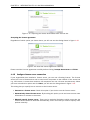
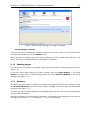
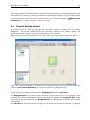
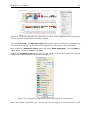
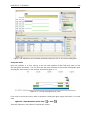
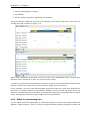
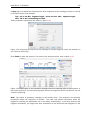
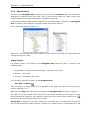
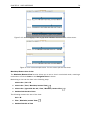
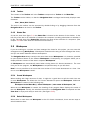
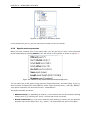
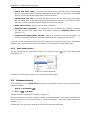
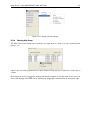
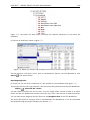
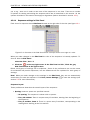
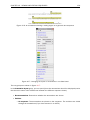
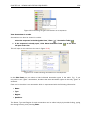
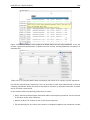
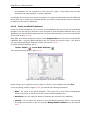
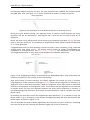
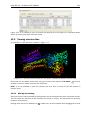
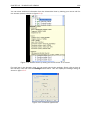
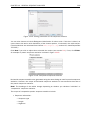
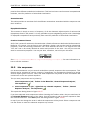
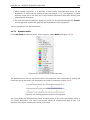
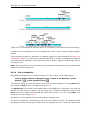
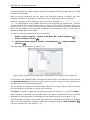
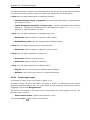
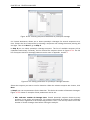
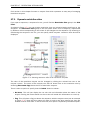
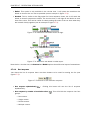
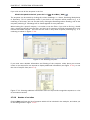
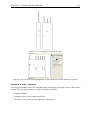
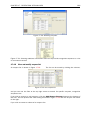
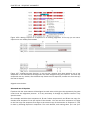
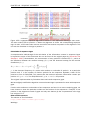
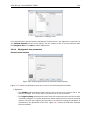
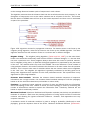
You can show additional information from the hierarchical view by holding your mouse still for
one second (see an example in figure 13.4).
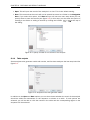
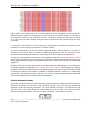
Figure 13.4: Details shown by holding the mouse cursor on a subunit.
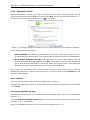
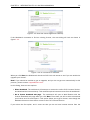
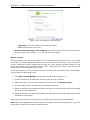
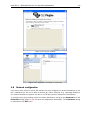
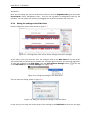
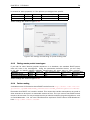
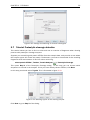
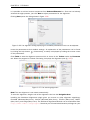
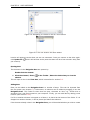
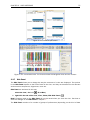
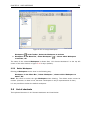
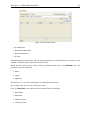
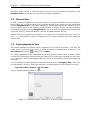
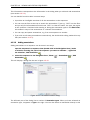
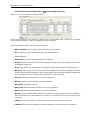
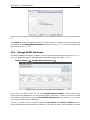
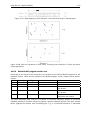
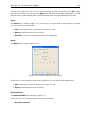
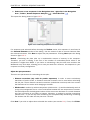
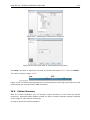
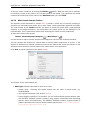
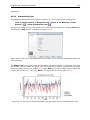
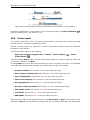
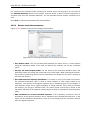
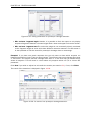
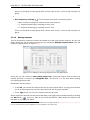
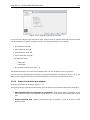
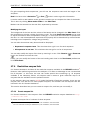
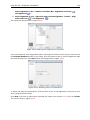
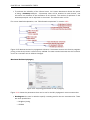
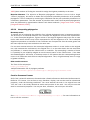
For each item in the hierarchy view, you can apply special view settings. Simply click an item in
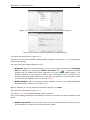
the hierarchy view and click the Settings button above. This will display the settings dialog as
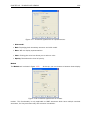
shown in figure 13.5.
Figure 13.5: Customize appearance.