1
Accessing the Program
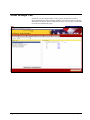
Logging On to InformationNOW Reporting Portal
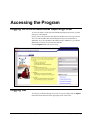
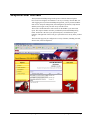
To access the features of the InformationNOW Reporting Portal system, you must
first log on to the program.
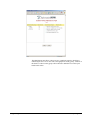
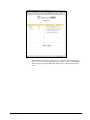
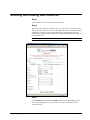
Choose your Location from the drop-down list and then enter your Logon ID and
Password. This should be the same ID and password you use in STIOffice or
STIDistrict. If you are a member of the Admin Group in STIDistrict, you will have
administrative security access to InformationNOW.
Click the Logon button when you are ready.
Logging Out
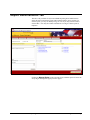
You may log out anytime during your session. To log out, simply click the logout
link located on the menu bar in the upper right corner of the screen.
Fall 2006 STI InformationNOW Reporting Portal
0919061810
Accessing the Program • 1