1
Setting Preferences
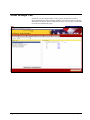
Preferences Screen
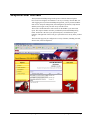
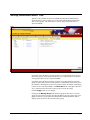
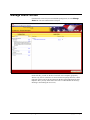
When you click the preferences link from the home page, the preferences page
will display, as shown below. From this page you may set up user information, select
theme options, assign code groups, set up report and alert preferences or allow and
restrict access to reports and alerts. These features are available within the
corresponding tabs onscreen.
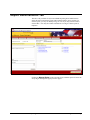
User Information Tab
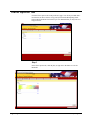
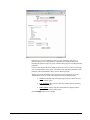
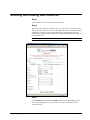
Here you may personalize your interaction with InformationNOW Reporting Portal.
You may enter your birth date and your e-mail address, and you may also select the
home page photo that appears when you log on. Click the Browse button and search
your hard drive for the photo you wish to select.
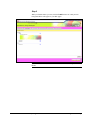
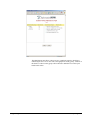
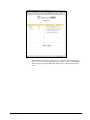
After you’ve entered the information, click the Apply button. The next time you log
on, you will see your changes.
Fall 2006 STI InformationNOW Reporting Portal
0919061810
Setting Preferences • 5