1
Chapter 7
Report Cards Report Writer
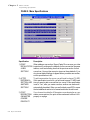
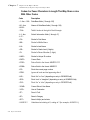
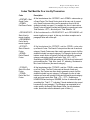
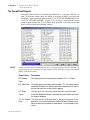
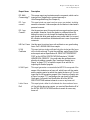
Report Card Codes
NOTE:
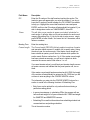
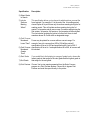
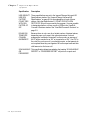
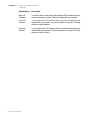
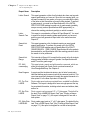
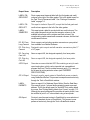
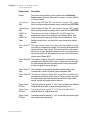
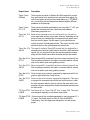
Code
Description
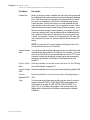
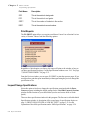
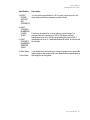
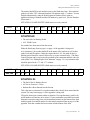
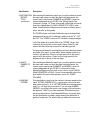
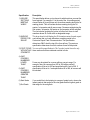
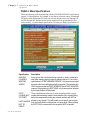
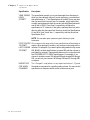
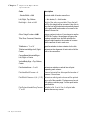
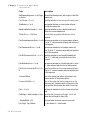
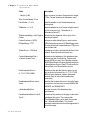
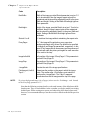
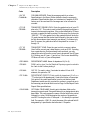
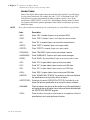
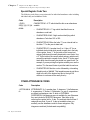
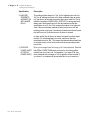
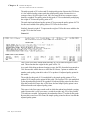
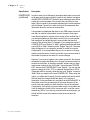
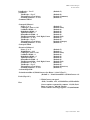
BoxWidth=
Width of the image, provided Stretch parameter is set as Y. If
not to be stretched, then the image’s aspect ratio will be
maintained and the size will be adjusted to best fit in the given
Width and Height. Setting of BoxWidth & BoxHeight ignores
Zoom parameter.
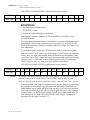
BoxHeight=
Height of the image, provided Stretch is set as Y. If not to be
stretched, then the image’s aspect ratio will be maintained
and the size will be adjusted to best fit in the given Width and
Height. Setting of BoxWidth & BoxHeight ignores Zoom
parameter.
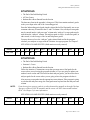
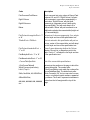
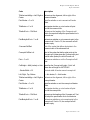
Stretch=Y or N
‘Y’ stretches the image without maintaining the aspect ratio.
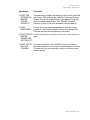
EveryPage=
If ‘Y’, this image will be printed on every page (as a
background image) with Left and Top positions as specified
in ImageLeft and ImageTop parameters, respectively. In this
case, a Print Image code is unnecessary and the presence of
the code will make the picture print again for each execution
of the code in the loop.
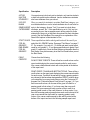
ImageLeft=##.#
Left position of the image if EveryPage=Y. This parameter is
ignored if EveryPage=N
ImageTop=
Top position of the image if EveryPage=Y. This parameter is
ignored if EveryPage=N.
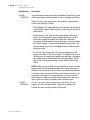
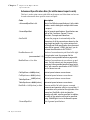
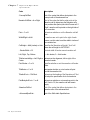
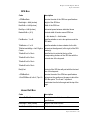
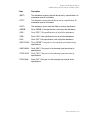
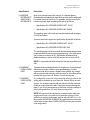
~ImageEnd~
Denotes the end of the image specifications.
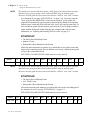
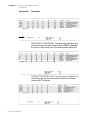
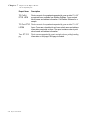
PrintImage=#, Left=X,
Top=Y~
Determines the position on the page in which the image
prints. The number after ~PrintImage= must match the
number after ~ImageStart=. The X and Y represent
coordinates from the left margin and the top of the page.
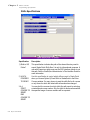
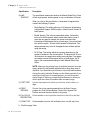
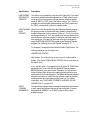
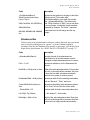
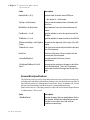
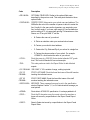
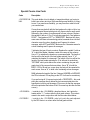
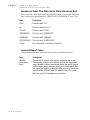
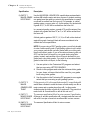
To print as background image (for all pages), do not use the ~PrintImage~ code. Instead,
set the EveryPage parameter to ‘Y’.
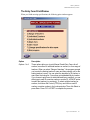
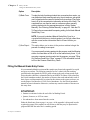
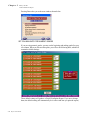
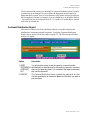
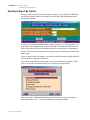
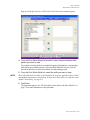
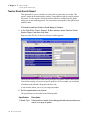
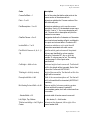
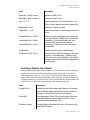
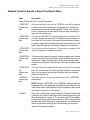
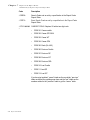
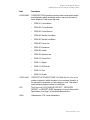
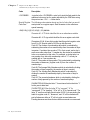
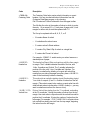
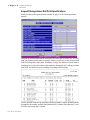
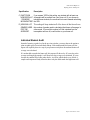
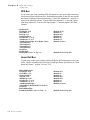
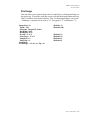
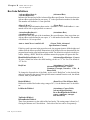
Note that the following sections describe codes used in many of the default non skillsbased reports. They are included here in the event that you need to modify an existing
default report. When creating new reports, and when using skills-based report cards,
however, it is recommended that you use the newer box codes described in the previous
section.
7-58
Report Cards Manual