1
Report Cards Report Writer
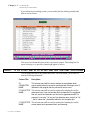
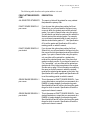
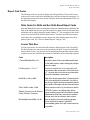
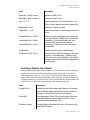
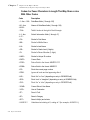
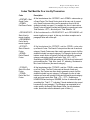
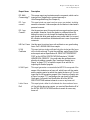
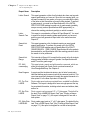
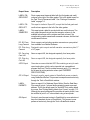
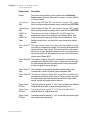
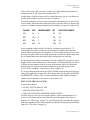
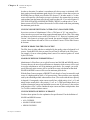
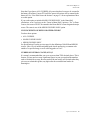
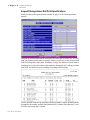
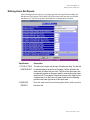
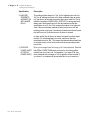
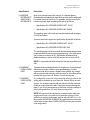
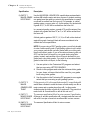
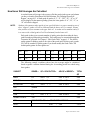
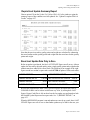
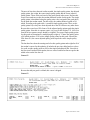
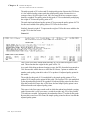
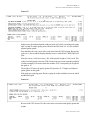
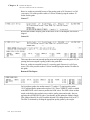
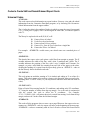
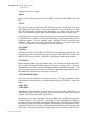
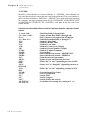
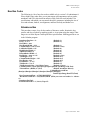
Standard Codes for Reports in Report Card Report Writer
Standard Codes for Reports in Report Card Report Writer
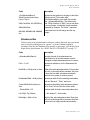
Code
Description
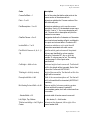
Codes That Must Be On a Line By Themselves:
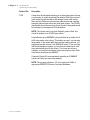
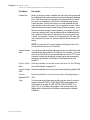
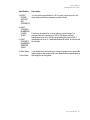
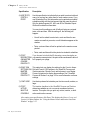
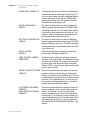
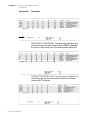
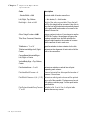
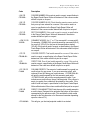
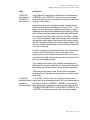
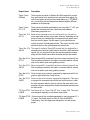
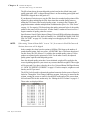
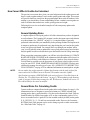
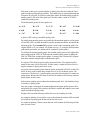
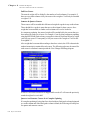
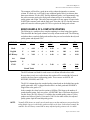
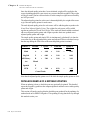
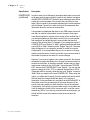
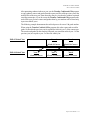
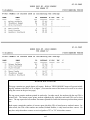
~CRSSTART1~ All lines between this code and the ~CRSEND~ code will be repeated
for each course that a student has. If a student has 11 courses, the
Course Loop
lines between these codes will be repeated 11 times, once for each
Start
course. There may be no more than 6 loops per report containing no
more than 30 lines per loop.
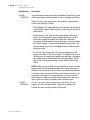
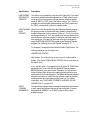
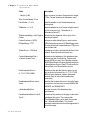
~CRSSTART2~ The same as CRSSTART1 except that space will be included for all 16
courses a student can have even if the student has fewer courses in
Course Loop
her course list. This is useful if you want the same number of lines to
Start
be used for each student no matter how many courses they have. This
code is used for transcripts so that each quadrant is the same size.
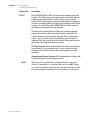
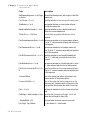
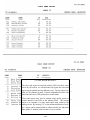
~CRSSTART3~ This course loop will hold space for 22 course lines, regardless of the
number of courses in a student’s course list.
Course Loop
Start
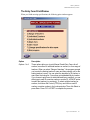
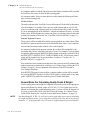
~CRSSTART4~ This course loop gauges the amount of space needed to print the next
course in the course loop so that the course information does not get
Course Loop
divided onto 2 pages. An ideal code to utilize when printing a report
Start
card with long comments, it will work only if the report contains a page
header.
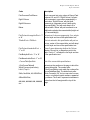
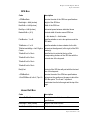
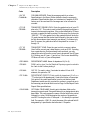
~CRSSTART5:
XX~
Course Loop
Start
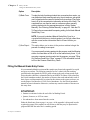
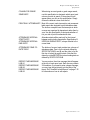
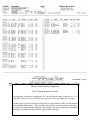
This course loop allows transcripts to contain more than 22 courses per
year. “XX” is the number of courses you want included in your course
loop. You may have to edit the report further to allow your selected
number of courses to fit.
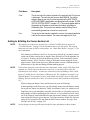
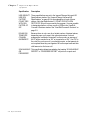
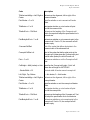
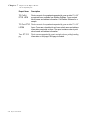
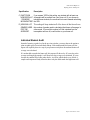
~CRSEND~
Course Loop
End
Defines the end of a course loop started by any of the ~CRSSTART~
codes above.
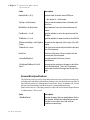
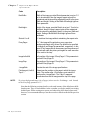
NOTE: Although ~CRRSTART~ and ~CRSEND~ codes are still used
in Administrator’s Plus and appear in default reports, the newer Course
Table codes can be used instead to print all or a portion of the courses
in a student’s course list in a box format.
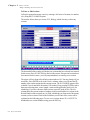
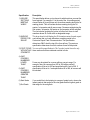
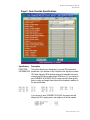
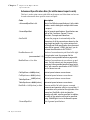
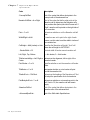
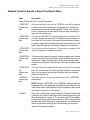
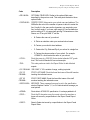
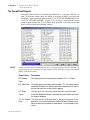
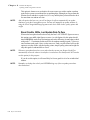
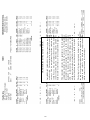
~NOPAD~
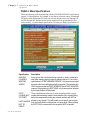
If this code is used, when a column defined in Customize Report Card
Columns is set in Report Cards Report Writer Specifications not to print
(See “Specifications” on page 7-13.), the column will NOT be padded.
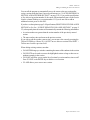
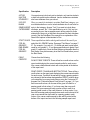
In other words, for permanent labels, if this is on, NOT printing columns
will allow your data to be printed on narrower labels. You usually do not
want this code when printing report cards because you want extra
space left for unprinted columns.
Report Cards Manual 7-59