1
St a t i s t i c a l R e p o r t s
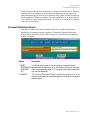
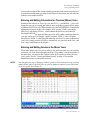
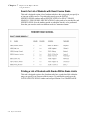
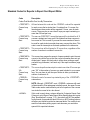
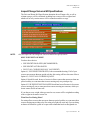
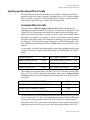
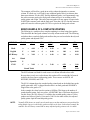
Defining Honor Roll Reports
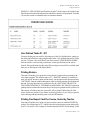
Defining Honor Roll Reports
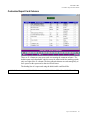
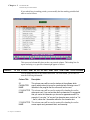
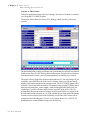
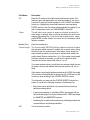
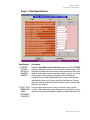
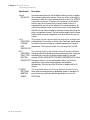
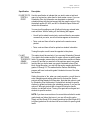
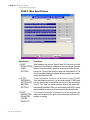
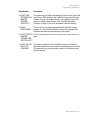
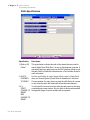
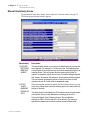
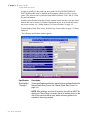
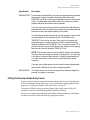
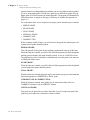
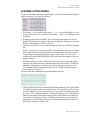
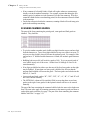
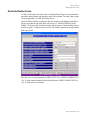
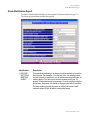
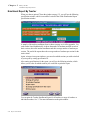
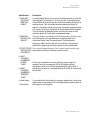
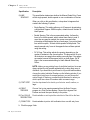
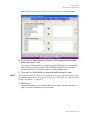
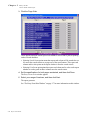
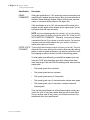
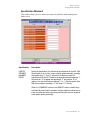
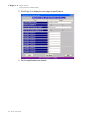
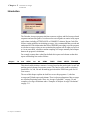
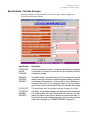
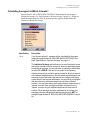
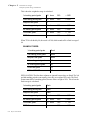
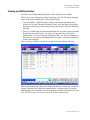
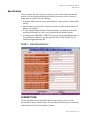
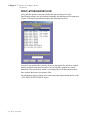
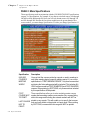
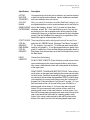
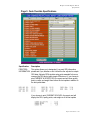
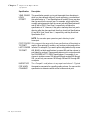
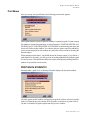
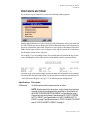
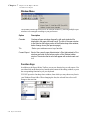
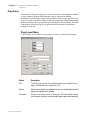
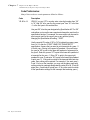
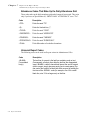
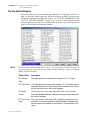
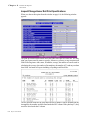
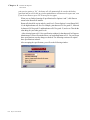
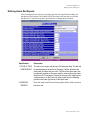
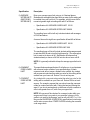
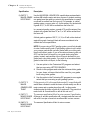
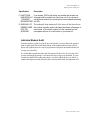
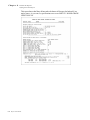
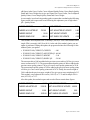
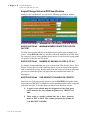
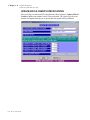
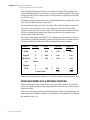
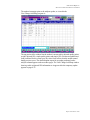
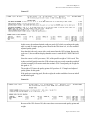
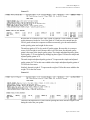
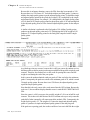
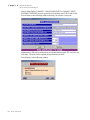
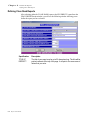
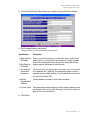
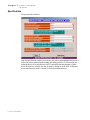
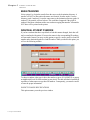
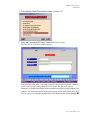
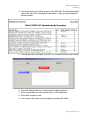
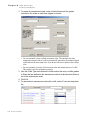
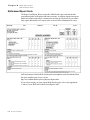
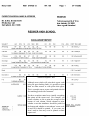
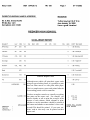
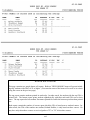
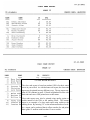
After selecting the honor roll you are going to generate, the specification window for
that honor roll will appear. The window will be the same as the last time you defined
that honor roll. You can accept these specifications or change them as desired:
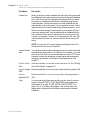
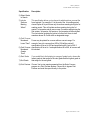
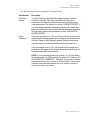
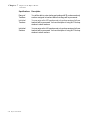
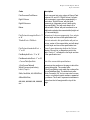
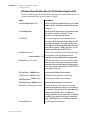
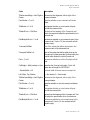
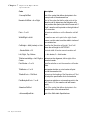
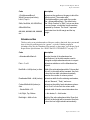
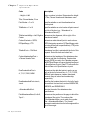
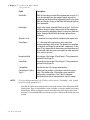
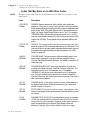
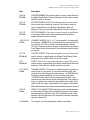
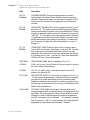
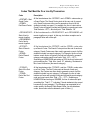
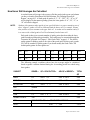
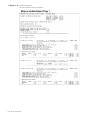
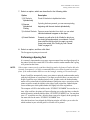
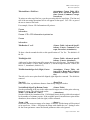
Specification
Description
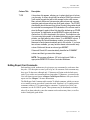
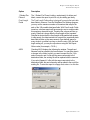
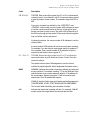
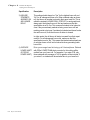
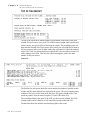
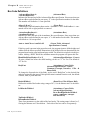
1) TITLE OF THIS
HONOR ROLL?
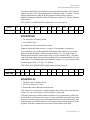
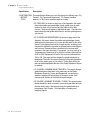
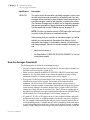
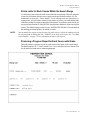
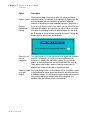
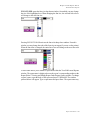
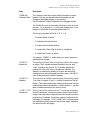
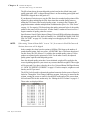
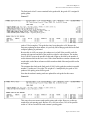
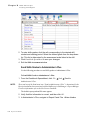
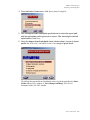
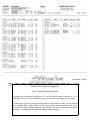
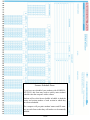
The title of your report may be up to 25 characters long. The title will
be printed centered at the top of the page. It will be printed in the
same case of letters that you enter. The title of the report may also
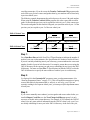
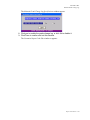
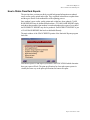
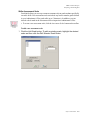
be optionally printed on the report card for each student who made
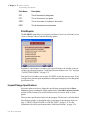
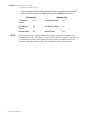
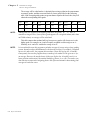
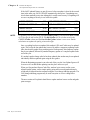
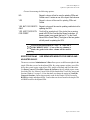
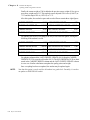
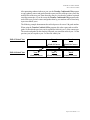
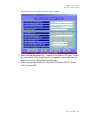
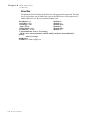
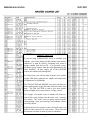
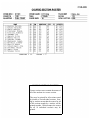
that honor roll. For example, if the title of an honor roll is High Honors,
a student who is on the honor roll report could have the following
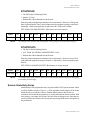
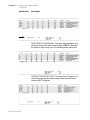
printed in the lower right corner of his report card:
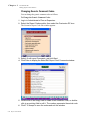
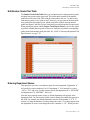
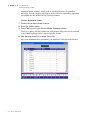
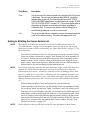
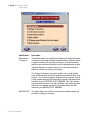
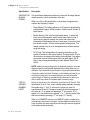
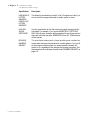
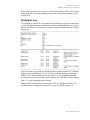
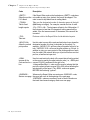
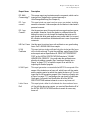
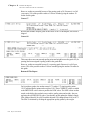
2) MARKING
PERIOD?
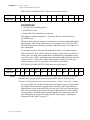
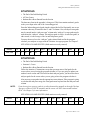
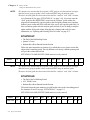
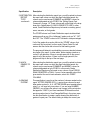
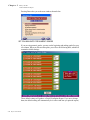
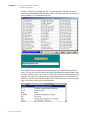
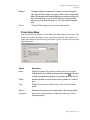
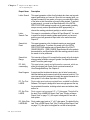
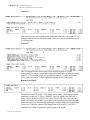
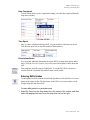
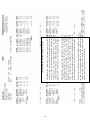
Enter the report card column whose grades will be used to produce
the honor roll.
Report Cards Manual 8-15