1
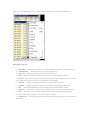
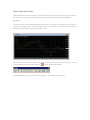
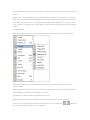
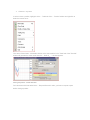
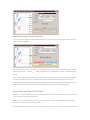
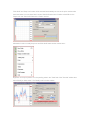
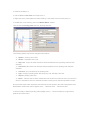
Request Execution Once you see the quote it remains dealable for several seconds: Once the "Buy" or "Sell" button is pressed and MetaTrader4 confirms the deal, you can consider your new long or short position open: The position is now listed in the ‘Trade' tab of the ‘Terminal' window. ‘Instant Execution' technology has many advantages over ‘Request Execution'. Instant Execution only takes a few seconds to deal compared to the ‘Request Execution' which can take up to 30-40 seconds (on the Demo Accounts all operations are made within seconds, as demo accounts are quoted automatically, whilst live accounts are quoted manually). In the case of ‘Request Execution', all quotes in the ‘Market Watch' window are indicative, so they may differ from those offered by the company for making a deal. Before you make a deal you can change its details in the ‘Order' window: Symbol - a currency pair or CFD you choose to make a deal. Volume - number of lots. Stop Loss - the level of Stop Loss order. Take Profit - the level of Take Profit order.