1
Drawing Tools - Description and Use
2.
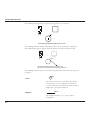
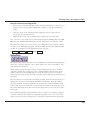
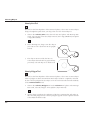
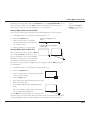
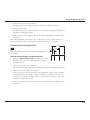
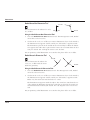
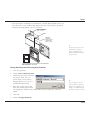
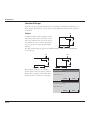
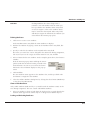
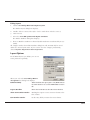
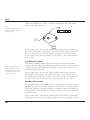
Click the first point on the circle.
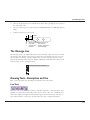
Notice that the Message Line displays the next step for using the tool.
3.
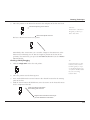
Drag or click the second and third points. (Dragging displays the rubberband
circle.)
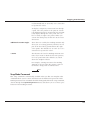
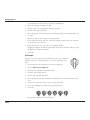
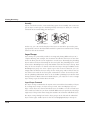
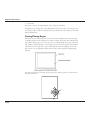
If you place any of the three points on an existing object, the circle is drawn
through that point. If you click an object while holding down the CTRL (Windows)
or OPTION (Macintosh) key, the circle is drawn tangent to the object rather than
through the indicated point. You may combine the placement of these points to create a circle through a specific point of one object and tangent to another object, or
a circle tangent to three objects, or any other combination.
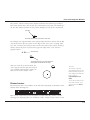
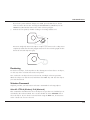
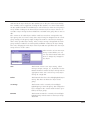
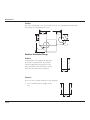
If you drag the first two points, a rubberband image guides your construction.
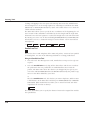
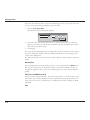
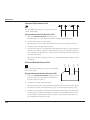
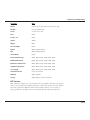
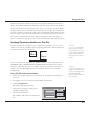
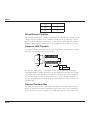
The Status Line indicates the X,Y coordinates for each of the three points.
X1
Y1
X2
Y2
X3
Y3
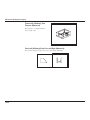
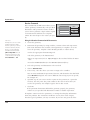
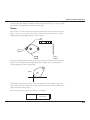
Tangent-Point Circle Tool
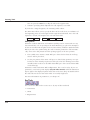
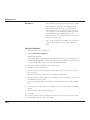
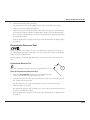
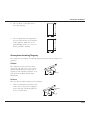
This tool, in the fourth subpalette of the main tool palette, draws a circle tangent to
the two objects you indicate.
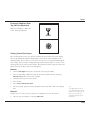
Using the Tangent Circle Tool
1.
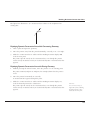
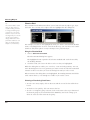
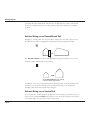
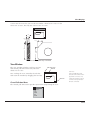
Select the tool. The Message Line reads, Tangent Circle: Enter diameter then
pick first tangent object.
2.
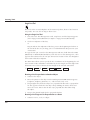
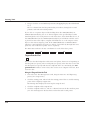
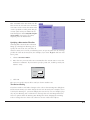
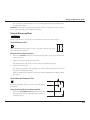
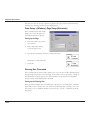
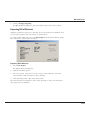
You can enter a diameter for the circle in the status field.
D .5
3.
Click the objects to which the circle is to be tangent.
Ellipse Tools
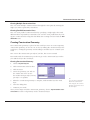
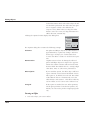
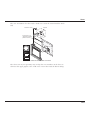
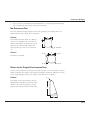
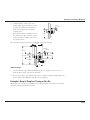
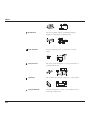
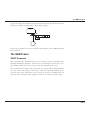
The Ellipse tools on the tool palette construct ellipses inscribed within an invisible
rectangle or parallelogram by any of four methods:
• 2-Point Center
• Opposite-Corner
7-17