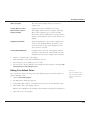
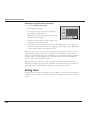
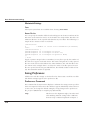
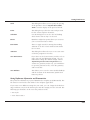
1
Selection Process
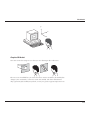
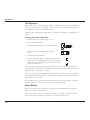
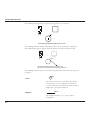
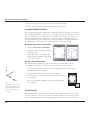
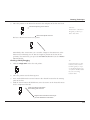
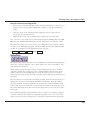
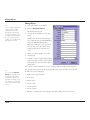
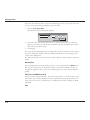
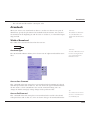
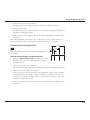
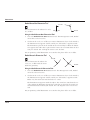
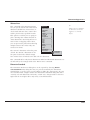
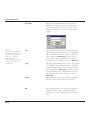
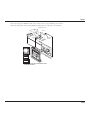
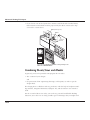
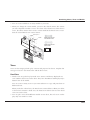
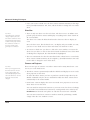
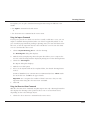
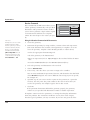
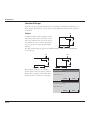
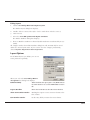
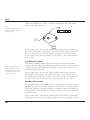
(which you can change with this setting). If you have a monochrome monitor,
selected objects blink.
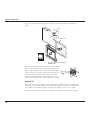
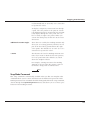
If you have a color monitor, you can also specify blinking with or without color.
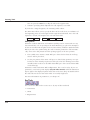
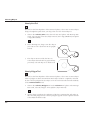
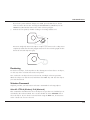
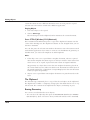
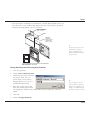
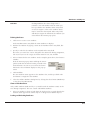
To choose a color, move the pointer to
the color box and click on the color
name to display the color list. Drag to the
color you want and release or click the
color. Once the selection color is
changed, all current and future selected
items appear in the new color.
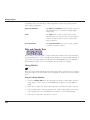
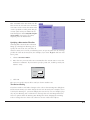
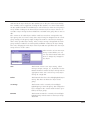
Selection
Show selection by:
Blinking
Color
Red
Cancel
OK
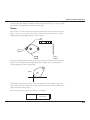
You shouldn't use black for indicating
selection because many of the standard pens use black lines.
Selection Process
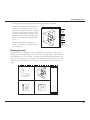
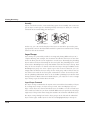
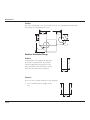
Selecting an object does not affect the properties of the object. A selected object
highlights, but this highlighting goes away once the object is deselected. While
points and objects are selected in a similar way, point selection is controlled by the
Selectable Points setting in the Edit menu. For this reason, selecting objects and
selecting points are discussed separately.
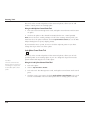
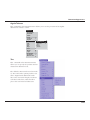
Graphite provides you with Selection tools and commands for selecting your
objects.
Selecting Tools
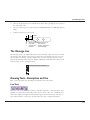
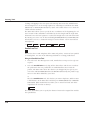
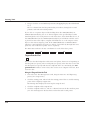
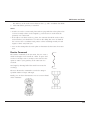
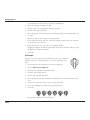
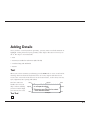
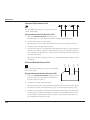
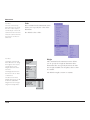
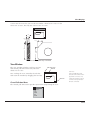
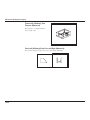
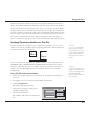
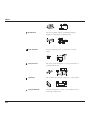
You have four selection tools, Selection, Tracer, Select by Line and Select by
Polygon.
Selection Tools
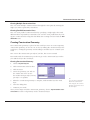
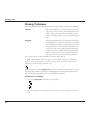
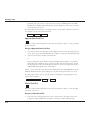
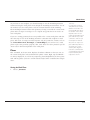
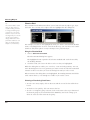
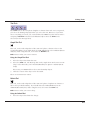
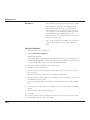
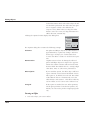
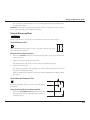
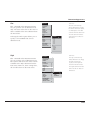
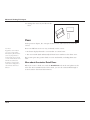
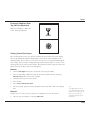
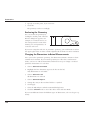
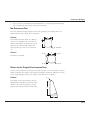
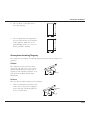
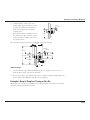
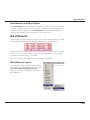
The Selection tool, in the first subpalette of the main tool palette, selects one or
more objects or points in the drawing area.
9-3