1
View Displays
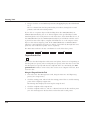
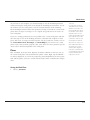
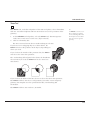
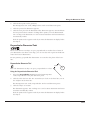
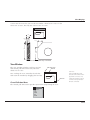
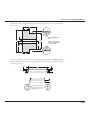
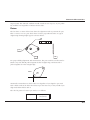
A view must be active for you to work in it. Either a detail view is active or the
sheet view is active, but only one can be active at a time.
4.12
2.95
1.25
1.35
1.204
7.23
2.253
2.249
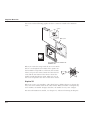
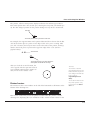
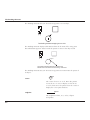
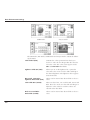
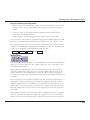
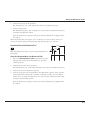
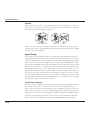
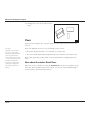
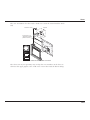
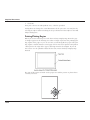
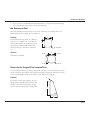
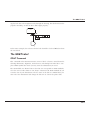
Dimensions and hatch pattern only on the sheet
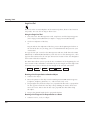
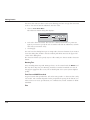
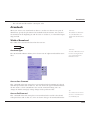
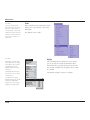
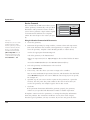
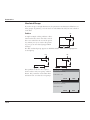
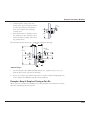
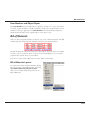
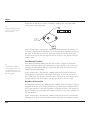
View Window
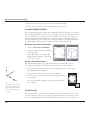
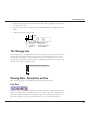
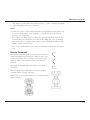
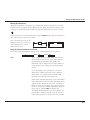
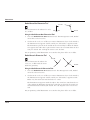
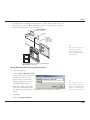
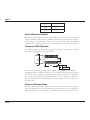
The view window includes a title bar, size box
and Control pull-down menu only when the
detail view is active.
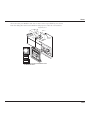
Pull down menu
Title bar
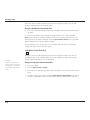
Tech Note:
You can drag the view around by the title bar
and resize the window by dragging the size box.
Size box
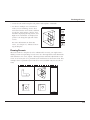
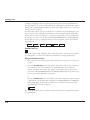
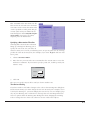
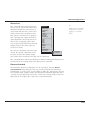
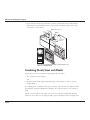
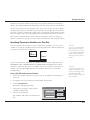
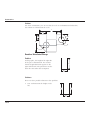
Control Pull-down Menu
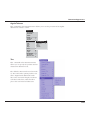
In the Graphite View window, the Control Menu in the
upper left corner does not
contain the standard control
commands but special view
window commands.
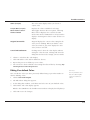
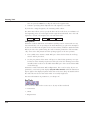
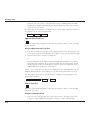
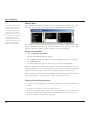
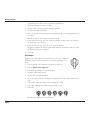
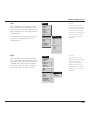
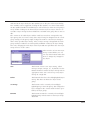
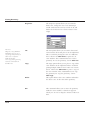
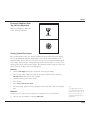
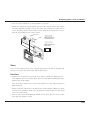
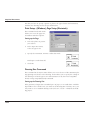
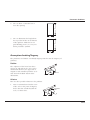
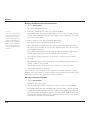
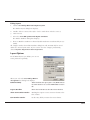
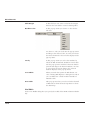
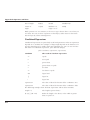
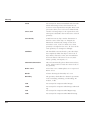
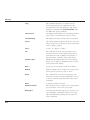
The Control pull down menu provides options for manipulating the view.
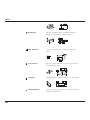
Properties...
Cut
Copy
Delete
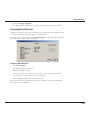
Pan
Resize
13-17