1
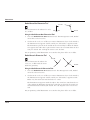
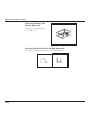
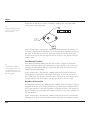
Chamfer Tool
The tool that constructs beveled or sloping edges
between two objects.
Chain
This entity is created when you flatten a surfaced
object using the Flatten View command. Once an
object is flattened these chain entities can be
edited.
Characteristics
See Attributes.
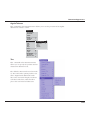
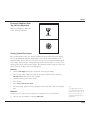
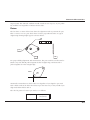
Circle Tool
Draws circles specified by the radius, the diameter,
or tangency to other entities.
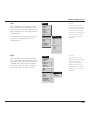
Circle Center Line
This tool places a center line on circles.
Circumference
The distance around a circle along its edge: =2_r
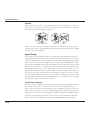
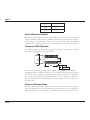
Circumscribed
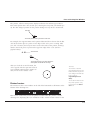
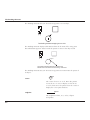
Enclosing a circle. In circumscribed polygons, the
midpoint of each side of the polygon touches an
imaginary circle (i.e. the polygon exactly surrounds
the circle).
Click
To press and release the mouse button. When you
are told to click an object, move the pointer to the
object and press and release the mouse button.
Clipboard
The memory buffer where selections are stored
when the Cut or Copy command is used.
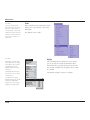
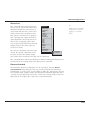
Construction Lines
Lines, displayed as dotted or gray lines, that you
use for exact alignment. The Drafting Assistant creates dynamic, temporary construction lines, or you
can create permanent construction lines, which
can be used in the geometry or used for alignment
and then deleted.
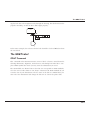
Control Point
The endpoint or midpoint of an object or “knot”
point defining a spline. The Drafting Assistant indicates these positions when the pointer is moved
near them.
Coordinates
Positions on axes that specify the locations of a
point. Two-dimensional graphics have x,y coordinates; three-dimensional graphics have x,y,z coordinates.
G-3