1
ManageEngine Support Center Plus :: Administrator Guide
Adding Resolution
Resolution is a documented information on how the issue was resolved. This documented
information is very useful to resolve similar issue and can be saved in the knowledge
base. You also have an option to search for resolutions from the solutions database
using the Search Solutions link.
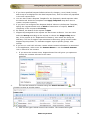
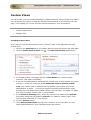
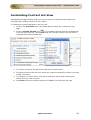
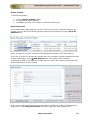
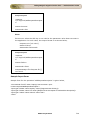
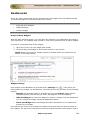
To add resolution for a request,
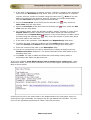
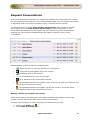
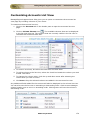
1. Click the Requests tab in the header pane to open the request list view page.
2. Click the Subject link of the request to add the resolution.
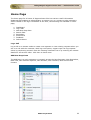
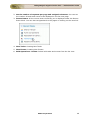
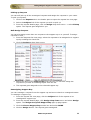
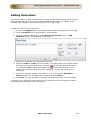
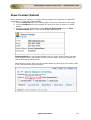
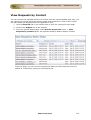
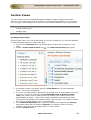
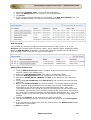
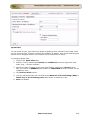
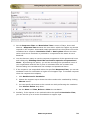
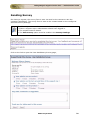
3. From the request details page, click on the Resolution tab [OR] Select Actions
drop down menu -> Enter Resolution option.
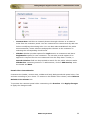
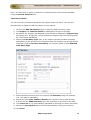
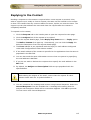
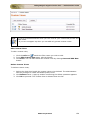
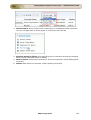
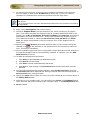
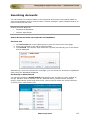
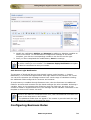
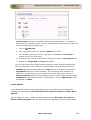
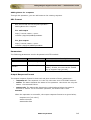
4. Check if resolution already exists for the request, if not specify the resolution in
the text field.
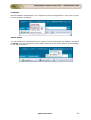
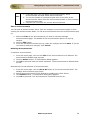
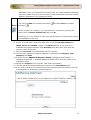
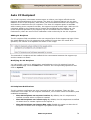
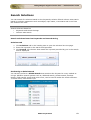
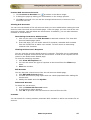
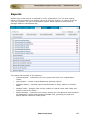
5. You can also search for solutions that might help you resolve the issue described
in the request using Search Solution link. To know more refer Search Solutions.
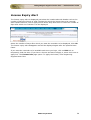
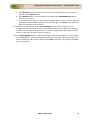
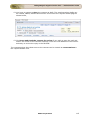
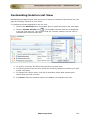
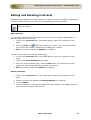
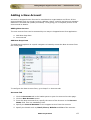
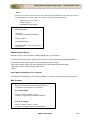
6. You can also add the Time Spent Entry for the request by enabling Add Time
Entry check box. To know more on adding a Time Entry, refer Time Entry.
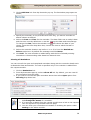
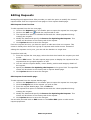
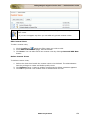
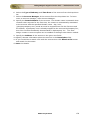
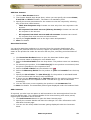
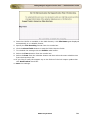
7. Save the resolution. You can see the resolution getting displayed in this page
else click Save and Close button.
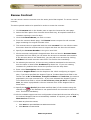
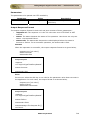
8. If you wish to add the resolution to the solutions database, then click Save and
Add to Solutions.
ZOHO Corporation
106